
Best microSD Express Cards for the Nintendo Switch 2
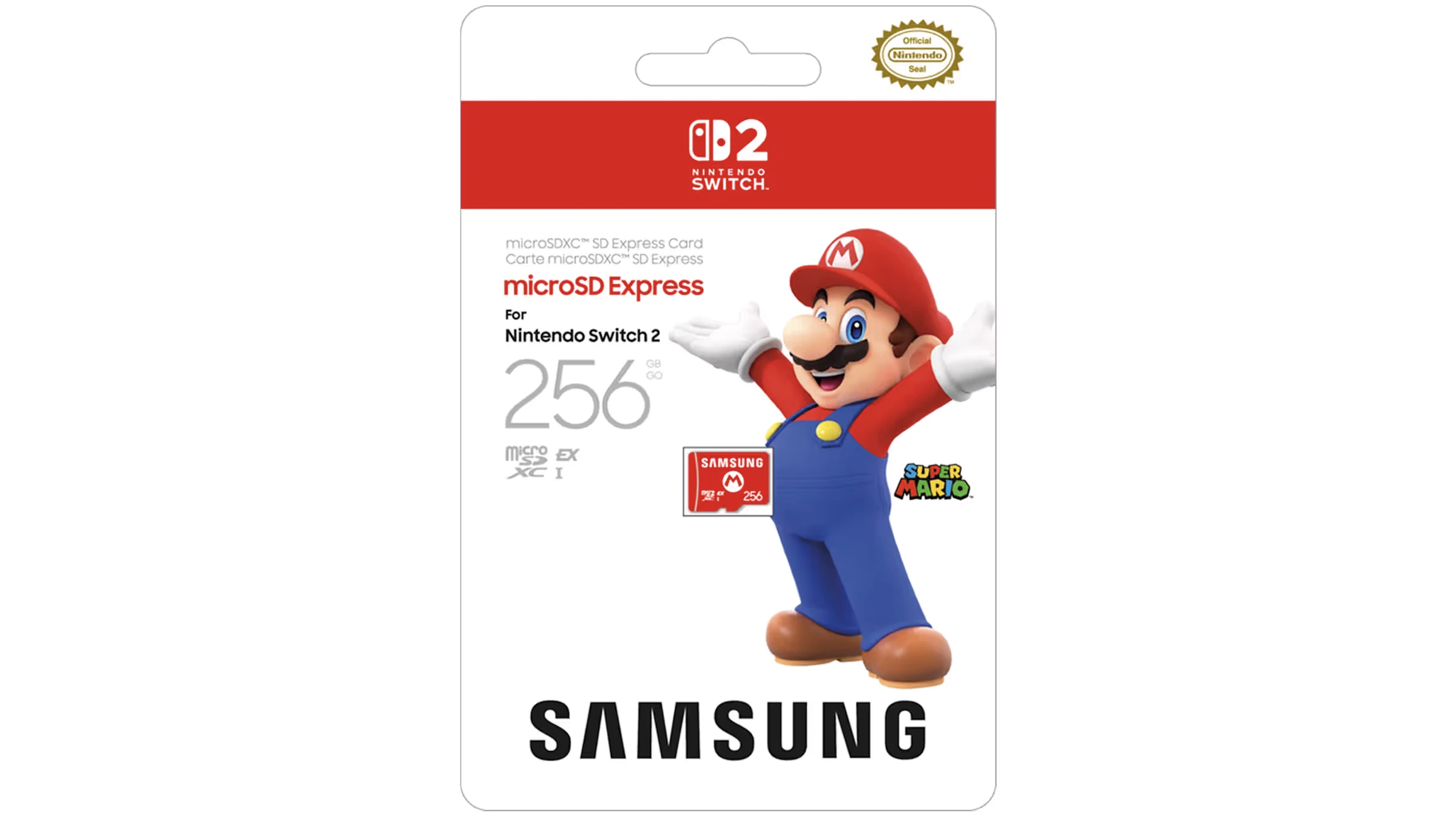
microSD Express cards look familiar, but the technology inside is much faster than the microSD cards used by the original Switch.
The Nintendo Switch 2 moved expandable storage to microSD Express, so the old Switch microSD card in your drawer no longer does the job. Here are the best real cards to buy in 2026, with capacity, speed and practical game-loading performance in mind.
Why microSD Express matters on Switch 2
If you owned the original Nintendo Switch, buying extra storage was wonderfully simple: grab a decent microSD card, pop it in, download a few more games and forget about it. The Nintendo Switch 2 changed that equation. It uses microSD Express, a faster standard based on SD 7.1 Express, with PCIe and NVMe technology sitting behind that tiny card shape. In plain English, it behaves more like miniature SSD-style storage than a traditional microSD card.
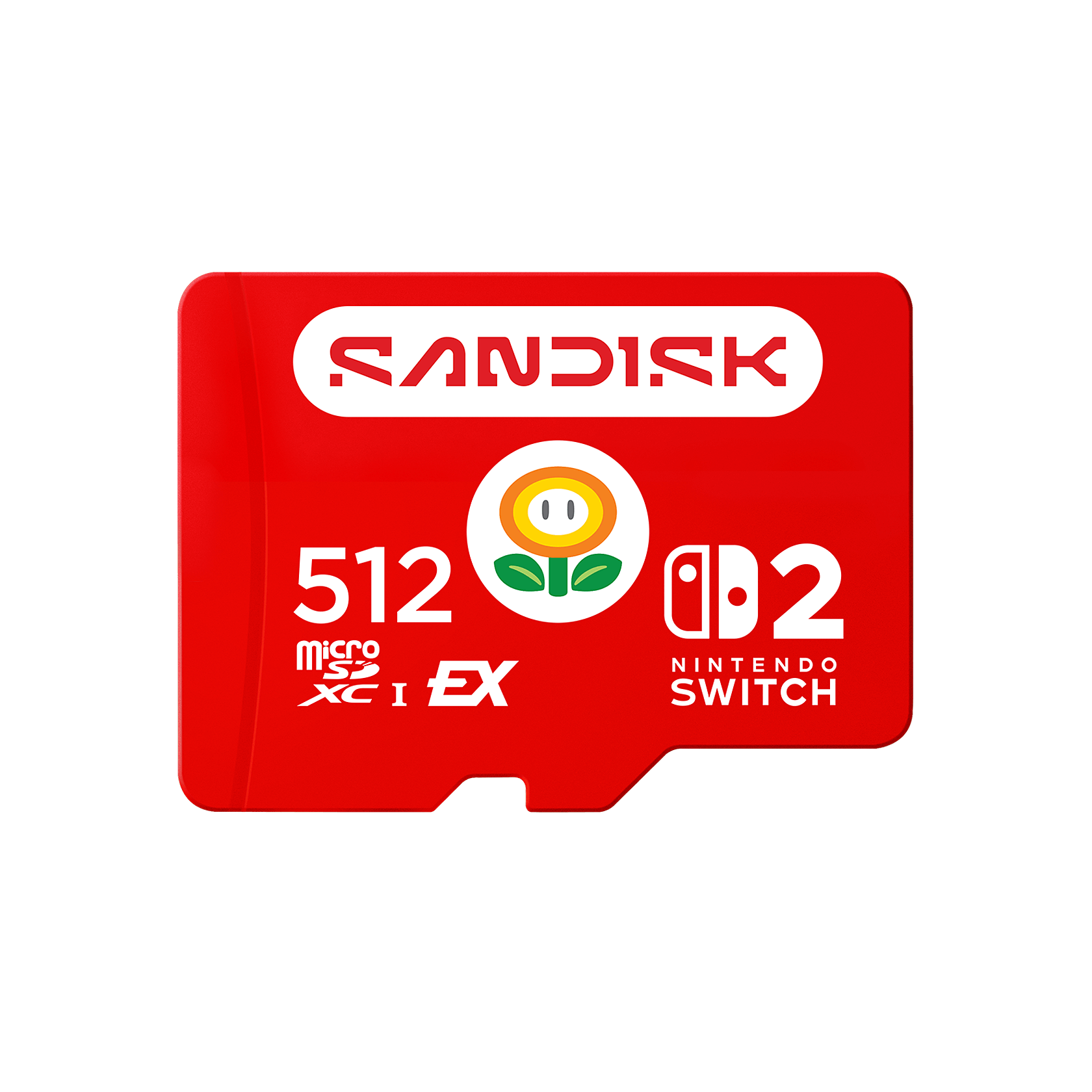
The important bit for families and players is compatibility. Nintendo Switch 2 is only compatible with microSD Express cards for expandable storage. Older microSD cards from the original Nintendo Switch were slower and used a different interface, so they were not the right buy for Switch 2 game storage. That can feel annoying if you already had a chunky 512GB card from your first Switch, but there is a sensible reason behind the change: Switch 2 games need fast storage, and Nintendo did not want slow cards to become the weakest link.
It is also worth clearing up a common shopping confusion. “microSD Express for Switch 2” is not a proprietary Nintendo-only product line. These are general microSD Express cards that conform to the SD Express standard, with some models officially licensed or explicitly marketed for Switch 2. That means you will see SanDisk, Samsung, Lexar, PNY, Transcend, TeamGroup and retailer house brands all competing in the same small but rapidly growing space.
The good news is that real-world Switch 2 gaming performance has been reassuring. In practical testing, microSD Express cards performed very closely in most games and day-to-day scenarios. That does not mean every card is identical; capacities, warranties, write speeds, thermal behaviour and brand confidence still matter. But it does mean you do not have to chase the single biggest headline read number if your main goal is smooth game launching and reliable storage.
Key compatibility rule: for Nintendo Switch 2 expandable storage, buy microSD Express. A standard microSD, microSDHC or microSDXC card used with the original Nintendo Switch is not the same thing.
The quick shortlist: what to look for first
For most households, the best microSD Express card is not simply the fastest card on a spec sheet. A child who mostly plays a few big Nintendo releases has different needs from a teen downloading a large digital library, and both are different again from a handheld gaming enthusiast who also swaps storage between other devices. I look at five things before anything else: confirmed Switch 2 compatibility, capacity, read speed, write speed and warranty.
Read speed is the number most shoppers notice first, because it is the one usually printed in large type on packaging. The cards in this guide quote up to roughly 800MB/s to 900MB/s reads. That is a huge step up from traditional microSD cards and helps explain why Switch 2 required the newer format. Write speed matters when you are installing games, moving data or downloading large files, although some cards publish clearer write specifications than others. Sustained write behaviour matters too, because a card that starts fast but slows heavily under a longer transfer can feel less impressive in real life.
ToyScout tip
If you are buying for a child or as a gift, I would prioritise a recognised brand, the right capacity and an easy warranty over chasing a tiny benchmark lead. In Switch 2 game-loading tests, the cards were extremely close in most common scenarios.
How to choose the right capacity and speed
The capacity question is the one that causes the most buyer’s remorse. A 128GB card can be useful as a basic expansion, but it is best seen as a light-use option. It suits cartridge-first players, families who rotate a few favourites, or anyone who mostly wants save-friendly breathing room for patches and a handful of digital games. The moment you buy mostly digital, 256GB becomes a more sensible starting point.
For many UK households, 512GB is the sweet spot. It gives you much more room before you have to start deleting games, and several of the strongest cards in this guide are available at 512GB. If the Switch 2 is shared between siblings, or if one player loves large third-party releases alongside Nintendo staples, the extra room is genuinely useful. It also makes the console feel less like a storage-management chore.
1TB is the enthusiast pick. It is the option I would consider for players who buy mostly from the eShop, travel often, or want lots of games installed at once. The 1TB field is more varied: Lexar Play Pro Express, TeamGroup Apex SD7.1, NEXT 1TB, GameStop Express and Onn all appear in this guide because capacity matters. A fast 512GB card is excellent, but it still cannot store a 1TB library.
On speed, I would not overthink the difference between 880MB/s and 900MB/s read claims for Switch 2 alone. The SanDisk microSD Express quotes up to 880MB/s reads, Lexar Play Pro Express quotes up to 900MB/s, PNY quotes 890MB/s, Samsung P9 lists 800MB/s and GameStop Express lists up to 800MB/s. In everyday game loading, testing showed they were close enough that capacity, warranty and trust are likely to be more meaningful than a few percentage points of sequential read speed.
For cartridge-heavy families
Look at 128GB or 256GB if you mainly buy physical games and only need space for updates, screenshots and a modest digital library.
For digital-first players
Start at 512GB where possible. It gives Switch 2 owners a much more relaxed experience when downloading, updating and keeping favourites installed.
For travel and shared consoles
Consider 1TB if the console is used by multiple people or goes on holidays where deleting and redownloading games would be a nuisance.
For long sessions
Thermal management is worth noticing. SanDisk uses ThermAdapt technology, whilst Samsung’s P9 includes Thermal Guard with temperature monitoring.
Best microSD Express Cards for Nintendo Switch 2: comparison table
Shop Best microSD Express Cards for Nintendo Switch 2 on Amazon UK
Here is the whole roundup at a glance. I have ranked the cards by a mixture of Switch 2 suitability, capacity options, published speed figures, warranty support and how confidently I would recommend them to a normal buyer rather than a benchmark hobbyist.
| Rank | Card | Best for | Capacities | Quoted read speed | Write / sustained write | Warranty | Standout reason |
|---|---|---|---|---|---|---|---|
| 1 | SanDisk microSD Express | Most Switch 2 owners | 128GB, 256GB, 512GB | Up to 880MB/s | Up to 650MB/s; 210MB/s sustained write | Lifetime limited | Official Nintendo licence, strong speeds and ThermAdapt thermal management. |
| 2 | Lexar Play Pro Express | 1TB game libraries | Up to 1TB | Up to 900MB/s | 600MB/s | Limited lifetime | High read speed, 1TB capacity and free recovery tool access. |
| 3 | PNY microSD Express | Fast installs and transfers | 256GB, 512GB | 890MB/s | 850MB/s | Limited lifetime | Excellent quoted write speed alongside a strong read figure. |
| 4 | Samsung P9 microSD Express | Thermal confidence | 256GB, 512GB | 800MB/s | ATTO testing reached 223.25MB/s writes | 3 year limited | Thermal Guard and Samsung’s clear physical and temperature specifications. |
| 5 | Transcend USD710S | Balanced 256GB/512GB performance | 256GB, 512GB | Up to 900MB/s | Up to 780MB/s and 750MB/s by capacity | Strong quoted read and write figures across both capacities. | |
| 6 | TeamGroup Apex SD7.1 | Large-capacity buyers | 1TB | Limited lifetime | 1TB capacity and lifetime warranty from TeamGroup. | ||
| 7 | NEXT 1TB | Affordable 1TB shoppers | 1TB | Standard one-year | A 1TB option described in testing coverage as one of the most affordable and fastest. | ||
| 8 | GameStop Express | Simple retail choice | 256GB, 512GB, 1TB | Up to 800MB/s | Standard one-year | Broad capacity spread from 256GB to 1TB. | |
| 9 | Onn microSD Express | Budget-focused buyers | 256GB, 512GB, 1TB | ~800–890MB/s | Walmart house-brand option manufactured by Longsys / Lexar. |
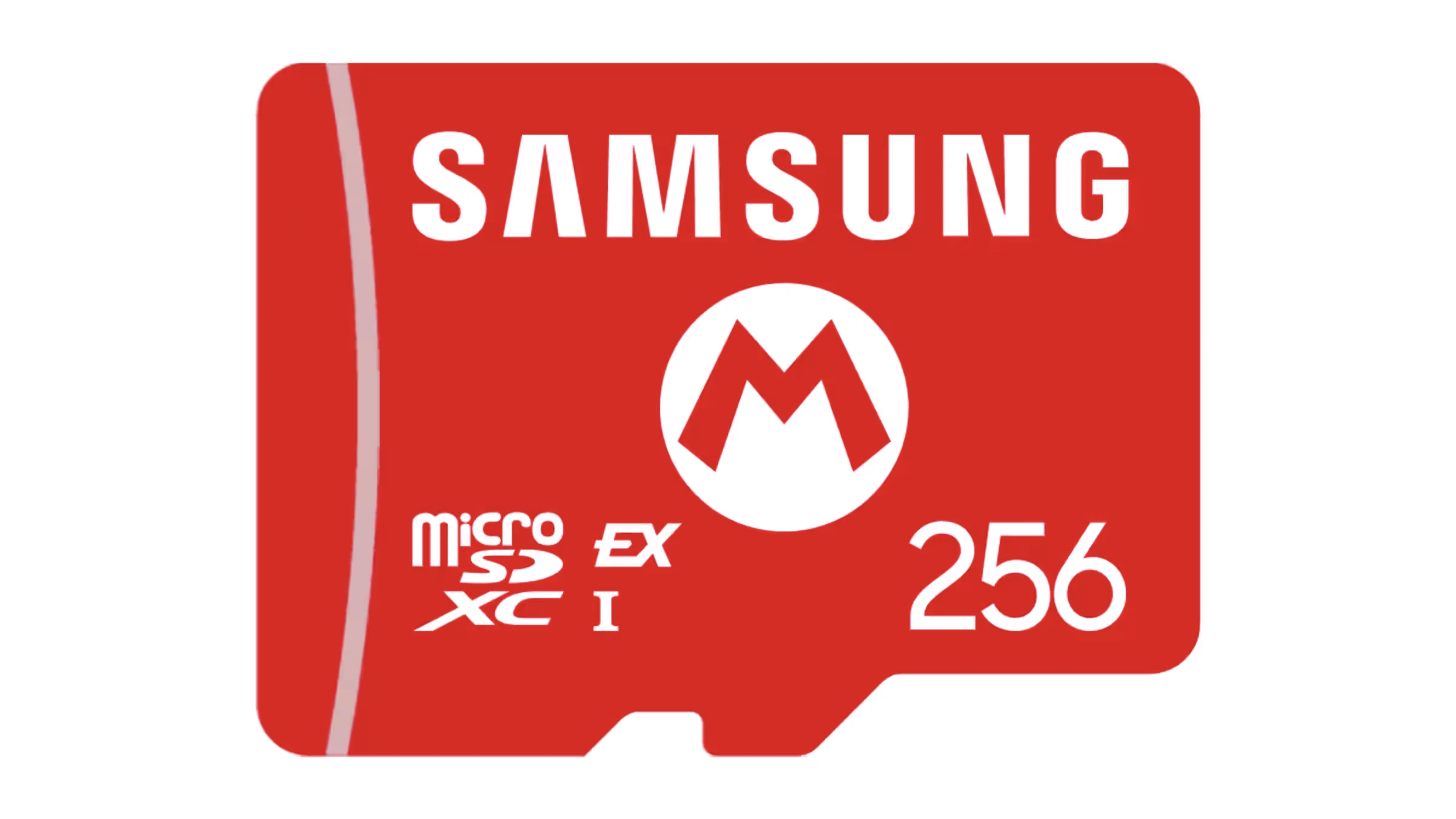
The best choice depends less on tiny load-time gaps and more on capacity, warranty and whether you trust the brand for long-term storage.
Ranked picks: the best microSD Express cards for Switch 2
Now for the detailed picks. Because microSD Express is a standard rather than a Nintendo-only format, I have not treated these cards as if they were all part of one tidy product range. Instead, each recommendation is based on what that card actually brings to a Switch 2 owner.
1. SanDisk microSD Express — Best for most Switch 2 owners
See SanDisk microSD Express Card 256GB on Amazon UK
The SanDisk microSD Express card is the safest all-round recommendation for most Switch 2 buyers. It has the combination that tends to matter most for a family console: official Nintendo approval, strong published speeds, sensible capacities and a lifetime limited warranty. If you are buying as a birthday present, Christmas gift or first expansion card and you do not want to explain PCIe, NVMe and SD 7.1 to anyone, this is the card I would put at the top of the list.
In Engadget testing, the 256GB SanDisk card checked in just under 900MB/s for sequential reads in CrystalDiskMark and ATTO. Sequential writes topped out around 650MB/s, matching the published upper figure, whilst sustained writes were around 210MB/s. That sustained figure was still enough to move a 12GB test file to the card in 52 seconds on average, which is exactly the kind of real-world number I like to see because it says more than a shiny “up to” claim.
SanDisk’s ThermAdapt technology is also worth calling out. The card uses a specially designed enclosure and controller with dynamic adaptive thermal management to help keep operating temperatures within safe limits. On a small handheld console, that matters. It does not make the card magically immune to heat, but it does show that the card was built with temperature behaviour in mind rather than relying on headline speed alone.
Pros
- Official Nintendo licence gives extra reassurance for Switch 2 shoppers.
- Strong Engadget test results: just under 900MB/s sequential reads and around 650MB/s sequential writes.
- ThermAdapt thermal management is useful in a compact handheld console.
- Lifetime limited warranty adds long-term confidence.
Cons
- Capacities top out at 512GB, so it is not the best fit for a massive digital library.
- A1 app rating is common here, but some shoppers may expect higher-looking labels on a premium card.
2. Lexar Play Pro Express — Best for 1TB game libraries
If your priority is keeping a big digital library installed, the Lexar Play Pro Express is one of the most compelling Switch 2 cards because it goes up to 1TB whilst still quoting top-tier speed numbers. It is fully compatible with Switch 2 and other handhelds such as the ROG Ally and Steam Deck, making it an especially appealing option if your household has more than one gaming device.
The headline read speed is up to 900MB/s, which sits at the very top of the confirmed figures in this roundup. The quoted 600MB/s write speed is also strong enough for downloads, installs and moving substantial game data. For most Switch 2 owners, the bigger practical advantage is the 1TB capacity. It gives digital buyers room to breathe, especially if the console is shared between players with very different favourites.
I also like the added safety net of a limited lifetime warranty and free recovery tool access. A recovery tool is not something I would ever rely on as a substitute for sensible cloud saves and backups, but it is a welcome extra on a storage product that may hold years of game data, captures and downloads.
Pros
- 1TB option is ideal for eShop-heavy players and shared family consoles.
- Up to 900MB/s read and 600MB/s write speeds are strong on paper.
- Limited lifetime warranty and free recovery tool access add peace of mind.
- Also compatible with other handheld gaming devices.
Cons
- Overkill if you only play a few physical games.
- Players who simply want the easiest officially licensed route may prefer SanDisk.
3. PNY microSD Express — Best for fast installs and transfers
PNY’s microSD Express card is the sleeper pick for anyone who cares about write speed. Its quoted read speed is 890MB/s, which already puts it near the top of this list, but the figure that stands out is its 850MB/s quoted write speed. That is the highest confirmed write number in this roundup.
For Switch 2 game loading, the practical differences between good microSD Express cards were small in testing. But write speed still matters when you are downloading large games, shifting data, or using the card outside the console in a compatible reader. A strong write specification helps the PNY stand out from cards that mainly shout about reads.
The capacity range is simple: 256GB and 512GB. That makes it a better match for mainstream players than for “install everything” collectors. If you are choosing between this and the Samsung P9, PNY has the stronger quoted write figure; if you are choosing between this and SanDisk, SanDisk counters with the official Nintendo licence and ThermAdapt thermal management. That is the sort of trade-off I like: both choices make sense, but for different buyers.
Pros
- Excellent quoted 850MB/s write speed.
- Near-top quoted read speed at 890MB/s.
- U3, V30 and A1 ratings give clear performance class markers.
- Limited lifetime warranty is reassuring.
Cons
- No 1TB capacity in the confirmed range.
- Not as gift-simple as an officially Nintendo-licensed card.
4. Samsung P9 microSD Express — Best for thermal confidence
Shop Samsung P9 microSD Express on Amazon UK
The Samsung P9 microSD Express card is a very sensible pick if you trust Samsung storage and want a card with clearly described temperature management. Its SD Express read speed is listed at 800MB/s, and it is available in 256GB and 512GB capacities. It uses PCIe Gen 3.0 x1, NVMe 1.3 and SD 7.1 SDR 104, with Class 10, V30 and U3 ratings.
Samsung’s Thermal Guard is the headline feature I would point out to less technical shoppers. The P9 includes a temperature monitoring chip that backs off speeds before the card gets hot enough to throttle unpredictably. That is a sensible approach for a tiny removable card living inside a handheld console, especially during long sessions or big downloads.
CDRLabs testing gave a more detailed look at the P9. With a single thread and a queue depth of 32, the card reached 42,480 random read IOPS and 54,488 random write IOPS. In ATTO, its read speeds topped out at about 800MB/s, whilst write speeds reached 223.25MB/s. Those figures place it behind the fastest quoted write cards, but still firmly in microSD Express territory and well suited to Switch 2 use.
Pros
- Thermal Guard temperature monitoring is a strong practical feature.
- CDRLabs measured about 800MB/s reads in ATTO.
- Clear physical size and operating temperature specifications.
- Samsung brand confidence will matter to many buyers.
Cons
- Read speed is lower than the 880MB/s to 900MB/s cards in this guide.
- Confirmed capacities stop at 512GB.
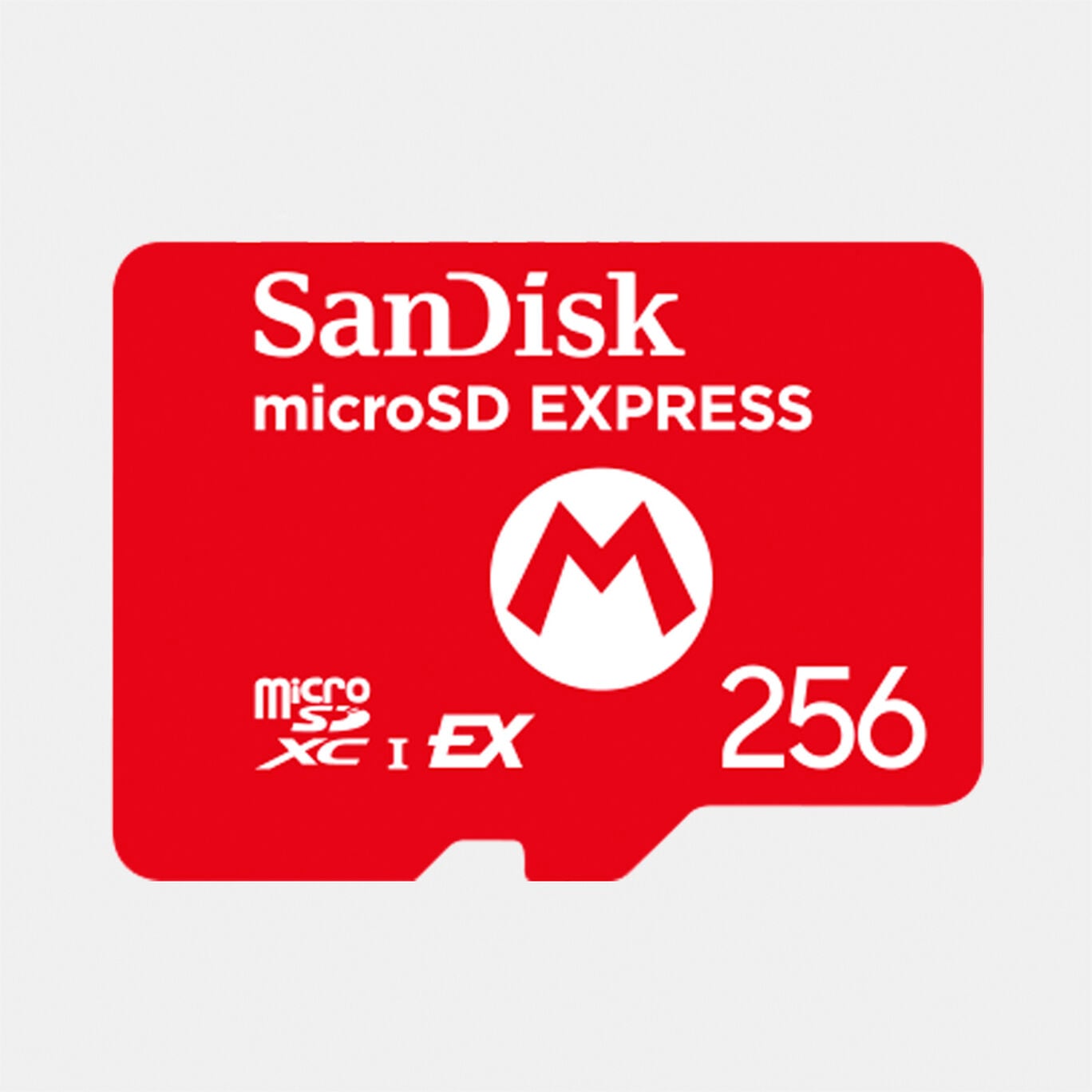
For Switch 2, thermal behaviour and sustained performance are more useful than a single eye-catching number on the packet.
5. Transcend USD710S — Best for balanced 256GB and 512GB performance
Shop Transcend USD710S on Amazon UK
The Transcend USD710S is a strong technical pick for players who want clear, fast performance at either 256GB or 512GB. The 256GB and 512GB models are rated up to 900MB/s reads, with write figures listed as 780MB/s and 750MB/s respectively. That gives it one of the best-looking read/write combinations in the group.
On paper, this is exactly the sort of microSD Express card that should not bottleneck Switch 2 games. It has the read speed to sit with the fastest cards here and the write figures to make installations and transfers feel properly modern. The U3, V30 and A1 ratings also make it easy to understand where it sits compared with older card types.
Its main limitation is capacity. If 512GB is enough, the USD710S deserves a place on your shortlist. If you know you want 1TB, Lexar, TeamGroup, NEXT, GameStop or Onn are the relevant options instead.
Pros
- Up to 900MB/s reads put it at the top end of the confirmed speed range.
- Strong write figures across both listed capacities.
- U3, V30 and A1 ratings are clearly stated.
- A good fit for buyers who want 256GB or 512GB rather than 1TB.
Cons
- No 1TB option in the confirmed capacity list.
- Less instantly recognisable to casual Switch shoppers than SanDisk or Samsung.
6. TeamGroup Apex SD7.1 — Best for large-capacity buyers who want a lifetime warranty
Shop TeamGroup Apex SD7.1 on Amazon UK
The TeamGroup Apex SD7.1 earns its place because it offers a 1TB capacity and TeamGroup’s limited lifetime warranty. For a Switch 2 owner with a large digital library, that combination is immediately appealing. Capacity is not glamorous, but it is one of the things you feel every single week when you stop having to delete games to make room.
Reviews characterised its performance as very fast, and the 1TB capacity puts it in the right conversation for serious digital storage. I would consider it for players who already know 512GB will feel tight and who like the reassurance of a lifetime warranty. That warranty point helps it stand apart from several house-brand or retailer-focused 1TB alternatives.
This is not my first pick for every family because many players simply do not need 1TB. But if the Switch 2 is your main console, or if you have multiple users with separate favourites, the Apex SD7.1 makes more sense than buying too small and upgrading again later.
Pros
- 1TB capacity is ideal for large digital libraries.
- TeamGroup limited lifetime warranty is a major plus.
- Performance has been described as very fast in reviews.
Cons
- Single-capacity focus makes it less relevant if you only need modest expansion.
- Brand recognition may not be as immediate for casual console buyers.
7. NEXT 1TB — Best for affordable 1TB shoppers
The NEXT 1TB is the card I would look at if you want a large 1TB microSD Express option and are happy with a retailer-exclusive route. It was described by Tom’s Hardware as one of the most affordable and fastest options, which makes it particularly interesting in a category where 1TB cards can be the most tempting but also the easiest place to overspend.
For Switch 2, 1TB is the comfortable “I do not want to think about storage for a while” size. That is especially true for households where children have different favourites installed at the same time, or where the console travels and redownloading is inconvenient. The NEXT 1TB slots neatly into that use case.
The warranty is the main reason it does not rank higher. A standard one-year warranty is not unusual for a house-brand style product, but it does not match the lifetime limited warranties offered by SanDisk, Lexar, PNY and TeamGroup. If you are choosing purely on long-term cover, those cards have the advantage. If 1TB capacity and affordability are your focus, NEXT remains worth considering.
Pros
- 1TB capacity suits large libraries and shared consoles.
- Reported as one of the most affordable and fastest options.
- A straightforward pick for buyers specifically hunting a 1TB card.
Cons
- Standard one-year warranty is shorter than the lifetime limited options above.
- Retailer-exclusive nature may make it less convenient for some UK shoppers.
8. GameStop Express — Best for simple capacity choice
GameStop Express is a practical, no-fuss microSD Express option with a useful spread of capacities: 256GB, 512GB and 1TB. Its read speed is listed at up to 800MB/s, which puts it below the fastest quoted 890MB/s and 900MB/s models but still inside the fast microSD Express class that Switch 2 requires.
The appeal here is simplicity. If you are already shopping through GameStop and want a Switch 2-ready Express card in the capacity that suits you, this card gives you the three obvious choices. The 256GB model suits lighter use, 512GB is the mainstream comfort zone, and 1TB is for the digital-library crowd.
The standard one-year warranty keeps it from overtaking the stronger branded picks, and the read speed figure is not as high as SanDisk, Lexar, PNY or Transcend. Even so, real-world Switch 2 game-load testing across microSD Express cards showed very close results in most scenarios, so the practical difference may be smaller than the spec-sheet gap suggests.
Pros
- Available in 256GB, 512GB and 1TB capacities.
- Up to 800MB/s read speed is a large jump over old microSD storage.
- Easy to understand capacity ladder for casual buyers.
Cons
- Read speed is lower than the fastest 890MB/s and 900MB/s cards here.
- Standard one-year warranty is shorter than several branded alternatives.
9. Onn microSD Express — Best for budget-focused buyers
Onn is Walmart’s house brand, and its microSD Express cards are notable because they are manufactured by Longsys / Lexar. That matters because house-brand storage can make shoppers nervous; knowing there is a trusted storage manufacturer behind the card gives it more credibility. Capacities include 256GB, 512GB and 1TB, with read speeds around 800MB/s to 890MB/s.
The 512GB model was reported at $85 at the time of reporting, which made it stand out as a budget-friendly route into proper Switch 2 expandable storage. I would still treat it as a more careful buy than SanDisk, Samsung or Lexar-branded cards, simply because house-brand storage tends to appeal most when the price is right. But the underlying Longsys / Lexar connection makes it more interesting than an unknown no-name card.
For a parent trying to expand a child’s Switch 2 without spending more than necessary, Onn is worth knowing about. Just remember that the same rule applies to every card in this category: make sure the packaging says microSD Express, not just microSD.
Pros
- Capacity range covers 256GB, 512GB and 1TB.
- Read speeds sit around 800MB/s to 890MB/s.
- Manufactured by Longsys / Lexar rather than an unknown supplier.
- 512GB model was reported at $85 at the time of reporting.
Cons
- House-brand positioning may not suit shoppers who prefer a familiar logo on storage.
- For gift buying, a recognised branded card is easier to recommend without caveats.
Real-world performance: what the benchmarks actually told us
The most reassuring finding for Switch 2 buyers was that all the microSD Express cards tested performed about the same in practical gaming scenarios. Loading times were not perfectly identical in every run, and demanding situations could show a gap. Engadget noted fast-travel to a resource-heavy region in Cyberpunk 2077 as one example where differences became more noticeable. But across most games and common actions, the cards were extremely close.
That is exactly what I would hope for from a console storage standard. Nintendo did not need every card to be identical; it needed the standard to be fast enough that game developers could rely on it. The move to microSD Express means the minimum bar is much higher than it was with the original Switch’s microSD support.
There are still useful benchmark differences, especially when you use the cards outside the console or move big files. SanDisk’s tested 256GB card delivered just under 900MB/s sequential reads and around 650MB/s sequential writes in CrystalDiskMark and ATTO, with around 210MB/s sustained writes. Samsung’s P9 256GB hit about 800MB/s reads and 223.25MB/s writes in ATTO, plus 42,480 random read IOPS and 54,488 random write IOPS in CDRLabs testing. Those are real differences, but they do not automatically translate into enormous game-load gaps on Switch 2.
For a ToyScout reader, the lesson is simple: buy enough capacity first, then choose a reliable card within that capacity. If two cards are the same size and similarly priced when you shop, I would lean towards the one with the stronger warranty, thermal management or clearer write performance. But I would not buy a too-small card just because it has a 900MB/s label instead of an 880MB/s label.
Common buying mistakes to avoid
The first mistake is accidentally buying a normal microSD card. Online listings and shop shelves can be confusing because microSD, microSDXC and microSD Express all look similar at a glance. For Switch 2 expandable storage, the word Express is the crucial bit. If it is not clearly marked microSD Express, do not assume it will work for game storage on Switch 2.
The second mistake is buying too little capacity. I understand the temptation, especially when you have already spent money on the console, games, controllers and a case. But storage is one of those accessories where underbuying often costs more later. A 256GB card is fine for moderate use, but a 512GB card is the more comfortable everyday option for digital buyers. If the console is shared between siblings, 1TB can be genuinely sensible.
The third mistake is assuming every “up to” speed tells the whole story. Sequential read speed is useful, but write speed, sustained write speed and thermal behaviour also affect the experience. SanDisk’s sustained 210MB/s write result, for example, was still fast enough to move a 12GB test file in 52 seconds on average. Samsung’s P9 used Thermal Guard to manage heat more predictably. Those details are more meaningful than packaging bravado.
The fourth mistake is ignoring warranty. Storage cards are tiny, portable and easy to take for granted, but they hold valuable game data. A lifetime limited warranty from SanDisk, Lexar, PNY or TeamGroup carries more long-term reassurance than a one-year warranty. That does not make one-year cards bad buys, but it is part of the decision.
Quick label check
Before you pay, read the product title and packaging carefully. You want microSD Express. A fast-looking old microSD card with U3 or V30 labels is still not the same thing for Nintendo Switch 2 expandable storage.
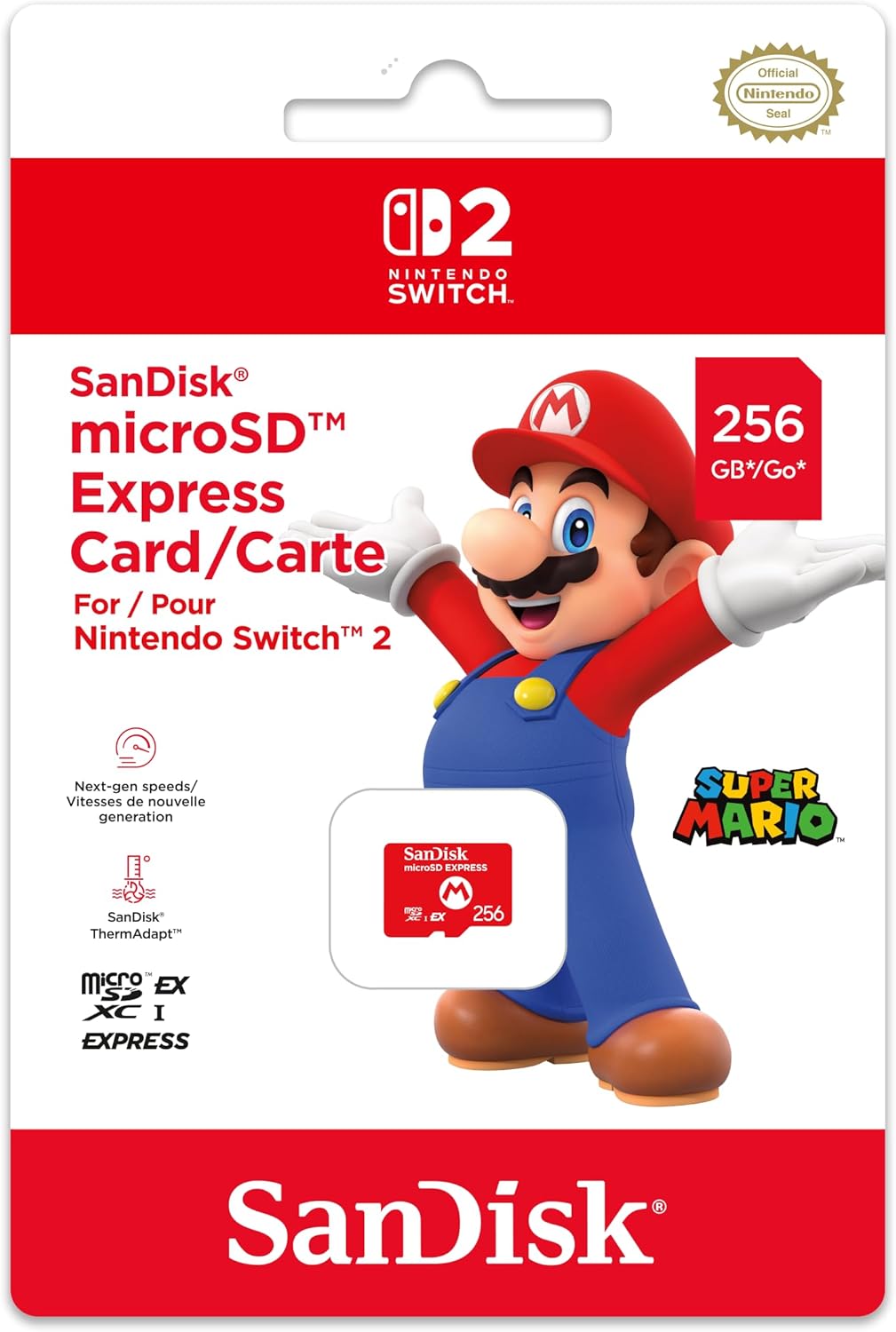
The safest purchase is the one that matches the Switch 2 standard first, then your library size second.
Setup and care tips for Switch 2 storage
Once you have the right card, treat it like the tiny SSD-style storage device it is. Insert it carefully, avoid swapping cards constantly for no reason, and let downloads or transfers finish before removing anything. That sounds obvious, but children and impatient grown-ups alike can be a bit brutal with small accessories.
If you are setting up a new Switch 2 for a child, I like to install the storage before the first big download session. That way, games go where you expect from the beginning and you do not have to tidy things up later. It is also worth checking storage settings after installing a few titles so you understand how quickly your household fills space. Some families are surprised how fast “just a few games” grows once demos, updates and favourite multiplayer titles pile up.
Keep the original packaging or at least note down the card model and capacity. If you ever need warranty support, or if you are trying to remember which card is in which console, that little bit of organisation helps. This matters even more in houses with multiple handhelds, because microSD Express cards may also be used with other compatible gaming devices.
Handle the card gently
microSD Express cards are small and easy to misplace. Avoid removing them unless you actually need to.
Install before downloading
Fit the card before a big eShop setup session so games and updates are stored cleanly from the start.
Keep purchase details
Warranty periods vary from one year to limited lifetime cover, so it is worth keeping proof of purchase.
FAQ: microSD Express cards for Nintendo Switch 2
Final verdict: which microSD Express card should you buy?
If I were buying one microSD Express card for a typical Nintendo Switch 2 household today, Thursday 09 July 2026, I would start with the SanDisk microSD Express. It is officially Nintendo licensed, fast enough not to feel like a compromise, and backed by a lifetime limited warranty. The 512GB model is the one I would look at first for most digital buyers, whilst 256GB is fine for lighter use.
If you already know you want 1TB, my first stop would be the Lexar Play Pro Express. It combines up to 900MB/s reads, 600MB/s writes, a limited lifetime warranty and free recovery tool access. For players with huge libraries, that capacity is more important than squeezing another tiny load-time advantage from a smaller card.
The PNY microSD Express is the performance-minded alternative, especially if write speed matters to you, whilst the Samsung P9 is the card I would choose for thermal confidence and Samsung brand familiarity. Transcend, TeamGroup, NEXT, GameStop and Onn all have sensible places depending on the capacity and shopping route you prefer.
For most buyers, the right answer is simple: SanDisk for the safest all-round pick, Lexar for 1TB, PNY for write speed, Samsung for thermal confidence.
Who should buy which card?
Most families
Buy the SanDisk microSD Express. The official Nintendo licence, ThermAdapt thermal management and lifetime limited warranty make it the easiest recommendation.
Digital-library collectors
Choose Lexar Play Pro Express if you want up to 1TB with strong read and write figures. It is the best fit for players who keep lots installed.
Speed-focused players
Look at PNY microSD Express for its 890MB/s read and 850MB/s write figures, or Transcend USD710S for strong 256GB and 512GB performance.
Long-session gamers
Consider Samsung P9 for Thermal Guard, which monitors temperature and backs off speeds before heat causes unpredictable throttling.
1TB-first shoppers
TeamGroup Apex SD7.1, NEXT 1TB, GameStop Express and Onn are all relevant if your main goal is maximum capacity.
Budget-conscious buyers
Onn is the house-brand option to know about, with Longsys / Lexar manufacturing and capacities up to 1TB. Check the microSD Express wording carefully.
My final advice is not to panic-buy the first card with a big speed number. Switch 2’s microSD Express requirement did its job: it raised the performance floor so modern games are not held back by old storage. Pick the capacity you will actually use, stick with a credible card, and you will be in very good shape.