
How to Play GameCube Games on Switch 2 (and What You Need First)
GameCube games finally have an official home on Nintendo Switch 2 through Nintendo Classics. Here is what you need, how to set it up, which eight games are available, and the small but important catches to understand before you set sail in The Wind Waker.
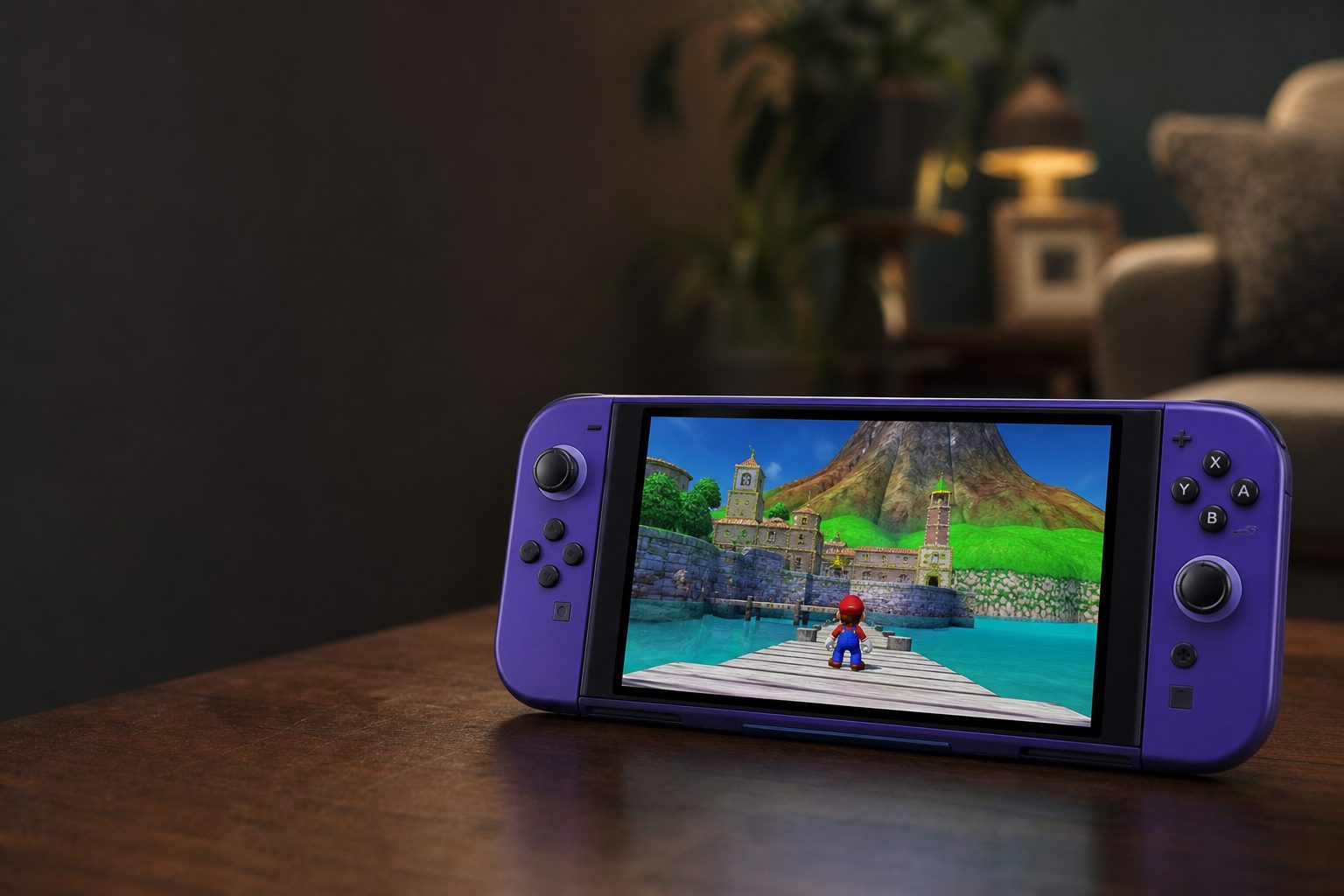
Nintendo GameCube – Nintendo Classics brings selected GameCube favourites into the Switch 2 subscription library, rather than asking you to dig out an ageing console and a slightly temperamental memory card.
1. The short answer: GameCube is part of Nintendo Classics
Shop GameCube is part of Nintendo Classics on Amazon UK
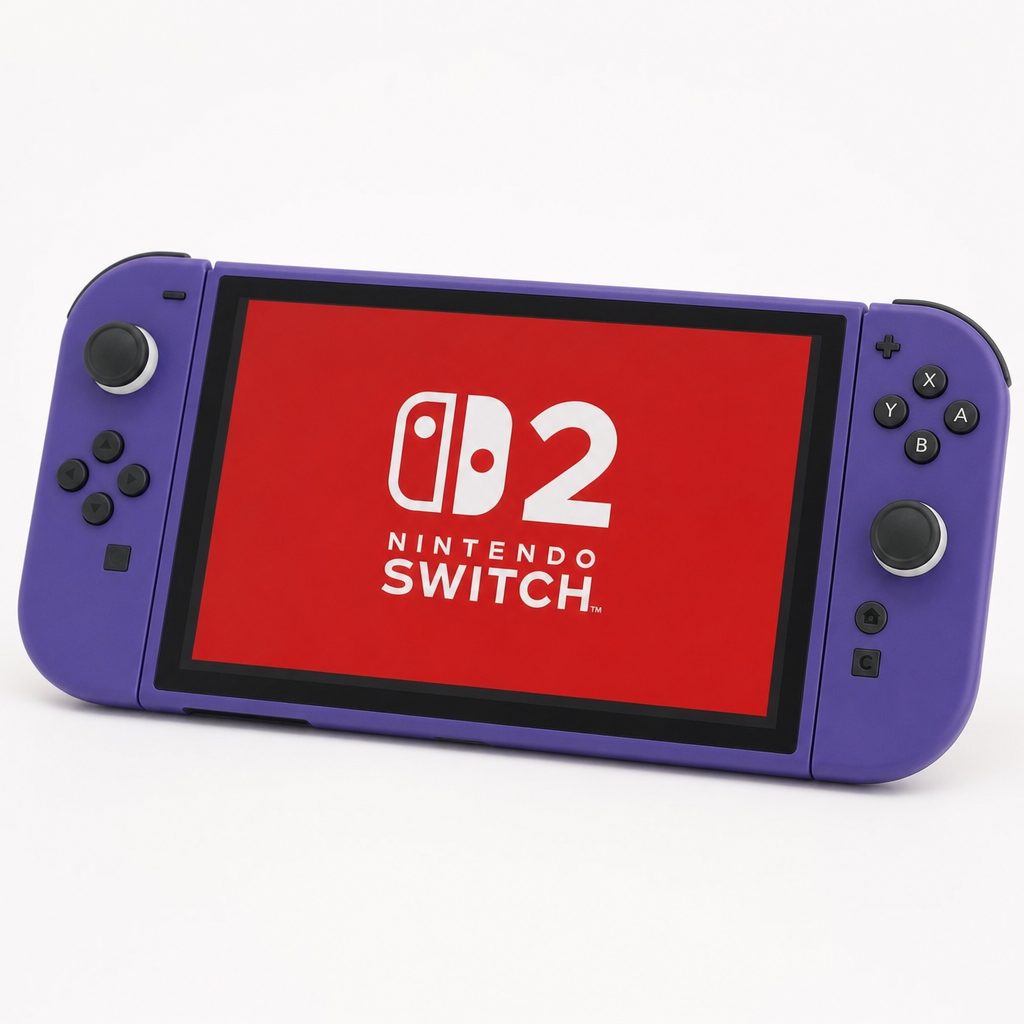
The key requirement is the Expansion Pack tier of Nintendo Switch Online; a standard membership alone does not unlock the GameCube Classics app.
For years, playing GameCube games meant owning the original purple lunchbox-shaped console, a working controller, the right cables and discs that had not spent two decades gathering fingerprints behind a television cabinet. It was charming. It was also not especially convenient.
That changed with Nintendo Switch 2. GameCube games became available officially through the Nintendo GameCube – Nintendo Classics app, which sits within the broader Nintendo Classics range. This is Nintendo's subscription-based library of older games, rather than a system for inserting original GameCube discs into the console. Your old discs remain lovely collector's pieces, but they do not slot into Switch 2.
The essential point is pleasingly simple: you need a Nintendo Switch 2 and an active Nintendo Switch Online + Expansion Pack membership. Once those are in place, you download the dedicated GameCube app and choose from the titles Nintendo has added to its catalogue. There is no separate GameCube game purchase mentioned for this library, no disc drive requirement and no need to hunt down original hardware.
Do not confuse Nintendo Classics with backwards compatibility. Switch 2 plays the selected games supplied through the Nintendo GameCube – Nintendo Classics app. It does not run original GameCube discs, and it does not make every GameCube release instantly available.
That distinction matters because "GameCube on Switch 2" sounds, at first blush, as if Nintendo has thrown open the entire archive. It has not. What you receive is a curated, growing selection. Think of it less like finding a complete GameCube in the loft and more like Nintendo has put together a very good retro shelf, then kept the key.
2. What you need before you start
There are only a few things to get sorted, but it is worth checking each one before you sit down for a nostalgia session. Nothing kills the mood quite like discovering your subscription is on the wrong tier after you have already announced to the family that Super Mario Strikers is happening tonight.
- A Nintendo Switch 2. GameCube titles in Nintendo Classics are exclusive to Nintendo Switch 2. The original Nintendo Switch does not access this GameCube library.
- Nintendo Switch Online + Expansion Pack. This is the membership level that includes the GameCube app. The annual membership was listed at $80.
- A Nintendo Account connected to your Switch 2. The membership is associated with your account, so make sure the account with the Expansion Pack is the one being used on the console.
- An internet connection for setup and downloads. You need to reach the Nintendo eShop, download the Nintendo GameCube – Nintendo Classics app and keep the subscription active.
- Some free storage space. The app and its games must be downloaded before you can launch them. Nintendo's library approach is simple, but it is not magic. The files still need somewhere to live.
That is the whole shopping list. You do not need an old GameCube, original game discs, memory cards or an unofficial emulator. In fact, I would actively avoid treating unofficial workarounds as the answer here. Aside from the legal and technical complications around game files, a homebrew route is precisely the sort of thing that turns a relaxed Saturday afternoon into an evening spent reading forum posts about folders.
The sensible first check
If you already have Nintendo Switch Online, look carefully at which membership tier you hold. GameCube access sits with the Expansion Pack, not the standard subscription. Upgrading the wrong account is an annoyingly easy mistake in a household with several Nintendo profiles.
3. Nintendo Switch Online + Expansion Pack: the gatekeeper
Shop Nintendo Switch Online on Amazon UK
Nintendo has positioned GameCube as part of its premium subscription offering. The Nintendo Switch Online + Expansion Pack is therefore not an optional extra if GameCube is the reason you are here; it is the ticket at the door.
The annual price stated for the service was $80 per year. That covers access to the Nintendo Classics GameCube library whilst the membership remains active. It is important to view it as access rather than ownership. You are not building a permanent individual GameCube collection in the way you might with physical discs on the second-hand market. Instead, you are paying for an available catalogue that Nintendo can expand over time.
Nintendo Switch Online + Expansion Pack
Required membership level for Nintendo GameCube – Nintendo Classics on Switch 2.
For some households, that makes perfect sense. If you enjoy dipping into retro games, playing multiplayer with friends and sharing a single library of classics across the year, the subscription model is pleasantly low-fuss. You can finish Luigi's Mansion, return to it at Halloween, then swap to a few bouts of F-Zero GX when you fancy reminding yourself how brutally good old Nintendo racing could be.
For others, especially collectors who only want one specific title, it is a more complicated proposition. A subscription means the library is tied to an ongoing payment and to Nintendo's chosen selection. You cannot simply buy every GameCube game you want from this service. That is the trade-off: modern convenience in exchange for less control over the exact library.
Why it works
- Official access avoids the faff of retro cables, ageing discs and unofficial software.
- Eight games are available through one dedicated app on Switch 2.
- Online multiplayer gives selected local-era games a more practical modern life.
- Higher internal resolution helps these games feel less stranded in the early 2000s.
What to remember
- The Expansion Pack is required; standard Nintendo Switch Online is not enough.
- GameCube access is exclusive to Switch 2, not the original Switch.
- The library contains eight games, not the full GameCube catalogue.
- Access depends on keeping the membership active.
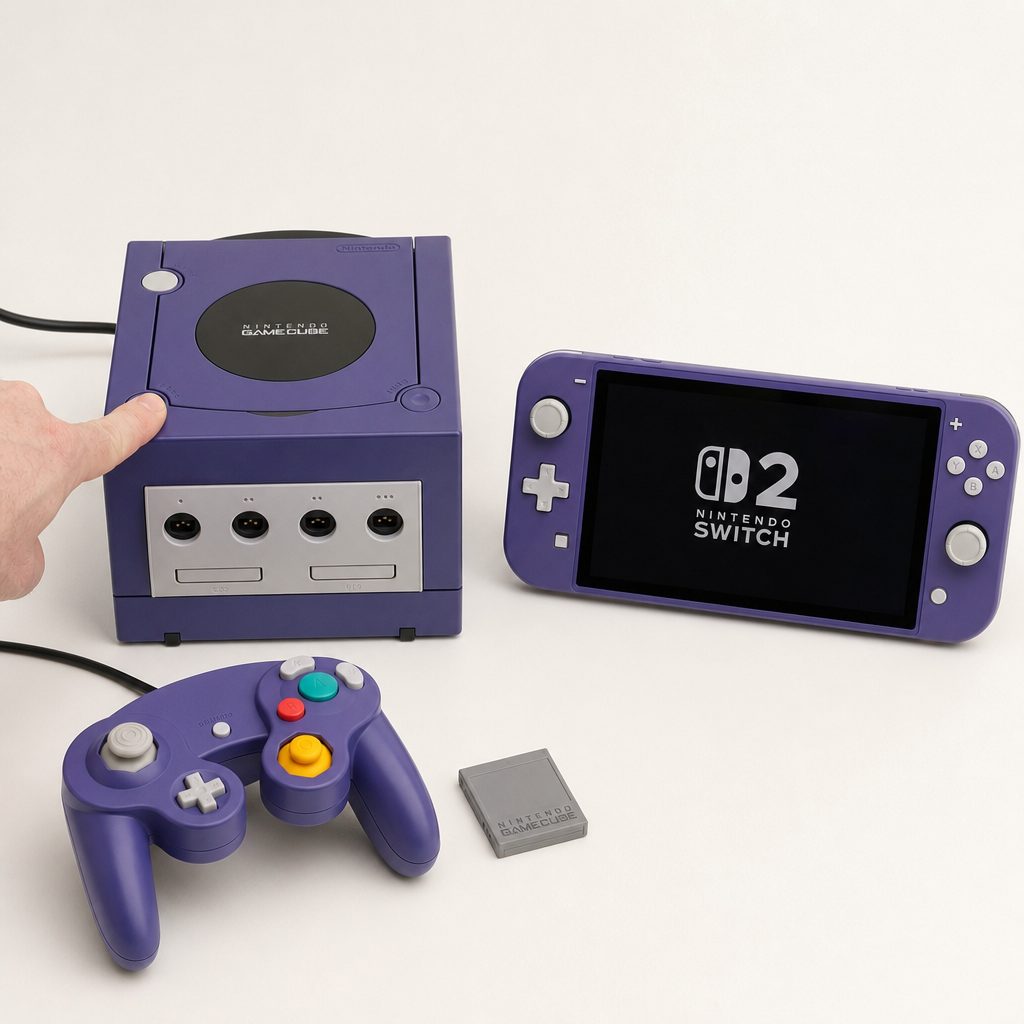
A Switch 2 and the Expansion Pack subscription replace much of the old GameCube setup, although they cannot replace the satisfying clunk of an original console power switch.
4. How to download the Nintendo GameCube – Nintendo Classics app
Once your Switch 2 is signed into the Nintendo Account with the right membership, the actual setup is wonderfully straightforward. Nintendo has kept the GameCube collection separate from the other Nintendo Classics libraries, so you are looking for a dedicated app rather than a buried menu inside another game.
- Turn on your Nintendo Switch 2 and connect it to the internet.
- Open the Nintendo eShop using the Nintendo Account that has Nintendo Switch Online + Expansion Pack.
- Search for Nintendo GameCube – Nintendo Classics.
- Download the app to your Switch 2.
- Return to the HOME Menu and open the GameCube app.
- Select a game from the available catalogue, download anything required, then launch it.
It is the sort of process that should take minutes rather than an engineering degree. If the app does not appear in the eShop results, first check the obvious bits: are you on Switch 2, are you signed into the correct account, and is the Expansion Pack membership active? In my experience, almost every "why can't I find it?" problem with subscription content comes down to one of those three things.
Once installed, treat the app much like any other game icon. You do not need to dig through the eShop every time you want to play. Open the app, pick your title, and you are in. That ease is perhaps the biggest win here. GameCube games have gone from "I should really set that up one day" to something you can launch after tea.
Dedicated GameCube app
The GameCube catalogue lives in its own Nintendo Classics app, making it easy to find rather than hiding it among unrelated menus.
Online multiplayer
Games built around same-room competition can be enjoyed online, which is particularly welcome for a title as rowdy as Super Mario Strikers.
GameChat support
The GameCube experience sits alongside Switch 2's GameChat system, so distant friends do not have to communicate entirely through frantic goal celebrations.
Cleaner modern presentation
Higher internal resolution gives Nintendo's original GameCube releases a clearer presentation without turning them into full remakes.
5. Every GameCube game currently available on Switch 2
The GameCube Nintendo Classics catalogue stood at eight games. It is an intentionally curated set rather than a random grab-bag, mixing marquee Nintendo favourites with games that became significantly harder to find affordably on the retro market. If you have ever looked up second-hand GameCube prices and quietly closed the tab, you will understand the appeal.
The Legend of Zelda: The Wind Waker
The cel-shaded Zelda adventure remains one of the most distinctive games Nintendo made for GameCube. Its art style has aged with remarkable grace, and its broad sea voyage gives the whole experience a pace unlike the more landlocked Zelda entries. The Nintendo Classics version runs at a higher internal resolution than the original 2002 release, but it is the original GameCube game rather than a separate HD remake.
F-Zero GX
F-Zero GX is the obvious choice for anyone who believes racing games should be fast enough to make them sit up straighter on the sofa. It is famously demanding, spectacularly quick and still one of the most exciting arcade racers Nintendo has published. It is not gentle with newcomers. That is part of the point.
SoulCalibur II
SoulCalibur II brought polished weapon-based fighting to GameCube, with the kind of easy-to-understand, difficult-to-master rhythm that makes it excellent for visitors. It is the rare fighting game where someone can pick a character, mash a few buttons, look impressive and then immediately demand a rematch after being quietly dismantled by the person who knows what they are doing.
Chibi-Robo!
Chibi-Robo! is the cult favourite in the line-up: quirky, warm and built around a tiny household robot trying to help a family. It is a particularly valuable inclusion because it has long been one of those games retro fans talk about with misty eyes and newcomers struggle to find without paying collector prices.
Super Mario Strikers
Super Mario Strikers is football with Mario characters, banana peels and absolutely no respect for a sensible referee. It is a superb multiplayer choice because it explains itself quickly, stays chaotic and does not care whether everyone in the room is a lifelong football fan. With online multiplayer available, it also has real legs beyond local sessions.
Fire Emblem: Path of Radiance
Fire Emblem: Path of Radiance gives strategy fans something longer and more methodical than the pick-up-and-play multiplayer games. Expect tactical battles, careful positioning and the usual Fire Emblem habit of making you much more emotionally invested in a squad of digital soldiers than you planned to be.
Luigi's Mansion
Luigi's Mansion is a compact, characterful ghost-hunting adventure starring Nintendo's most relatable hero: a man who would very clearly prefer not to be in the haunted house. It works beautifully for Halloween, younger players ready for mild spooky fun, or anyone who missed it first time round.
Wario World
Wario World is the right kind of odd. It is a colourful action-platformer built around Wario's smash-first, think-later approach to problem-solving. If the more elegant Nintendo heroes feel a little too polite, Wario remains happy to barge through a wall and make a noise about it.
6. What GameCube games feel like on Switch 2
The point of Nintendo Classics is not to pretend these games were made yesterday. They were GameCube games, with GameCube-era design, camera habits and occasional sharp edges. The appeal is that Switch 2 lets you enjoy them more easily in the present day, with a clearer image and less ancient-hardware admin.
The library uses higher internal resolutions, which improves the presentation over the original releases. That is especially helpful for colourful, stylised games such as The Wind Waker and Wario World. Their art direction has done a lot of the ageing work already; the cleaner rendering simply lets it breathe. It also means you should not expect a ground-up remaster. Textures, interfaces and the underlying game design remain rooted in their original era.
Online multiplayer is another meaningful improvement. GameCube was a brilliant local multiplayer machine, but the phrase "bring your controller round on Thursday night" does become trickier once friends have jobs, children and an alarming amount of calendar admin. Being able to play supported multiplayer games online makes the collection more than a museum piece.
That last bar is deliberately blunt. If you own an original Switch, there is no menu setting, accessory or clever download that adds this official GameCube library. Switch 2 is the required hardware. It is worth being crystal clear because the Nintendo Switch family has a habit of making people assume everything with "Switch" in the name behaves identically. In this case, it does not.
7. Switch 2 GameCube Classics versus the original Switch and original GameCube
There are three sensible ways to think about playing these classics: the official Switch 2 Nintendo Classics route, keeping an original GameCube alive, or owning an original Switch and accepting that it does not have official GameCube access. Each has a different sort of appeal.
| Feature | Switch 2 + Expansion Pack | Original Nintendo Switch | Original Nintendo GameCube |
|---|---|---|---|
| Official GameCube Nintendo Classics access | Yes | No | Not applicable |
| Current Nintendo Classics GameCube catalogue | 8 games | 0 games | Uses original GameCube discs |
| Required ongoing membership | Nintendo Switch Online + Expansion Pack | Does not provide GameCube access | No subscription required for owned discs |
| Higher internal resolution | Yes | No official GameCube library | Original presentation |
| Online multiplayer | Available through the service | No official GameCube library | Local-era setup |
| GameChat compatibility | Available on Switch 2 | No official GameCube library | No |
The original GameCube still wins on pure collector charm. There is a special satisfaction in loading the actual disc, hearing the console start up and using that wonderfully peculiar controller. But it is retro hardware now, best approached through the second-hand, refurbished and collector market. Condition varies, cables vary, discs vary and some of the best games are far from cheap.
Switch 2 wins on convenience. You get a modern, official route, a cleaner image and online functionality within the available catalogue. The compromise is choice: an original GameCube could play whichever compatible disc you owned, whilst Nintendo Classics offers the eight games Nintendo has placed in the service. Neither route is automatically "better"; they are solving different problems.
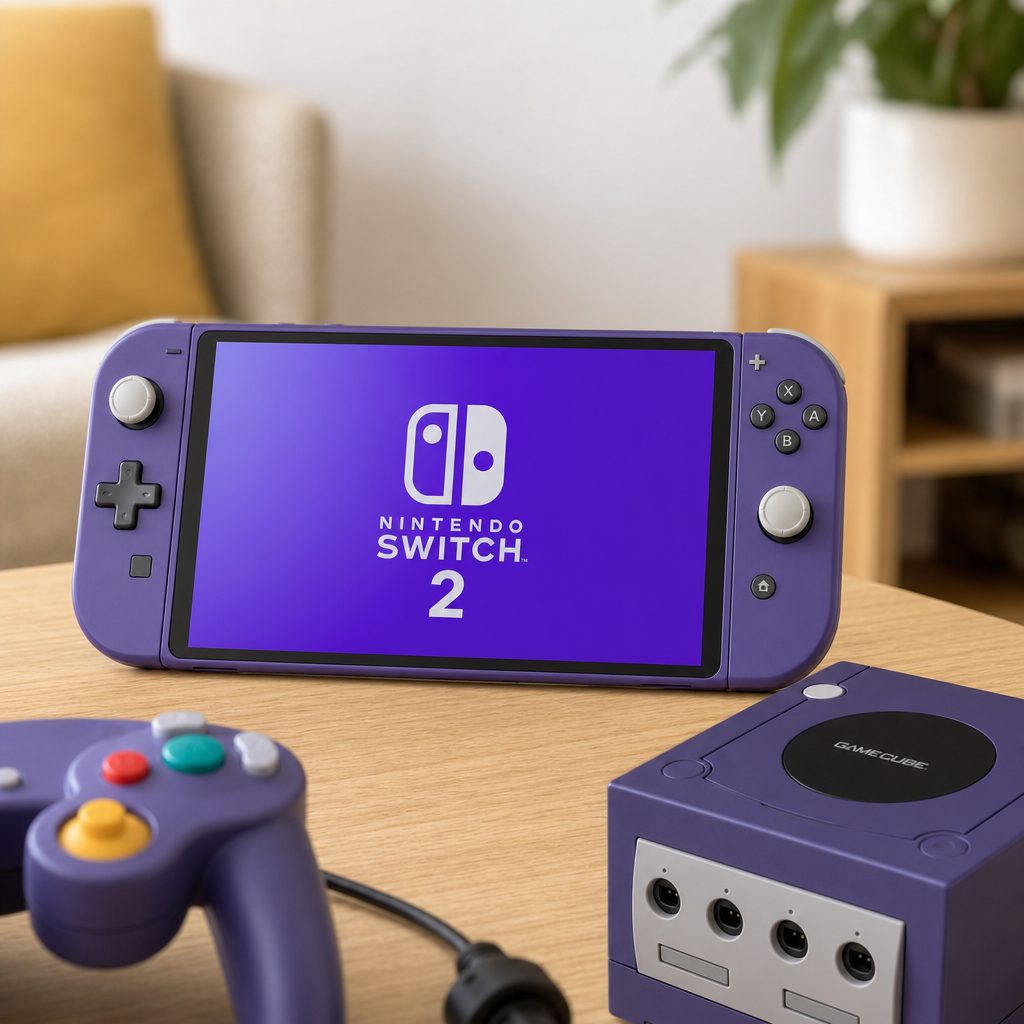
Original GameCube hardware remains a wonderful collector's route, but Switch 2 is the more practical answer for players who want selected classics without managing retro discs and cables.
8. The best route for different kinds of player
There is no need to overcomplicate this. The best choice depends on whether you want the easiest official route, the biggest sense of ownership, a multiplayer evening, or one particular difficult-to-find game. Here is the useful version, without pretending everyone approaches retro gaming in exactly the same way.
Nintendo Switch 2 + Expansion Pack
Best for households that want an official, straightforward route into selected GameCube games with modern conveniences.
Super Mario Strikers on Nintendo Classics
Best for friends and family who want loud, accessible matches locally or through online multiplayer.
The Legend of Zelda: The Wind Waker
Best for anyone who wants one of GameCube's defining adventures in a cleaner modern presentation.
Original Nintendo GameCube
Best for players who value physical discs, original hardware and a personal library beyond the eight-game subscription selection.
For a budget-conscious player who already owns Switch 2, the Expansion Pack route is the practical choice because it avoids buying several older games individually. For a money-no-object collector, original hardware and discs remain the dream setup, assuming you enjoy the hunt and have room for another console under the telly. For most people, though, Nintendo Classics is the sensible middle ground. It gives you the games, not the maintenance project.
9. Choosing your first GameCube game
If you have opened the GameCube app and immediately frozen because eight games somehow feels like too much choice, start by matching the game to the mood. The catalogue is varied enough that there is a good first pick for most types of player.
Choose The Legend of Zelda: The Wind Waker if you want a proper adventure. It is the game to start when you have a few evenings free and want a world to settle into. Its expressive style makes it approachable even for players who do not normally chase older games.
Choose Luigi's Mansion if you want something shorter, funny and lightly spooky. It is one of the easiest games in the line-up to share with someone who is not keen on enormous open worlds or complicated systems. The atmosphere does much of the work, and Luigi's nervous bravery still lands.
Choose Super Mario Strikers or SoulCalibur II for immediate multiplayer. Both work well when nobody wants a tutorial longer than the snacks break. Strikers is chaotic team sport nonsense in the best sense; SoulCalibur II has more depth if you and a friend become unexpectedly competitive.
Choose F-Zero GX if you want a challenge. Do not choose it because you fancy a gentle wind-down after work. It is electrifying, but it expects your attention. This is the game for the person who says "I quite like difficult racing games" and means it.
Choose Chibi-Robo!, Fire Emblem: Path of Radiance or Wario World if you want something off the obvious path. Chibi-Robo! is the curious, charming one. Fire Emblem is the thoughtful tactical commitment. Wario World is the exuberant oddball. None of them is filler, which is a very healthy sign for an eight-game catalogue.
10. Common setup mistakes and how to avoid them
There is no complicated installation procedure here, but a few mistakes crop up because Nintendo's subscription ecosystem has multiple tiers and family accounts can get muddled. Avoid these and your GameCube evening should remain pleasantly boring from a technical point of view. That is a compliment.
Trying on the original Nintendo Switch
Shop Trying on the original Nintendo Switch on Amazon UK
The GameCube catalogue is exclusive to Nintendo Switch 2. If you are using an original Switch, you will not find official GameCube access through Nintendo Classics. No amount of refreshing the eShop will change that, unfortunately.
Having standard Nintendo Switch Online instead of Expansion Pack
Shop Having standard Nintendo Switch Online instead of Expansion Pack on Amazon UK
The regular membership is not the required tier. Check that your account has Nintendo Switch Online + Expansion Pack before looking for the app. If you share a console, check which account actually holds the subscription rather than assuming the household profile does.
Expecting every GameCube game to be available
The catalogue contains eight games. It includes some genuinely excellent picks, but it is not a complete GameCube archive. If your heart is set on a title outside this selection, Nintendo Classics does not currently provide it simply because it once appeared on GameCube.
Expecting remakes instead of the original games
These are GameCube originals presented at a higher internal resolution. That is a worthwhile enhancement, but it is not the same as rebuilding a game from scratch. Go in expecting the original pacing, original structure and original quirks. Frankly, some of those quirks are why we came back.
Forgetting the membership is ongoing
Subscription access relies on an active Expansion Pack membership. If you let it lapse, treat the GameCube library as unavailable until you renew. It is not the same as owning a physical copy on your shelf.
A quick family-account habit worth adopting
Before downloading anything, open the Nintendo Account details on the profile you are using and confirm the active membership tier. This tiny check prevents the classic household problem: one person has paid for the Expansion Pack, another person is signed in, and everybody is blaming the console.
11. Is the GameCube library worth using?
Yes, with the right expectation. This is not Nintendo suddenly offering its whole 2001–2006 catalogue in one glorious digital avalanche. It is a measured library of eight selected games, and that limitation should be stated plainly. Anyone buying Switch 2 solely because they assume it includes every GameCube favourite will be disappointed.
But the eight games that are there are not scraps. The Wind Waker, F-Zero GX, SoulCalibur II, Chibi-Robo!, Super Mario Strikers, Fire Emblem: Path of Radiance, Luigi's Mansion and Wario World make an unusually strong starting group. There are big names, multiplayer staples, strategy, action, an adventure classic and a couple of much-loved oddities. It feels chosen with care.
The practical benefits are substantial too. A higher internal resolution improves the view, online multiplayer makes social games easier to revisit, and GameChat gives Switch 2 players a built-in way to keep the conversation flowing. Most importantly, it lowers the barrier to playing. Retro gaming should involve choosing a game, not rebuilding a home entertainment centre from 2003.
My only real reservation is the subscription model. Players who want permanent ownership, the full GameCube catalogue or a precise list of personal favourites will still find something special in original hardware and physical discs. That route has history, tactility and freedom. It also has cables. Many cables.
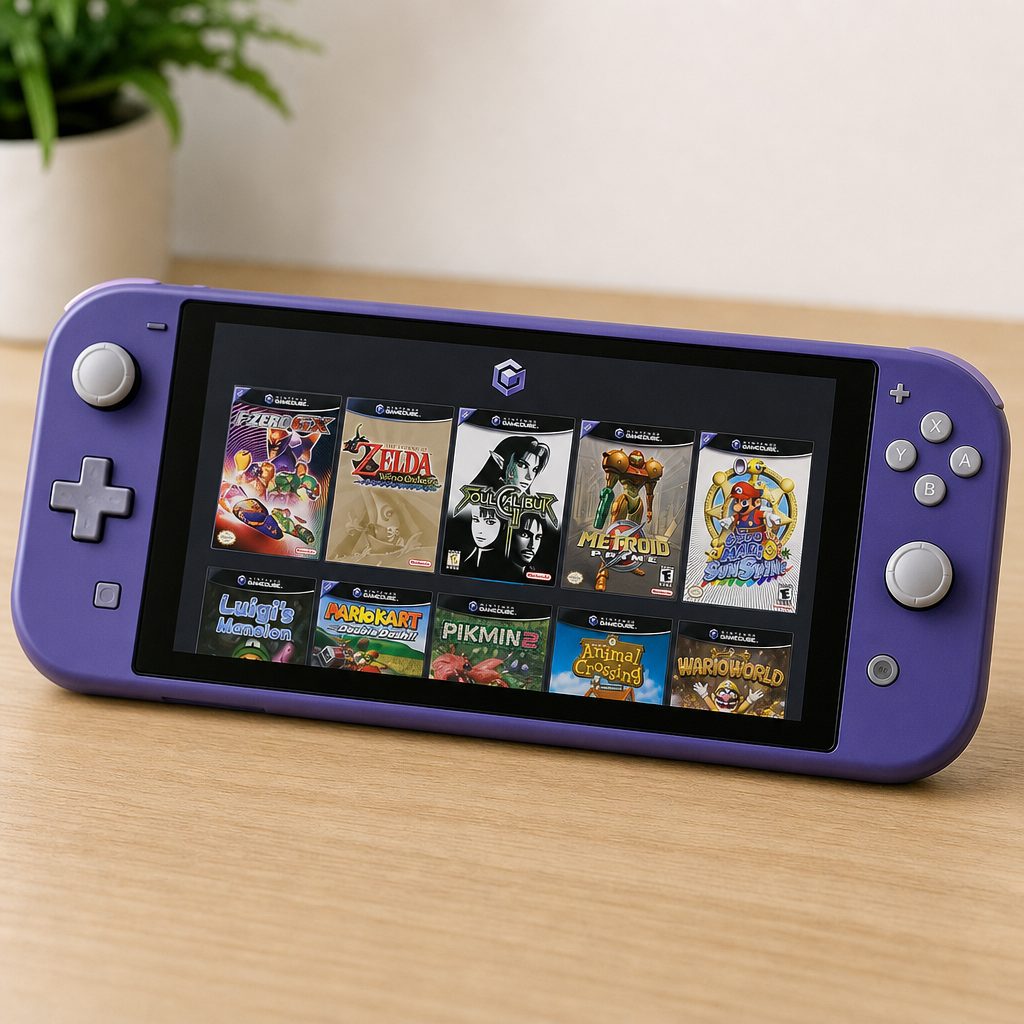
Nintendo Classics makes GameCube play feel far more immediate on Switch 2, but the subscription library remains a curated selection rather than a replacement for a full physical collection.
12. Frequently asked questions
Bottom line
Playing GameCube games on Switch 2 is easy once you have the right two things: a Nintendo Switch 2 and Nintendo Switch Online + Expansion Pack. Download the Nintendo GameCube – Nintendo Classics app, choose from the eight available titles and enjoy a strong selection of classics with higher internal resolution, online multiplayer and GameChat support.
It is not a complete GameCube replacement, and collectors will still have good reason to cherish original hardware and discs. But for most players, it is the cleanest official way to revisit The Wind Waker, Luigi's Mansion, F-Zero GX and the rest without turning the living room into a small museum of obsolete AV leads. That is progress.