
Best 4K TVs to Pair With the Xbox Series X
The Xbox Series X was built for more than simply making older games look sharper. Pair it with a capable 4K television and you can use 4K at 120Hz, Variable Refresh Rate and Auto Low Latency Mode properly — which is where quick racing games, shooters and football matches start to feel properly alive.
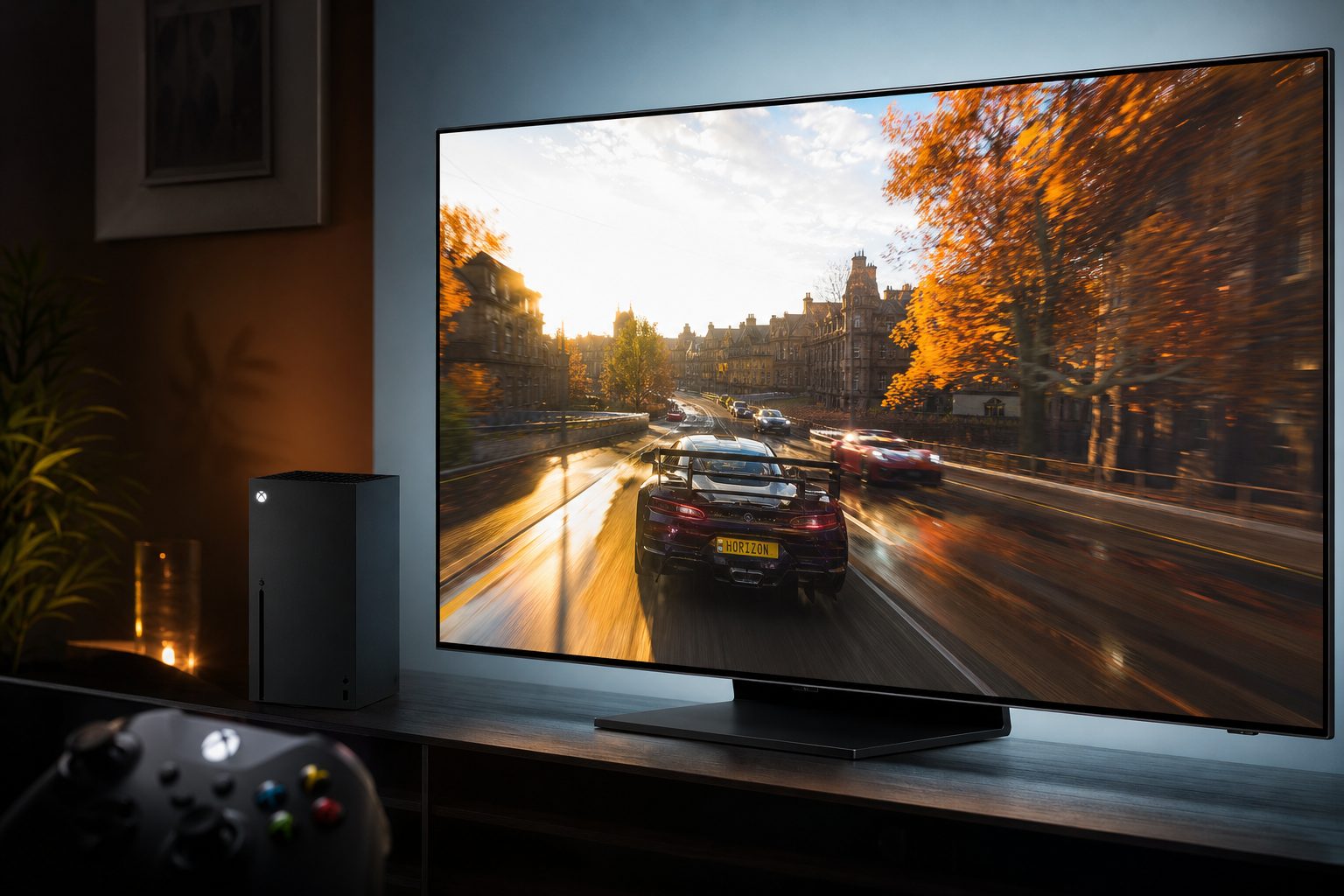
The Xbox Series X can deliver a superb 4K gaming image, but it needs the right television settings and connections to show its best side.
Why your Xbox Series X deserves a proper gaming TV
The Xbox Series X has always been a tremendously capable machine, but it is also very good at hiding its party tricks if the television is not up to scratch. Plug it into an ordinary 4K set and things will still look good. Forza will still have shiny cars. Halo will still have rather a lot of explosions. Yet the console's most useful display features can remain sitting politely in the menu, unused and unloved.
The important specification is not merely "4K": look for the HDMI 2.1 gaming features that allow the Series X to use 4K120, VRR and ALLM.
The difference-maker is a television that supports 4K at 120Hz, VRR and ALLM. Together, those features make the Series X feel more responsive and more consistent when games support them. This is not a PS5-first list with Xbox compatibility added as a footnote. Xbox players should care particularly about VRR, broad HDMI 2.1 support and the practical ease of getting the console to report green ticks across its TV details screen.
I have kept this guide focused on televisions repeatedly recommended for the Series X rather than drowning you in every large screen with a games mode. There is an important distinction. A decent television can make a game attractive. A good Xbox television lets the console negotiate the features it was designed to use without turning an evening of gaming into an evening of input-menu archaeology.
The short version
If a television does not support 4K120, VRR and ALLM, it can still be enjoyable for Xbox Series X games. It simply cannot offer the complete high-frame-rate, variable-refresh experience this console was made to deliver. Do not assume that every screen labelled "gaming TV" has all three.
The Xbox features that actually matter
Let us translate the acronyms before they become one of those shopping-list disasters where everybody nods along and nobody knows what they are buying. 4K120 means a compatible game can output at 4K resolution and up to 120 frames per second. Not every game offers it, and games commonly make visual trade-offs when prioritising performance, but compatible titles can feel wonderfully immediate.
Variable Refresh Rate, or VRR, is arguably the unsung hero. Frame rates in console games are not always perfectly locked. VRR lets the television vary its refresh timing to match what the console is delivering, reducing visible tearing and making fluctuations look less distracting. It is especially useful in demanding games where the action may not land on the exact same frame rate every second.
Auto Low Latency Mode is the feature for people who do not want to think about picture presets at all. When the Xbox signals that it is gaming, a compatible TV switches into its low-latency setting automatically. That avoids the classic problem of a handsome cinematic picture mode adding delay just as you are trying to take a corner, block a penalty or avoid being flattened by a spaceship.
4K at 120Hz
Best for compatible fast-action games where motion clarity and controller response matter as much as visual detail.
VRR
Helps the display stay in step with changing frame rates, making uneven performance less visually jarring.
ALLM
Moves the television into a low-latency game setting when the Xbox starts gaming, rather than relying on you to remember.
HDMI 2.1
The connection standard to prioritise for the Series X's top-end 4K120 gaming feature set.
After connecting your Series X, open its TV details screen and check what the console reports. This is the sensible final check, because a television's capabilities can depend on the selected HDMI input and its individual settings.
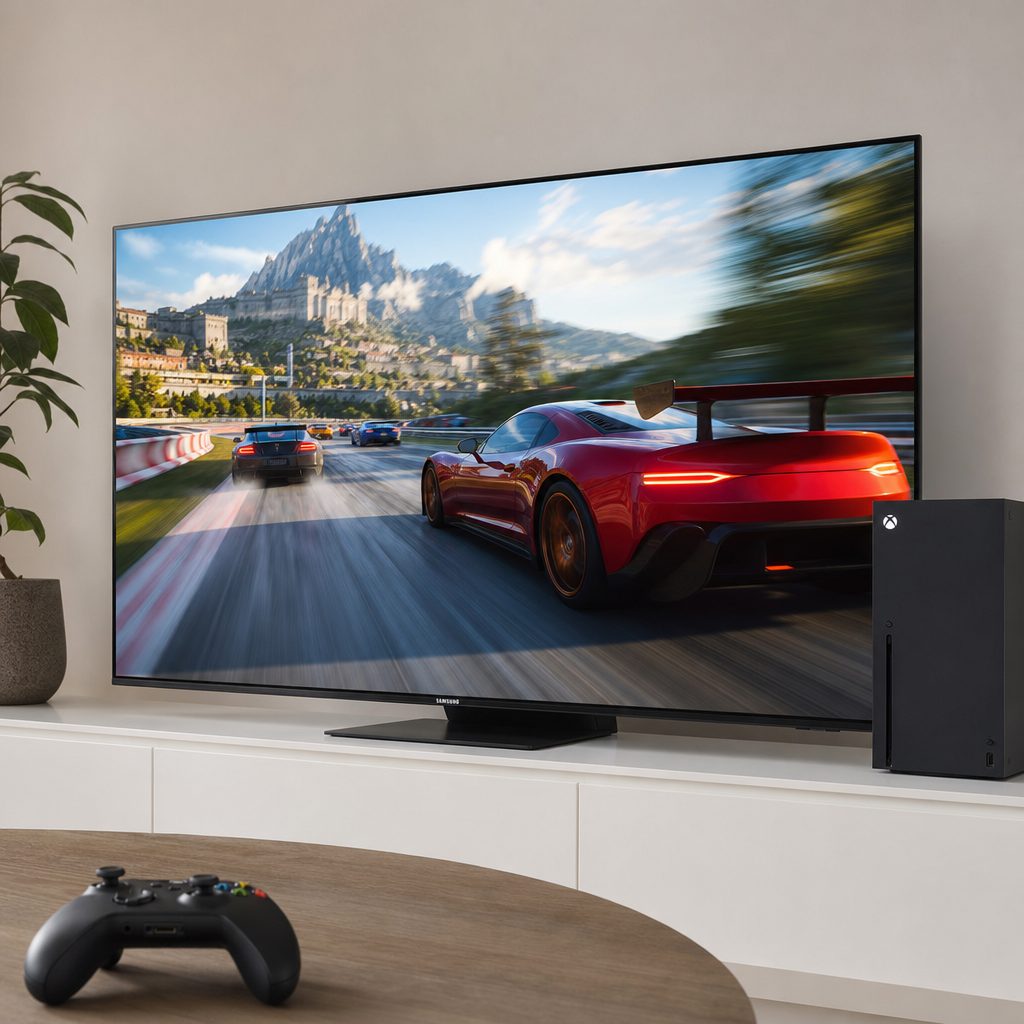
A high-refresh-rate television is most noticeable in quick camera movement, racing, sport and any game where a fraction of a second feels rather important.
Our ranked 4K TV picks for Xbox Series X owners
Shop Our ranked 4K TV picks for Xbox Series X owners on Amazon UK
There is no universal winner because homes, habits and budgets are gloriously inconvenient things. Some buyers want the best OLED image for late-night single-player adventures. Others need a more practical family-room screen with plenty of HDMI flexibility. The models below all belong in the conversation because they support the gaming fundamentals Xbox Series X owners should be seeking.
1. Samsung S95H OLED — Best for the complete Xbox Series X experience
Shop Samsung S95H OLED on Amazon UK
The Samsung S95H OLED is the strongest all-round recommendation for an Xbox Series X owner who wants a premium display without having to choose between picture appeal and gaming credentials. It has been widely recommended as the best TV for Xbox Series X because it offers the complete package: top-tier image quality alongside the features that make Series X gaming feel properly modern.
For many households, this is the television that makes the most sense if gaming is important but not the only job on the list. A flagship screen has to earn its place during a film, a family programme, a Sunday afternoon match and an accidental three-hour session in an open-world game. The S95H's appeal is that it is not a specialist monitor wearing a television costume. It is a serious living-room television that happens to be very well prepared for Xbox duties.
Its limitation is not technical so much as philosophical: it is the premium choice. If your main ambition is simply to unlock the Series X feature checklist as economically as possible, there are more pragmatic routes. But if you are choosing once and intend to enjoy the screen for everything, it is the pick I would place at the top of the shortlist.
Pros
- Recommended as a complete Xbox Series X package.
- OLED picture quality suits both games and film viewing.
- Built around the 4K120, VRR and ALLM feature set Series X owners want.
Consider
- A premium flagship approach will not suit every household.
- Choose it for an all-round screen, not solely because one game supports 120Hz.
- As with every TV, correct input settings still matter.
2. LG C5 OLED — Best all-round OLED for most players
The LG C5 OLED is the sensible enthusiast's choice. It combined premium gaming performance, superb image quality and long-term versatility, which is an unusually tidy set of strengths. It was released in March 2025, so by August 2026 it was an established rather than brand-new model — a positive in a buying decision, frankly. It had had time to prove why it stayed on so many gaming-TV shortlists.
LG's C-series has long appealed to people who want a TV to be excellent at the things a television is supposed to do, whilst also taking console gaming seriously. The C5 is not presented as a compromise screen. It is for the buyer who has an Xbox Series X connected today, may add other devices tomorrow, and would rather not buy a screen that becomes awkward the moment the household setup changes.
For Xbox gaming, its core value is simplicity. It gives the Series X the high-end feature language it understands: 4K120 capability, VRR and ALLM. That makes it a particularly easy recommendation for someone upgrading from an older 4K television and wanting an obvious step forward without chasing the most extravagant possible flagship.
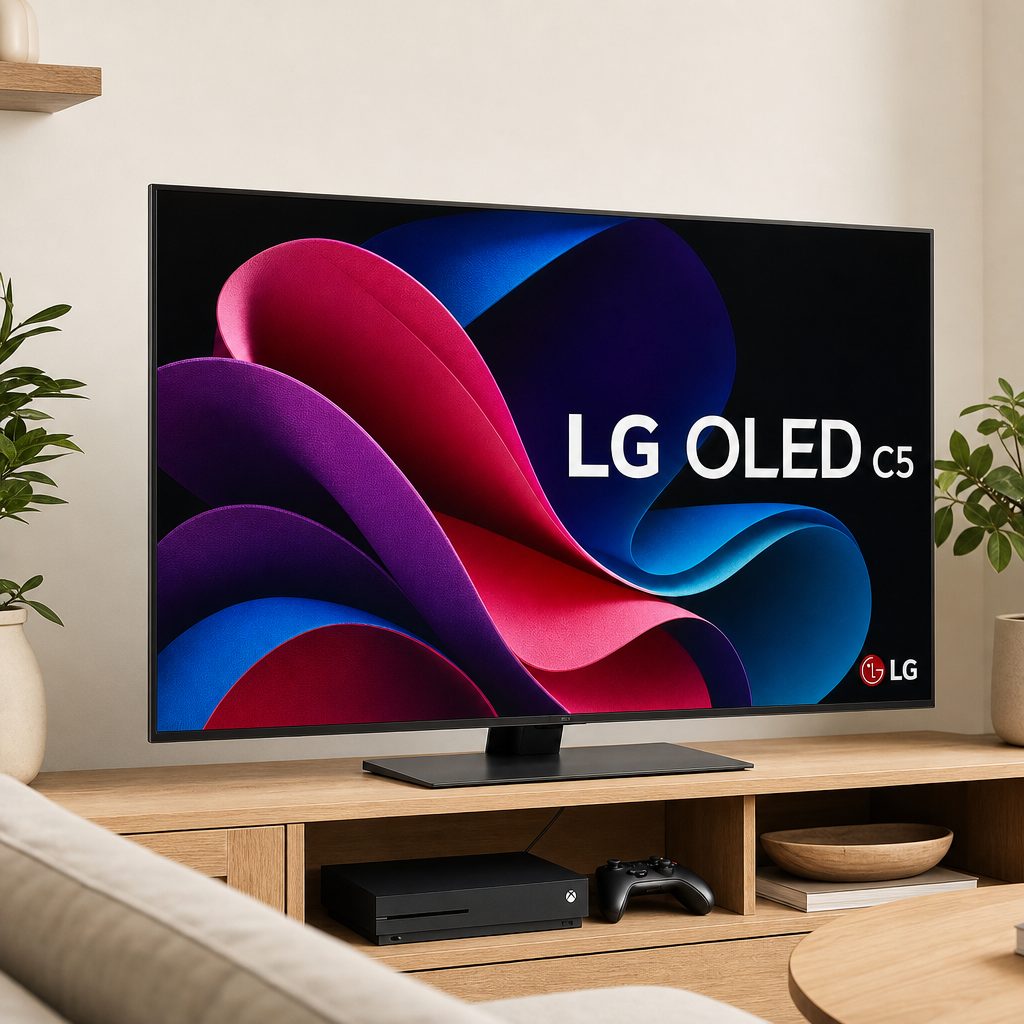
The LG C5 OLED remained an established premium option in 2026, combining serious gaming support with the flexibility expected from a main living-room television.
3. Hisense U7SG — Best for connectivity-conscious gamers
Shop Hisense U7SG on Amazon UK
The Hisense U7SG deserves special attention because its gaming specification is unusually direct: it has a 165Hz native panel, supports 4K120, and offers four HDMI 2.1 ports. The Series X cannot output games at 165Hz, of course, so do not buy it imagining your console will suddenly become a 165fps monster. It will not. The point is that the panel and connection provision are generous for a TV aimed at gaming households.
Four HDMI 2.1 ports are the practical headline. A console setup has a habit of growing. An Xbox becomes an Xbox plus a streaming box, maybe another console, perhaps a sound system, and then somebody finds an old device that absolutely must be connected for nostalgia reasons. Having the right connection support across all four ports is a far nicer prospect than playing HDMI musical chairs behind the cabinet.
This is the pick for buyers who value specification breadth and want the Series X's gaming features available without treating every input as a precious resource. It is also a good reminder that not every excellent Xbox screen needs to be OLED. The right choice depends on your room, your other devices and whether you want the TV to act as a busy family hub.
4. Samsung S90H OLED — Best for OLED-first Xbox players
Shop Samsung S90H OLED on Amazon UK
The Samsung S90H OLED is the choice for the person who has decided that OLED is the picture technology they want, but does not necessarily need the full flagship proposition of the S95H. It was also repeatedly recommended among the strongest Xbox-compatible OLED options, and that matters. There is a great deal of vague marketing around gaming TVs; this is a model that belongs in a Series X-specific conversation.
OLED remains especially appealing for atmospheric games. Dark scenes, space games, neon-lit streets and moody story adventures all benefit from the sense of contrast and depth for which OLED televisions are known. Yet it would be a mistake to pigeonhole the S90H as the "cinematic" choice and leave it there. With the relevant 4K120, VRR and ALLM support, it is built for the quick stuff too.
The decision between this and the S95H comes down to how far up Samsung's premium range you wish to go. The S90H is the easier answer when OLED gaming quality is the central ambition. The S95H is the broader money-no-object answer when you want the most complete Samsung package.
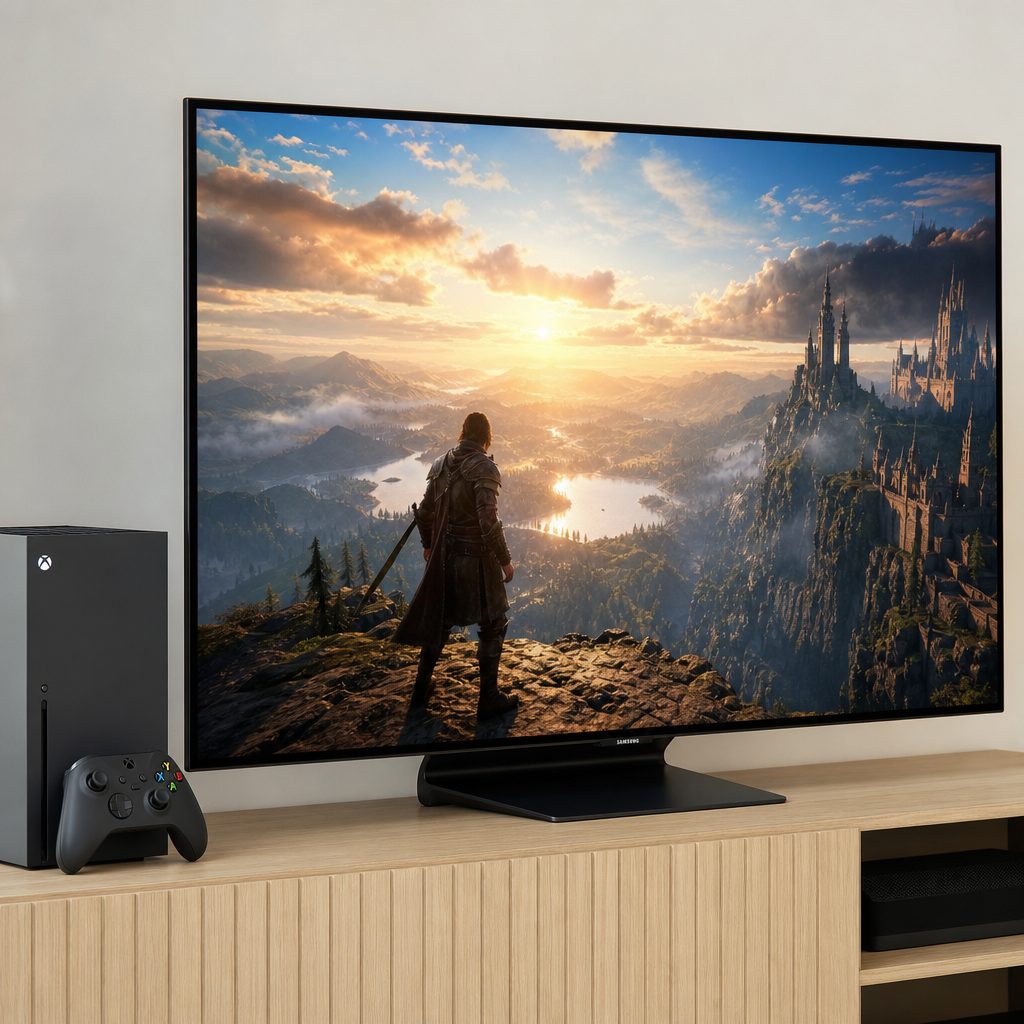
OLED is especially compelling for dramatic game worlds, although fast multiplayer games benefit just as much from the right 4K120 and VRR support.
5. Sony Bravia 8 II — Best for film-and-game households
Shop Sony Bravia 8 II on Amazon UK
The Sony Bravia 8 II is the television I would consider for a household that wants its gaming display to feel thoroughly at home during movie night as well. It was Sony's 2025 flagship, which meant that by August 2026 it was a recent established flagship rather than a newly launched product. That distinction helps set expectations: this is a premium screen built for buyers who care about overall image quality, not a bargain-basement route to a single gaming tick-box.
It earns its place in an Xbox guide because it supports the core requirements: HDMI 2.1, 4K120, VRR and ALLM. That lets it serve the Series X properly rather than merely accepting a 4K signal. For an owner who spends equal time with games, streaming and discs, the Bravia 8 II is a convincing alternative to the Samsung and LG OLED choices.
There is a useful lesson here. Buying a TV for an Xbox does not mean buying a TV only for the Xbox. The best choice should still suit the room when the console is asleep. If you are the sort of person who notices picture quality in everything, from a game's sunset to a black-and-white film, Sony's flagship approach has obvious appeal.
6. TCL QM7K — Best practical alternative for a gaming-focused home
The TCL QM7K is a sensible gaming-led option for Series X owners who want the essential modern support without automatically shopping at the top of the market. It has been recommended as one of TCL's budget-oriented alternatives with the right gaming features, including 4K120, VRR and ALLM. That is the important bit. Budget does not have to mean surrendering the entire reason you bought a current-generation console.
A television like the QM7K is easiest to recommend when the Xbox is the main event in the room. Perhaps it is going into a bedroom, a first flat, a games room or a family space where several people will use it and nobody wants to conduct a committee meeting before turning it on. The aim is to get the core technology right, then enjoy the games.
Do not mistake "budget alternative" for "automatic winner for every buyer". The more premium models here are chosen for their overall image ambitions as well as their gaming credentials. But for a Series X owner prioritising access to the current feature set, the QM7K belongs firmly on the list.
7. TCL QM6K — Best straightforward route to Xbox gaming features
The TCL QM6K is the other important TCL option for shoppers who want a more accessible route into proper Series X television support. Like the QM7K, it has been cited as a budget alternative with gaming features that matter to this console. That puts it ahead of the many cheap 4K TVs that look fine in a shop but only reveal their limitations after the Xbox settings menu starts delivering disappointing messages.
This is the choice for a buyer who wants to be disciplined. You do not need to purchase the most lavish display in the roundup to have a very good time with the Series X. You do need to prioritise 4K120 capability, VRR, ALLM and HDMI 2.1, because those are the parts that change how the console interacts with the screen. The QM6K keeps that buying logic refreshingly clear.
Do not buy by badge alone
"4K" and "gaming" are not enough on their own. Check that the individual TV supports 4K120, VRR and ALLM, then make sure the Xbox is connected to an appropriate HDMI 2.1 input. That modest bit of homework prevents most expensive disappointments.
At-a-glance comparison: every pick in this roundup
Here is the clean comparison. The headline features are deliberately more useful than a pile of vague superlatives. All seven televisions were recommended as Xbox Series X-compatible options with the gaming fundamentals in mind, whilst the Hisense has the clearest specific connectivity and panel figures.
| TV | Panel / positioning | Xbox gaming support | Confirmed standout | Best suited to |
|---|---|---|---|---|
| Samsung S95H OLED | OLED flagship | 4K120, VRR, ALLM | Complete premium Xbox package | All-round premium buyers |
| LG C5 OLED | OLED | 4K120, VRR, ALLM | Released March 2025 | Most OLED-focused players |
| Hisense U7SG | 165Hz native panel | 4K120, VRR, ALLM | Four HDMI 2.1 ports | Multi-device gaming homes |
| Samsung S90H OLED | OLED | 4K120, VRR, ALLM | OLED-first alternative | Dedicated OLED shoppers |
| Sony Bravia 8 II | 2025 flagship | 4K120, VRR, ALLM | Recent flagship status | Games and films in equal measure |
| TCL QM7K | Budget alternative | 4K120, VRR, ALLM | Gaming-focused value route | Practical gaming setups |
| TCL QM6K | Budget alternative | 4K120, VRR, ALLM | Accessible core feature set | Straightforward upgrades |
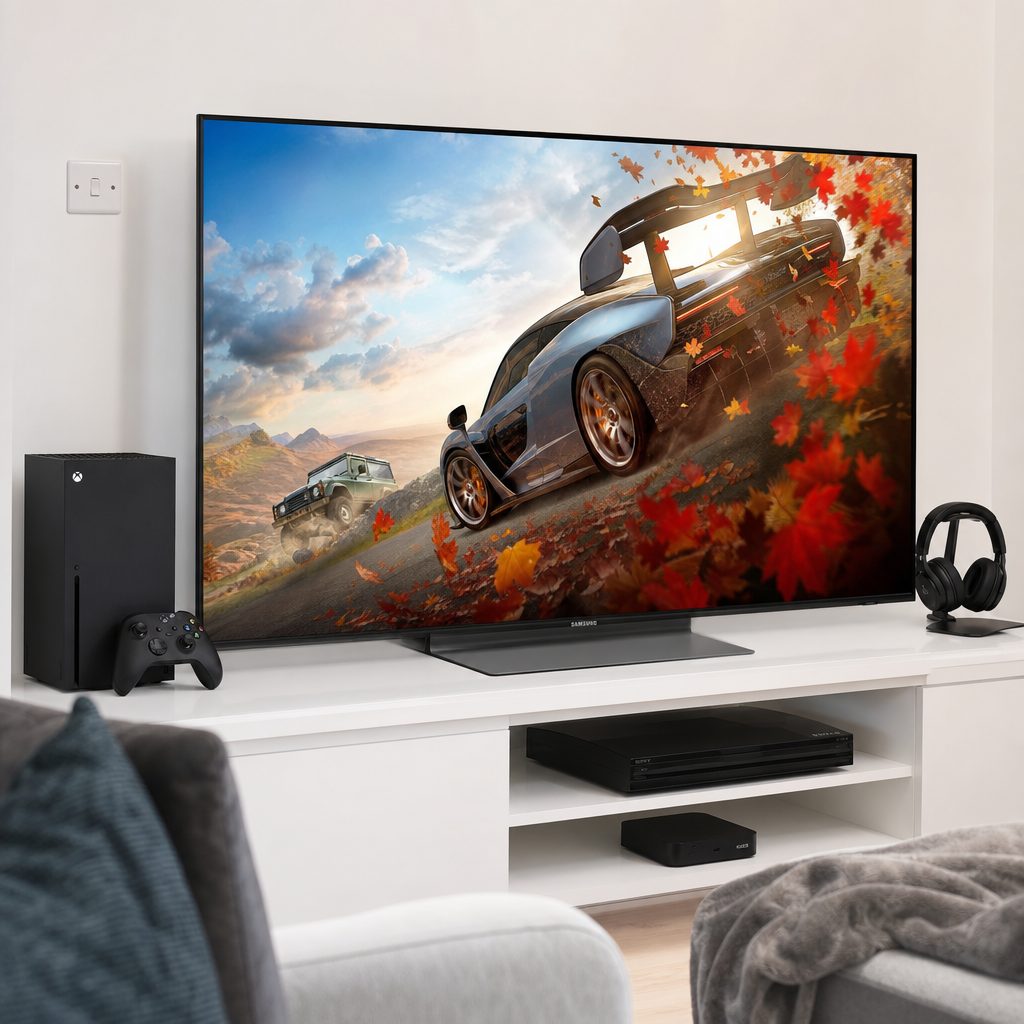
A multi-device setup makes HDMI provision more important than it first appears; the Hisense U7SG's four HDMI 2.1 ports are a notable practical advantage.
How to choose between OLED, premium and practical picks
Start with the question nobody likes asking: where will the television actually live? A main living-room set has to work for more than one person and more than one activity. That tends to favour the Samsung S95H OLED, LG C5 OLED or Sony Bravia 8 II, because each has the broader premium appeal to justify a central place in the home.
If the room exists largely for gaming, your priorities may change. The Hisense U7SG's four HDMI 2.1 ports make it especially attractive when multiple modern devices are in play. There is something immensely satisfying about connecting the Series X, other hardware and a sound setup without immediately needing to decide which device gets the good port. Tiny domestic victories matter.
For buyers trying to keep the decision grounded, TCL's QM7K and QM6K make a strong case. They target the features that affect the Series X experience rather than demanding that you buy a flagship for the privilege of using VRR. The key is to be honest about your expectations. A more accessible model is a very good choice when you want the console's gaming tools. A premium OLED makes more sense when picture quality across every kind of viewing is part of the reason you are upgrading.
Choose a premium OLED if…
- The TV will be the centrepiece of your living room.
- You care as much about film and streaming as games.
- You want the Xbox feature set alongside top-tier image ambitions.
Choose a practical alternative if…
- Your main goal is 4K120, VRR and ALLM for Series X.
- The screen is headed for a games room or secondary space.
- You would rather spend thoughtfully than simply spend more.
Set your Xbox Series X up properly
Buying the right television is only half the job. Once it arrives, connect the Xbox Series X to an HDMI 2.1 input and use the console's own display information to confirm what is active. This sounds obvious, but televisions often treat different HDMI ports differently, and some settings must be enabled per input. It is remarkably easy to own the right hardware and accidentally use it in its least exciting mode.
Then enable the appropriate gaming features in the television settings. ALLM should make this pleasantly painless, but it is still worth confirming that the set enters its low-latency game mode when the Xbox starts. If 4K120 or VRR do not appear as available, do not panic and immediately blame the television. Check the input, cable, console display settings and the selected picture mode first.
Finally, remember that game support matters. The Series X can offer 4K at 120Hz, but a game has to provide a mode that uses it. You may be choosing between a quality mode and a performance mode, and that is normal. A good television gives you the option. It does not rewrite the game's design decisions while you make a cup of tea.
Make changes one at a time and re-check the Xbox display details after each one. It is slower than pressing every promising switch in the TV menu, but considerably faster than trying to undo twelve mysterious changes later.
Best-for breakdown: which TV should you buy?
If you have reached this point and still feel torn, that is healthy. It means you are choosing based on how you will use the television rather than simply following the first shiny recommendation on a retailer page. These are the clearest buying calls from the roundup.
Best premium / money-no-object
Samsung S95H OLED is the complete Xbox Series X television for buyers who want premium gaming and top-tier picture quality together.
Best all-rounder
LG C5 OLED is the balanced OLED recommendation for gaming, everyday viewing and long-term versatility.
Best for multiple devices
Hisense U7SG stands out with its 165Hz native panel and four HDMI 2.1 ports.
Best on a budget
TCL QM6K is the straightforward budget-oriented route to the Xbox features that matter.
Best for games and films
Sony Bravia 8 II is the pick for a premium household screen that must do more than gaming.
Best gaming-led alternative
TCL QM7K is a practical option for buyers prioritising modern console gaming support.
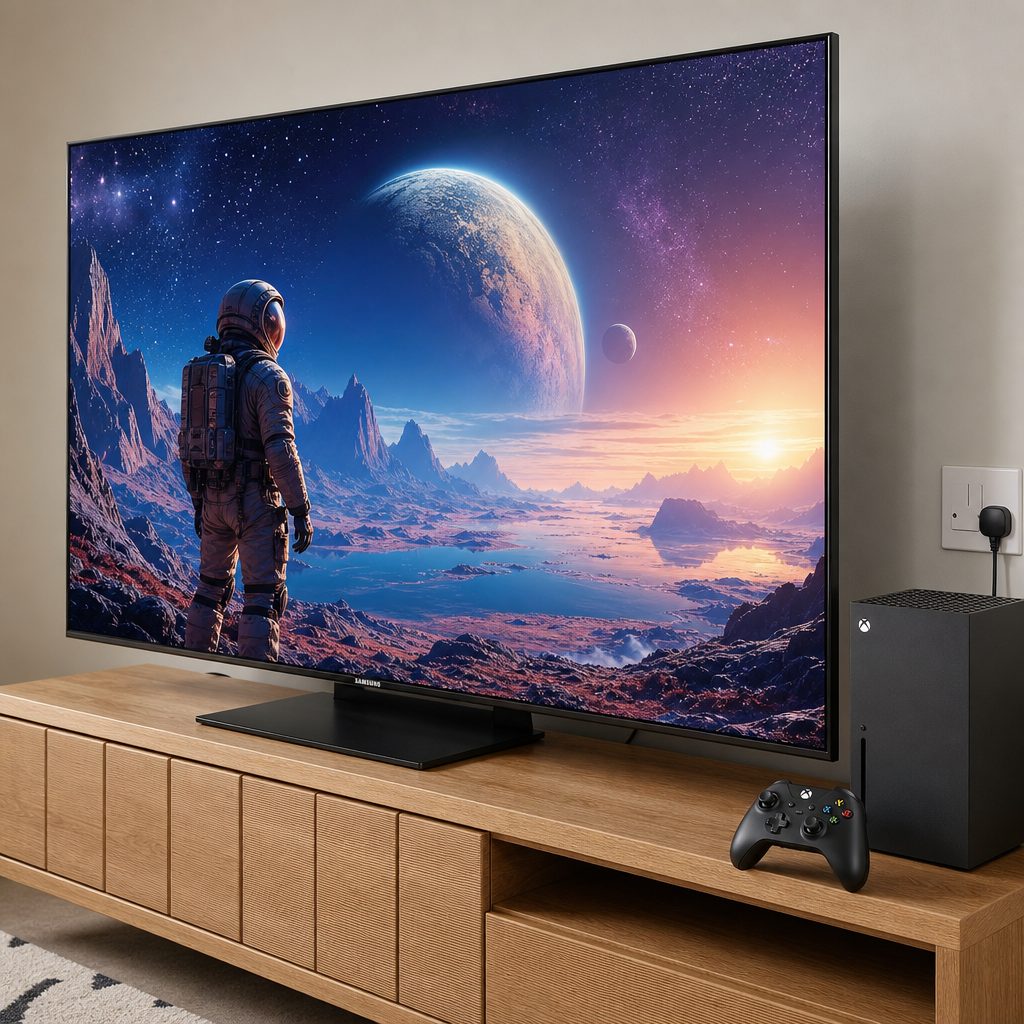
The right choice depends on where the TV will live: a flagship OLED suits a shared lounge, whilst a feature-rich practical model can be ideal for a dedicated games room.
Common mistakes to avoid when buying
The first mistake is shopping by resolution alone. Every TV in a showroom seems to be 4K now, but 4K does not tell you whether the Series X can use 120Hz, VRR or ALLM. Treat 4K as the starting point, not the finish line.
The second is focusing entirely on refresh-rate numbers without considering the console. The Hisense U7SG's 165Hz native panel is a strong specification, but the Series X gaming target is 120Hz. That does not make the higher panel figure pointless; it simply means you should understand what your console will actually use. Marketing is more fun when you make it explain itself.
The third is forgetting the rest of the household. If you also watch films, sport and streaming, a television's general image quality deserves proper weight. Conversely, if it is principally an Xbox display, spending for a premium cinematic experience you will barely use is not automatically wise. The best purchase is the one that suits your real evenings, not your imaginary perfect setup.
Frequently asked questions
The final verdict
The Samsung S95H OLED is the best overall 4K TV to pair with an Xbox Series X when you want the full premium experience: serious gaming support and top-tier picture quality in one package. The LG C5 OLED is the most broadly sensible OLED choice for most players, while the Hisense U7SG is the standout for homes where four HDMI 2.1 ports and a 165Hz native panel make daily life easier.
If you want the essentials without making your television purchase feel like a luxury-car negotiation, the TCL QM7K and TCL QM6K are the practical alternatives worth serious attention. Whichever route you take, insist on 4K120, VRR, ALLM and HDMI 2.1 support. The Series X had the tools all along. Your television should let it use them.