
Minecraft Review: Does the Block-Building Behemoth Still Deserve a Place in 2026?
Two editions, dozens of platforms and more than a decade of updates. I've spent countless hours across Java and Bedrock to work out whether this sandbox classic is still the best digital toy money can buy.
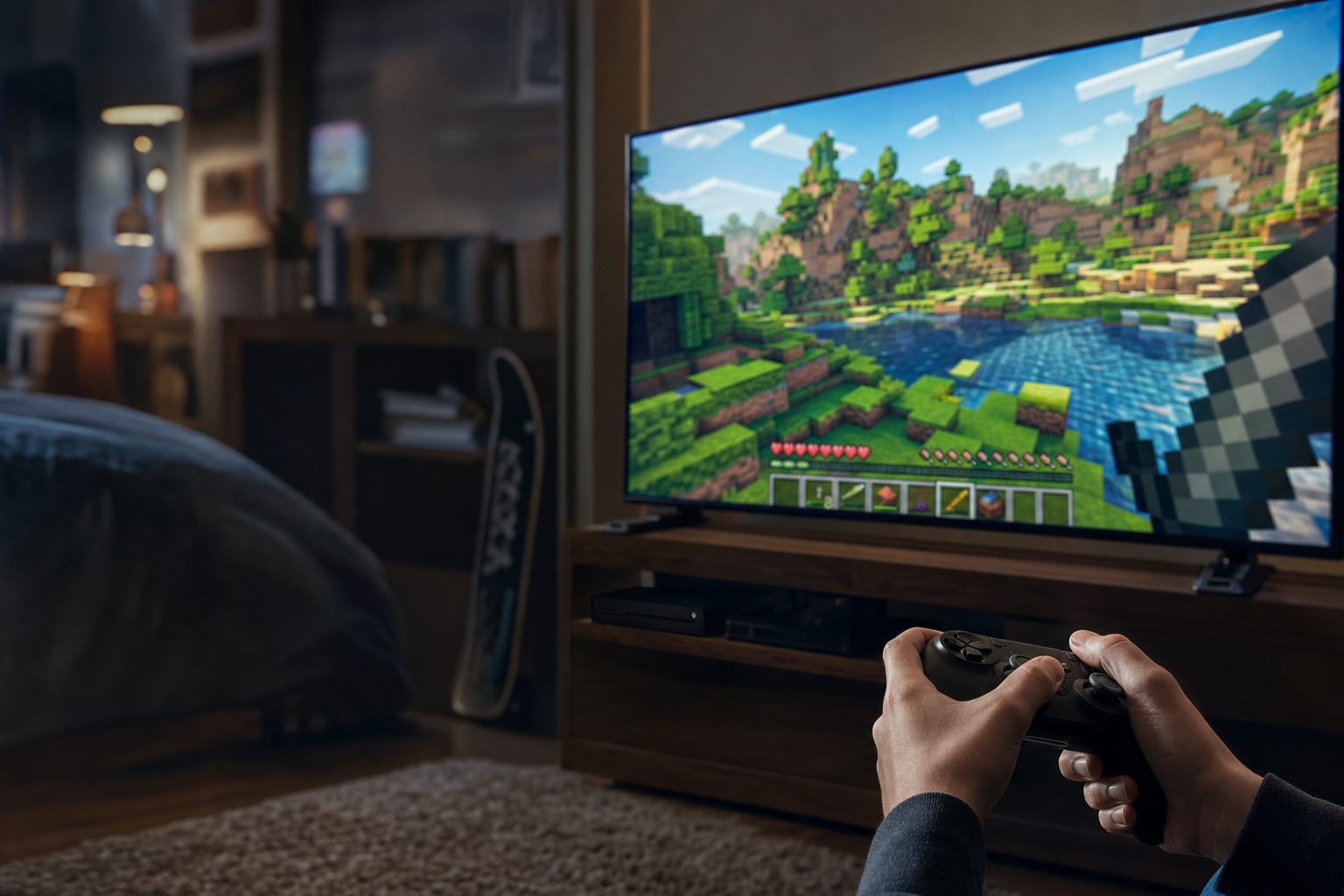
Minecraft remains one of the most-played games on the planet, spanning nearly every device in the house.
There are very few games I'd genuinely recommend to a five-year-old, a teenager and a middle-aged parent in the same breath — but Minecraft is one of them. It's the sort of software that quietly worms its way into a household and stays there for years, surviving new consoles, new phones and several rounds of "we're getting rid of screens in this house". If you're a parent standing in a shop (physical or digital) wondering whether it's worth it, or an adult secretly curious about what all the fuss is about, this review is for you.
I've put serious time into both of the main editions across a spread of hardware, from a modest laptop to a current-generation console, and there's a genuine amount to unpack. Minecraft isn't a single, tidy product — it's a family of editions with different strengths, different system requirements and slightly different personalities. Getting the right one matters, and buying the wrong version is the single most common mistake I see people make. Let's sort that out first.
What Exactly Are You Buying?
The word "Minecraft" covers several distinct products, and understanding the split is the key to a happy purchase. At its heart there are two flavours: Java Edition and Bedrock Edition. They look almost identical at a glance, yet under the bonnet they're built entirely differently and cater to different audiences.
Java Edition is the original, coded in — you guessed it — Java, and it runs only on PC (Windows, Mac and Linux). It's the version the modding community adores, and the one with the deepest history. Bedrock Edition is written in C++, which makes it far more portable; it runs natively across Windows 10 and 11, Xbox One, Xbox Series S and X, PlayStation 4 and 5, Nintendo Switch, Android, iOS and Windows Mobile. In practice, Bedrock is the version that lets a Switch player build alongside a phone player and an Xbox player in the same world — cross-platform play is its headline trick.
Beyond those two headline editions there's a dedicated Education Edition aimed at classrooms, plus a separate release available only in mainland China. For the vast majority of UK buyers, though, the decision comes down to Java, Bedrock, or the bundle that includes both.
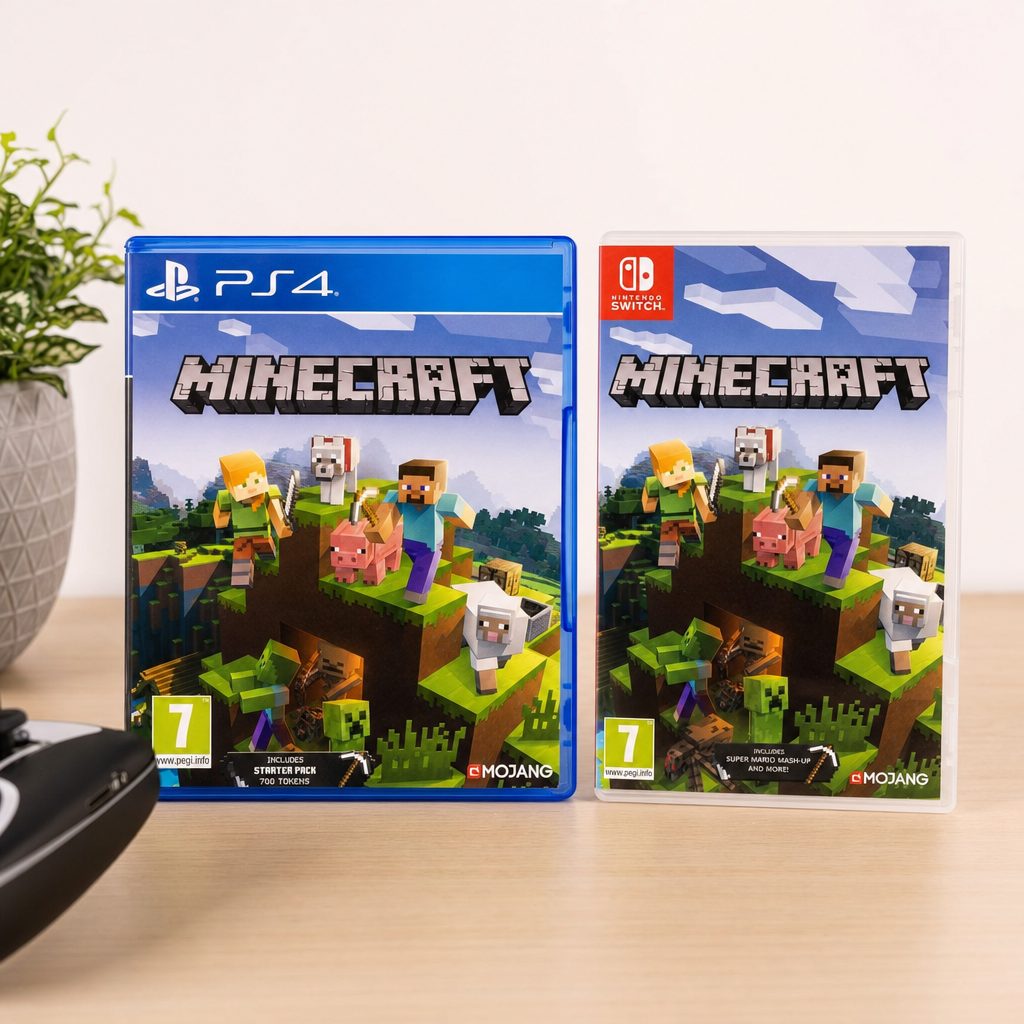
The two main editions look near-identical, but Java favours PC modders whilst Bedrock rules cross-platform play.
Buy This One if You're on PC
On PC, a single purchase now covers both Java and Bedrock in the same bundle. That's a far better deal than the old split-edition setup, because you get the mod-friendly Java side and the cross-platform Bedrock side together for one price. If you're buying for a Windows machine, always go for the bundle rather than either edition on its own.
The Deluxe Collection and What It Adds
If you want a bit more than the bare game, the Minecraft: Deluxe Collection is the most generous package. It includes Bedrock Edition itself, three add-ons, a set of exclusive in-game Character Creator items and 700 Minecoins — the marketplace currency used to buy skins, worlds and texture packs. It's aimed squarely at newcomers who'd like a head start with some cosmetic goodies rather than starting from a blank slate.
Whether that's worth it really depends on the player. A creative child who loves customising will get a genuine kick out of the Character Creator items and the Minecoins to spend. A player who only cares about survival mode and building things won't miss any of it — the core game is identical either way. Personally, I'd steer most first-timers toward the standard edition and let them decide later whether the marketplace is their sort of thing.
Performance: Why Minecraft Runs Better Than You'd Expect
Here's the thing that surprises people: Minecraft looks simple, all blocks and pixel-art textures, yet it can be surprisingly demanding — and surprisingly quirky — about hardware. The reason comes down to how it's built.
Vanilla Minecraft (that is, the unmodified game) leans heavily on your CPU rather than your graphics card, and specifically on single-core CPU speed. A fast single-core clock matters far more than a high core count for the standard game. In my testing, a chip with fewer but faster cores consistently beat a chip with more but slower ones. As one hard truth goes: Minecraft's performance is fundamentally limited by single-threaded CPU performance, and no amount of settings tweaking will overcome a slow CPU clock speed.
The single biggest lesson from my time with Java Edition is this: vanilla Minecraft is notoriously unoptimised, and installing a performance mod is the single biggest improvement you can make. The mod I recommend above all others is Sodium, which delivers an instant 2–5× performance boost over vanilla thanks to a complete rewrite of the rendering engine. It consistently provides 2–3× better FPS than the older OptiFine in modern versions. OptiFine is easier to install and bundles handy extras like a zoom function and shader support, but if raw frame rate is your priority, Sodium wins comfortably.
Chasing 120 FPS?
Reaching a consistent 120 FPS requires a GPU performance score of at least 50 — roughly a GeForce 700 Series or AMD Radeon Rx 200 Series card. For maximum FPS, drop your render distance to 2–8 chunks; for a good balance of view distance and smoothness, 12–16 chunks works nicely. Remember that lowering render distance from 32 to 16 chunks alone can quadruple your frame rate.
How much frame rate do you actually need? In my experience, lag becomes noticeable below 50 FPS, and the game becomes genuinely difficult to play below 30. Anything comfortably above 60 feels lovely, and hitting 120 on capable hardware makes the building and exploring feel buttery. On consoles this is all handled for you — there's no fiddling with settings or mods, which is a big part of why Bedrock on a PS5 or Xbox Series X "just works" for younger players.
System Requirements: Can Your Kit Run It?
The good news is that Minecraft is far kinder to older hardware than most modern games. Here's what each edition actually needs.
Minecraft: Java Edition
Java Edition 26.1 and later require Java 25, but crucially you don't need to install Java yourself — the official launcher bundles the correct runtime automatically. This is a lovely quality-of-life improvement over the bad old days of manual Java installs. From version 26.1 onward the game also allocates 4GB of RAM by default, which is a sensible reflection of how much smoother it runs with a bit of headroom.
Recent versions of Java Edition only run on 64-bit operating systems. If you're clinging to an ancient 32-bit machine, the last version that supports it is Java Edition 1.20.4 — plainly, anything newer simply won't launch on 32-bit systems.
Minecraft: Bedrock Edition
Bedrock is the leaner, more efficient sibling — that tiny 300MB storage footprint tells you a lot. It runs natively on Xbox One, Xbox Series X and S, PlayStation 4 and 5, and Nintendo Switch with no extra hardware requirements. There's one caveat worth flagging for parents: online multiplayer on consoles needs a subscription — Xbox Game Pass Core or Ultimate, PlayStation Plus, or Nintendo Switch Online. That's an ongoing cost separate from the game itself.
One genuinely impressive Bedrock feature is ray tracing. On GPUs that support DirectX Ray Tracing (DXR), Bedrock can render properly gorgeous lighting, reflections and shadows that transform the game's chunky charm into something almost cinematic. It's not essential — the game is perfectly lovely without it — but it's a treat if your hardware supports it.
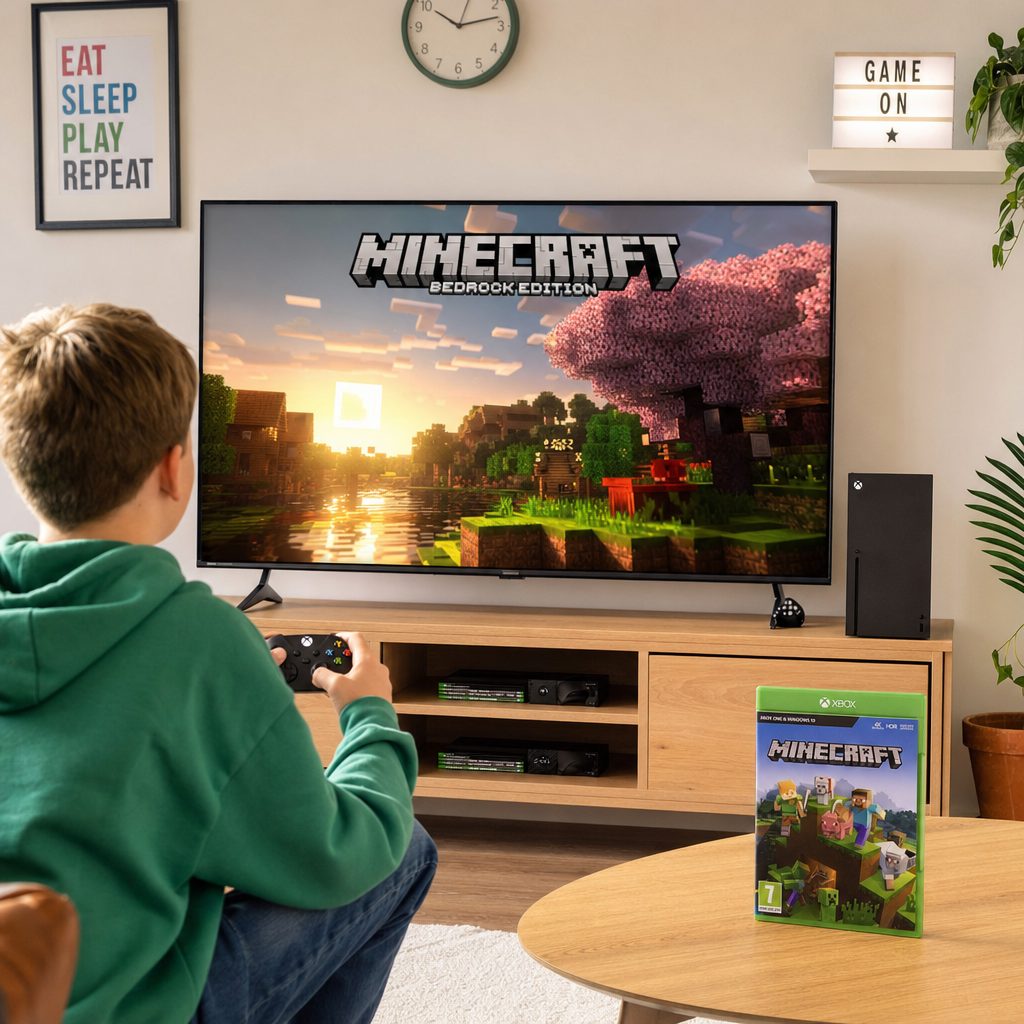
On DXR-capable hardware, Bedrock's ray tracing turns those familiar blocks into something surprisingly cinematic.
How Much RAM Does It Actually Use?
RAM anxiety is common with Minecraft, largely because of overblown advice online. Let me set the record straight based on real usage.
Vanilla Minecraft
Needs only 2–4GB of RAM. Perfectly happy on modest machines.
Lightly modded (with Sodium)
Wants 4–6GB. Still very reasonable for a modern PC.
Heavy modpacks
Rarely need more than 8GB, despite what forum myths might tell you.
So unless you're diving deep into ambitious modpacks, you almost certainly don't need to throw enormous amounts of memory at it. A machine with 8GB of RAM will handle nearly anything a household throws at Minecraft, and the default 4GB allocation in recent Java versions is well-judged.
Java vs Bedrock vs the Competition
Minecraft doesn't exist in a vacuum. If you're weighing it up against other creative sandbox games, here's how the editions stack up against each other and against the two obvious rivals families reach for.
| Feature | Minecraft (Java) | Minecraft (Bedrock) | Roblox | Terraria |
|---|---|---|---|---|
| Platforms | PC only | Console, mobile, PC | Cross-platform | Cross-platform |
| Cross-play | PC-to-PC | Full cross-play | Full cross-play | Limited |
| Modding depth | Deepest — huge mod scene | Marketplace add-ons | User-created experiences | Active mod community |
| Performance | Needs mods (Sodium) to shine | Runs smoother out of the box | Varies wildly by experience | Very light on hardware |
| Ray tracing | Via shader mods | Native on DXR GPUs | No | 2D — n/a |
| Best for | PC tinkerers & modders | Families & console players | Social online play | 2D adventure fans |
Roblox is the game most often mentioned in the same conversation, but it's really a different beast — a platform of user-made experiences rather than a single crafted world, and one that leans much harder into social play and, frankly, spending. Terraria is a wonderful 2D alternative that's gentler on hardware and heavier on progression and combat. But neither replicates Minecraft's particular magic: that open-ended, three-dimensional "build absolutely anything" freedom that has kept it relevant for well over a decade.
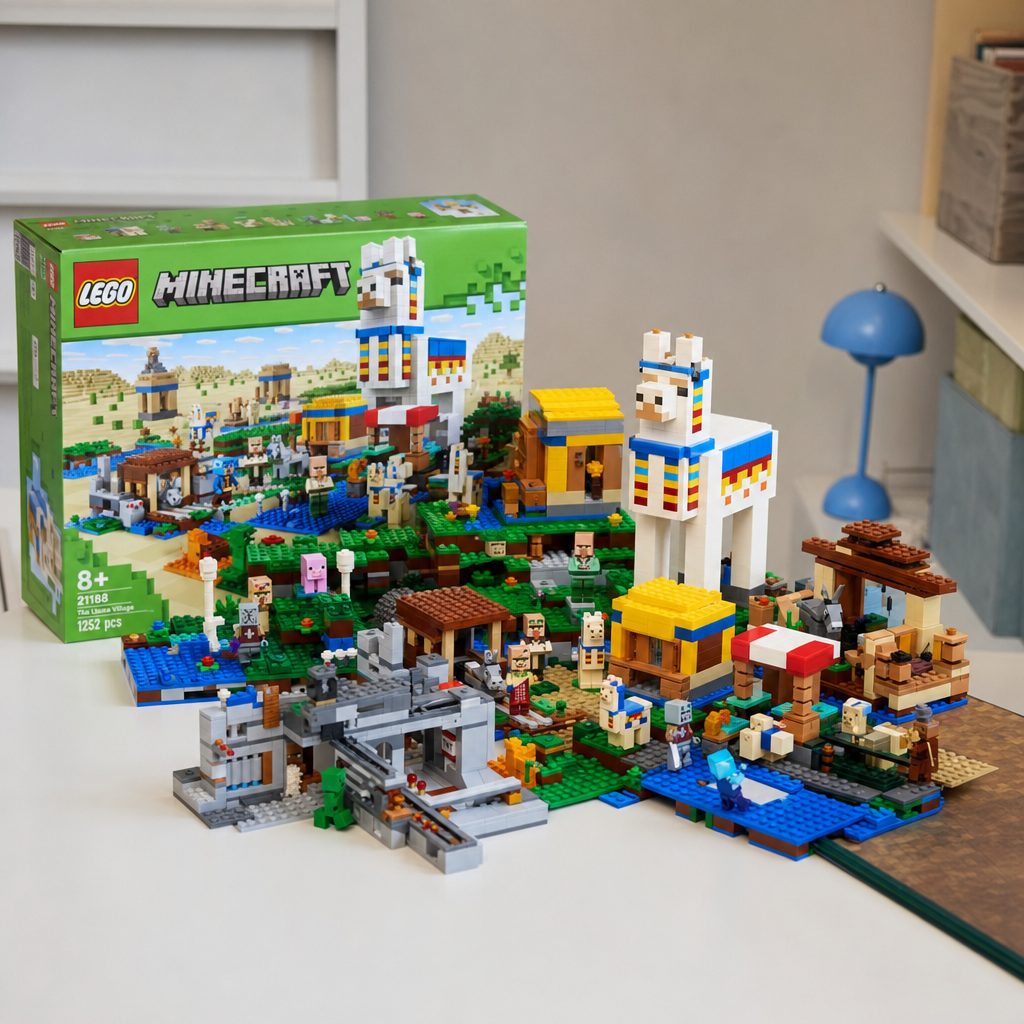
From humble survival huts to sprawling redstone contraptions, the creative ceiling is essentially limitless.
Daily Use: What It's Actually Like to Live With
Reviews often focus on numbers, but Minecraft's real strength is how it fits into daily life. It's a game you can pick up for ten minutes or lose an entire rainy Sunday to. Survival mode gives you goals — gather resources, fend off the mobs that spawn at night, build shelter, delve into caves — whilst Creative mode hands you unlimited materials and the ability to fly, turning the whole thing into a digital LEGO set with no bin of spare bricks to tread on.
For families, the cooperative angle is where it earns its keep. On Bedrock, my testing had a Switch, a phone and an Xbox player all building in one shared world without a hitch — the sort of thing that turns a wet half-term into something genuinely sociable. Java's multiplayer is deeper and more customisable for the technically minded, with community servers offering everything from mini-games to enormous role-play worlds, but it stays within the PC ecosystem.
The Good
- Runs on almost anything — from a Celeron laptop to a PS5
- Bedrock's cross-play lets the whole family build together
- Java's modding scene is effectively bottomless
- PC buyers get both editions in one bundle
- Ray tracing on capable Bedrock hardware looks superb
- Endless creative and educational potential
- Low storage footprint, especially on Bedrock (~300MB)
The Not-So-Good
- Vanilla Java is unoptimised — you'll want Sodium
- Performance hinges on single-core CPU speed
- Console online play needs a paid subscription
- Java and Bedrock worlds and cross-play don't mix
- The marketplace can nudge kids toward spending Minecoins
- Older 32-bit machines are capped at version 1.20.4
Pricing and Where to Buy
Minecraft is sold across a range of storefronts depending on your platform, and prices shift with regional currency, sales and bundles. On console it's usually bought through the platform's own digital store, whilst PC buyers get the combined Java and Bedrock bundle. Physical and download codes turn up regularly too, so it's always worth a quick price check before committing.
Check the latest price and any current bundles on Amazon.
A word on Minecoins, the in-game currency for Bedrock's marketplace. Bedrock features a marketplace where players can buy skins, texture packs and worlds, with individual items ranging from around $1 to $10 or more. If you're buying larger amounts, the 3,500 Minecoins bundle tends to be the best value option. Parents, it's worth setting spending controls before handing over the reins.
Who Should Buy Which Edition?
Families & Console Players
Go for Bedrock. It runs smoothly out of the box, needs no tinkering and its cross-play lets everyone build together across Switch, PlayStation, Xbox and phones.
PC Tinkerers & Modders
The PC bundle is the pick — you get Java for its unrivalled mod scene (start with Sodium) plus Bedrock for cross-platform sessions with console friends.
Young First-Timers
Bedrock on a console is the simplest, safest starting point. No settings to fiddle with, no mods to break, just tap the icon and start building.
Cosmetic Collectors
The Deluxe Collection bundles add-ons, exclusive Character Creator items and 700 Minecoins for players who love customising from day one.
Frequently Asked Questions
The Verdict
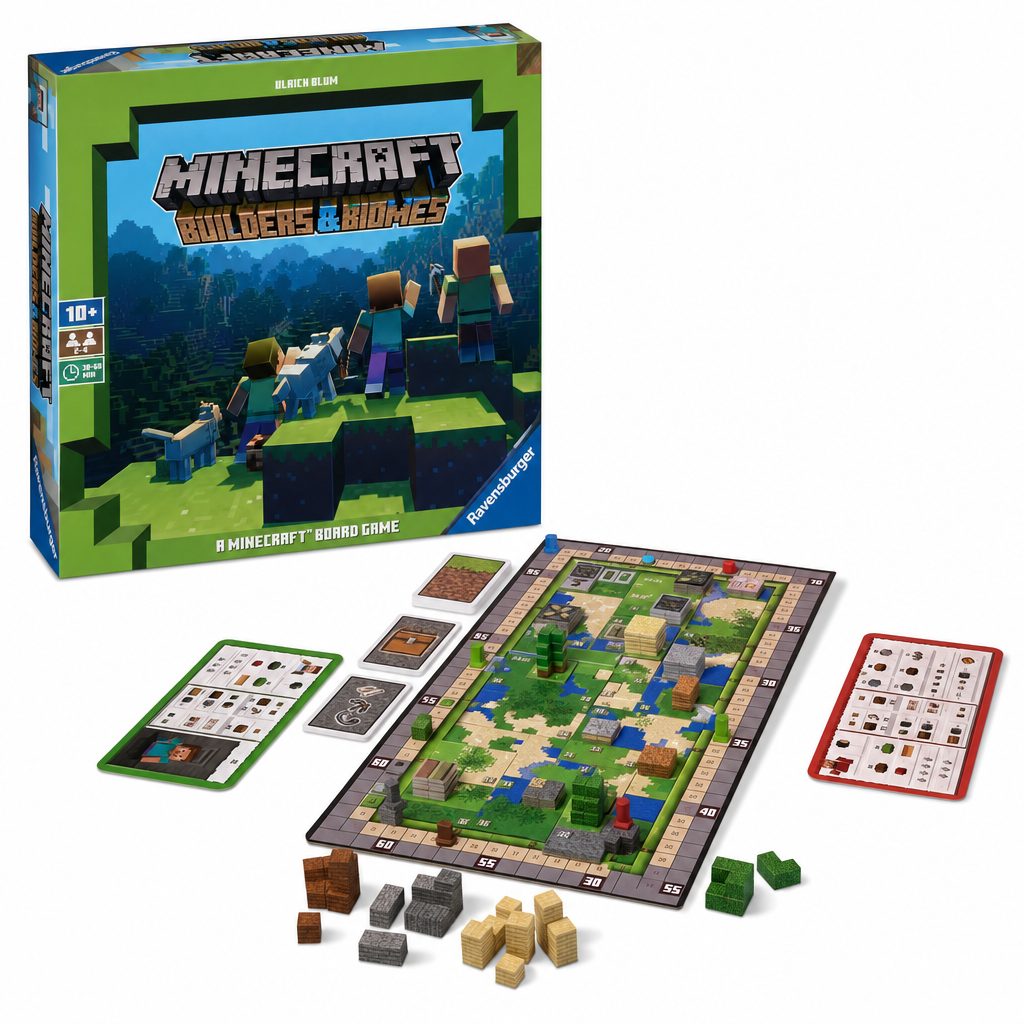
More than a decade on, Minecraft still earns its place as the definitive creative game for all ages.
Still the Benchmark for Creative Play
Minecraft has earned its extraordinary staying power honestly. It runs on virtually everything, from a humble Celeron laptop to a ray-tracing-capable PS5, it costs comparatively little for the sheer number of hours it delivers, and it bridges generations in a way almost no other game manages. The block-building formula that seemed so odd on launch has become one of the defining creative tools of the age.
It isn't flawless. Vanilla Java's performance genuinely needs the Sodium mod to reach its potential, single-core CPU speed remains a stubborn bottleneck, and console owners must factor in an ongoing subscription for online play. The marketplace, too, deserves a watchful parental eye. But these are quibbles set against a game of near-limitless scope.
My recommendation: families and console players should buy Bedrock for its effortless cross-play; PC owners should grab the combined bundle and install Sodium straight away. Whichever route you take, few purchases in the games aisle will keep a household entertained for as long. Minecraft remains, comfortably, the gold standard.