
PS5 Pro or a Gaming PC: Which Should a 4K Player Actually Buy?
The PS5 Pro promised a cleaner route to sharper 4K gaming. A properly specified PC promised considerably more headroom, but also a considerably larger bill. Here is the honest head-to-head for players who want pixels, frames and ray tracing without accidentally buying a hobby in cable management.
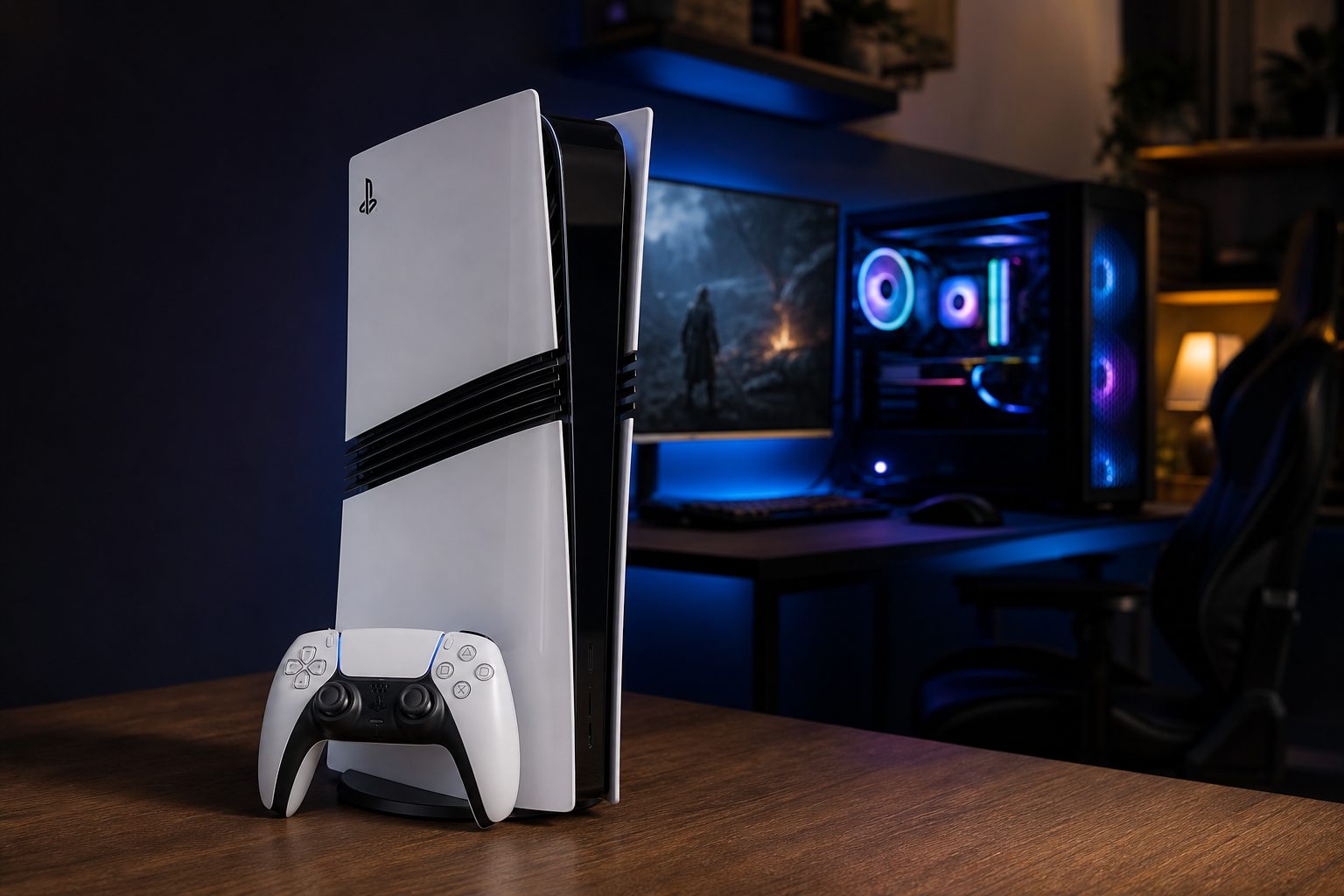
A 4K television and a serious gaming PC can both look spectacular, but they ask very different things of your wallet, desk and patience.
The short answer: this is a question of priorities, not tribal loyalty
There are few modern gaming arguments more reliable than "console versus PC". It sits somewhere between tea versus coffee and whether people should be allowed to play music from their phone out loud on public transport. Everyone has a view. Yet for a 4K player in August 2026, the answer is rather less dramatic than the internet would have you believe.
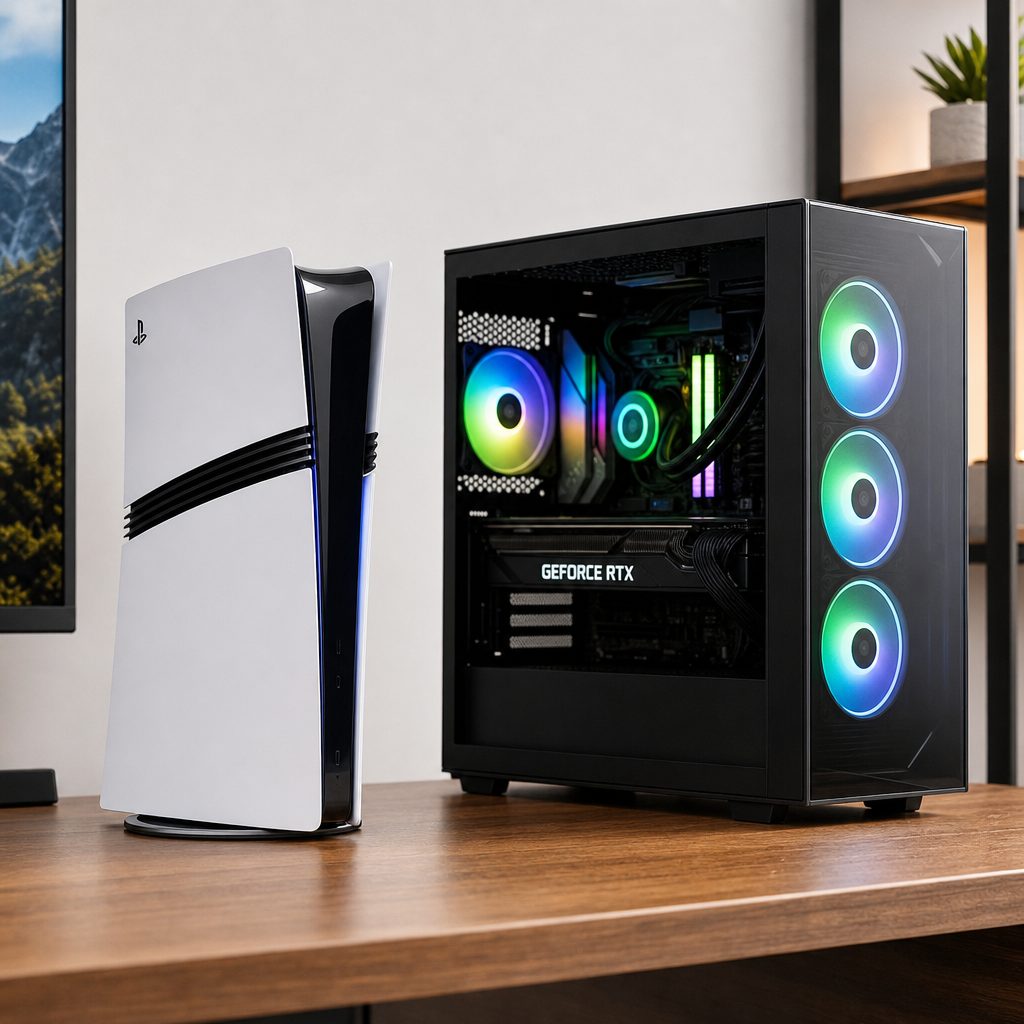
The PS5 Pro's fixed hardware is deliberately simple; the PC route ranges from near-console configurations to RTX 5080 systems built for much heavier 4K workloads.
The PlayStation 5 Pro was the neat, closed-box option. It paired a 16.7-teraflop AMD RDNA-based GPU with 16GB of GDDR6 memory, a 2TB SSD and Sony's PlayStation Spectral Super Resolution upscaling. In supported games, it was built to reduce the old compromise between a crisp image and a smooth frame rate. You could generally sit down, press the power button and get on with being chased by a robot dinosaur or swinging between skyscrapers.
A gaming PC was not one thing. That is its great strength and its mildly exhausting weakness. A Ryzen 5 7600X3D machine paired with an RX 9060 XT 16GB or RTX 5060 Ti 16GB could live around PS5 Pro performance territory. A machine using an RTX 5080 and a Ryzen 9 9900X sat in a different league, capable of much more demanding 4K ray-traced work. It also demanded a bigger budget, a display purchase if you did not already own one, and a willingness to make choices.
So, this is not a contest where one side is simply "better". The PS5 Pro was the more streamlined living-room purchase. A gaming PC was the more flexible, more upgradeable route, with a much higher performance ceiling. The useful question is not which machine wins a comment section. It is what you want to do at 4K, how much you can sensibly spend, and whether you want your gaming hardware to be an appliance or a project.
One important reality check: "4K gaming" did not always mean every pixel was rendered natively at 3840 x 2160. PS5 Pro used PSSR reconstruction from lower internal resolutions in many games, whilst high-end PCs also leaned on modern upscaling and frame-generation techniques in the toughest ray-traced titles. The picture on screen matters more than a single label on a box.
PS5 Pro versus gaming PC: the important numbers at a glance
Before getting into the fiddlier questions, here are the figures that establish the shape of this comparison. The PS5 Pro was a fixed specification, which made its proposition unusually clear. The two PC examples show why "PC" needs a little more explanation: one aims for console-like performance, the other exists to push well beyond it.
| Feature | PS5 Pro | PS5 Pro-tier gaming PC | RTX 5080 4K gaming PC |
|---|---|---|---|
| Graphics hardware | AMD RDNA-based GPU, 60 compute units, 16.7 TFLOPS | RX 9060 XT 16GB or RTX 5060 Ti 16GB | RTX 5080 16GB or equivalent RX 9070 XT |
| Processor | Eight-core AMD Zen 2 | Ryzen 5 7600X3D or similar | Ryzen 9 9900X or Core Ultra 7 265K |
| Memory | 16GB GDDR6 plus 2GB DDR5 system memory | 32GB RAM | 32GB DDR5-6000 RAM |
| Included storage | 2TB SSD | 2TB SSD | 2TB PCIe Gen 5 SSD |
| Typical 4K position | 4K gameplay at 60 to 120fps in supported titles | Roughly PS5 Pro performance territory | 80–110fps in Cyberpunk 2077 with RT Overdrive |
| Core component cost | $899.99 | About $963–$1,200 | About $2,562 |
Up-front cost: the PS5 Pro was cheaper, but accessories still mattered
At the time of this comparison, the PS5 Pro was priced at $899.99 in the US, £789.99 in the UK and €899.99 in Europe. That was a significant climb from its November 2024 launch price of $699.99. It was also digital-only. If your shelf contained existing disc games, or you simply preferred owning a physical copy, the separately sold disc drive added $79.99. It did not ship with a stand either, which was one of those small details that made the premium price feel a touch less premium.
That said, the console included a 2TB SSD. Do not skip past that line too quickly. Storage is a real component expense in a gaming PC, and 2TB is a comfortably useful starting point for a machine meant to carry large modern games. The console also included its entire platform in one tidy purchase: processor, graphics, memory, storage, case, cooling, power supply and wireless connectivity. There is financial value in not needing a spreadsheet.
The apparent value gap narrowed sharply once you tried to build a comparable new PC. A PS5 Pro-level collection of core components, centred on a Ryzen 5 7600X3D and either an RX 9060 XT 16GB or RTX 5060 Ti 16GB, landed at roughly $963 to $1,200 before adding a Windows 11 licence, case, power supply or peripherals. In other words, it was not genuinely comparable to the console's ticket price until you had added several important things the console already handled.
Then there was the high-end route. An RTX 5080 4K PC had a component total around $2,562 before monitor or peripherals, with a more complete high-end build cited at roughly $3,500. That is not a criticism. It is simply a different sort of purchase. It was the price of entering a class of performance the PS5 Pro could not target.
PS5 Pro
2TB SSD included; digital-only console.
Disc drive add-on
Separate purchase for physical PS5 games.
PS5 Pro-tier PC core
Core components only, before several essential extras.
RTX 5080 PC core
High-end component total, excluding display and peripherals.
The cost-per-frame lesson
The PS5 Pro was the more economical route to a polished 4K living-room experience because its $899.99 price included a working, cooled and fully assembled platform. The PC argument became stronger only when you valued its extra performance ceiling, its broader hardware flexibility, or its ability to be changed over time. Buying a PC merely to imitate a PS5 Pro was rarely the bargain it first appeared.
4K image quality: PSSR gave PS5 Pro a convincing party trick
The PS5 Pro's central technical idea was not simply brute-force graphics power. It was PSSR: PlayStation Spectral Super Resolution. This AI-powered reconstruction system rendered games internally at lower resolutions, often around 1080p or 1440p, then rebuilt a near-4K image using machine-learning models integrated into the GPU hardware.
That may sound like the sort of sentence which requires a reassuring pat on the shoulder. In practical terms, it meant Sony had a tool to target a sharp 4K-looking image without forcing every game to render every frame at native 4K. Independent Digital Foundry testing found improved geometry definition, reduced shimmering and better texture clarity than the base PS5's output, particularly when scenes were moving quickly. That last part matters. A still screenshot can flatter almost anything. A fast camera pan through foliage, rain or detailed city streets is where reconstruction earns its supper.
Tom's Guide observed a noticeably sharper 4K presentation from the Pro, alongside sometimes up to 20% more frames per second in supported titles. The improvement was not magic, and it was not identical from one game to another. But it was a meaningful change in the exact place console players notice most: the irritating old choice between the pretty mode and the smooth mode became less severe.
A PC could take a very different approach. At the RTX 5080 level, it had enough horsepower to chase extremely demanding effects at 4K, particularly with the aid of modern upscaling and frame generation. A 32-inch 3840 x 2160 IPS monitor with a 160Hz 4K mode was a particularly telling partner. It could also switch to 1080p at 320Hz, which demonstrated the flexibility of the PC route rather neatly. You were not locked into one intended display scenario.
The catch was that high-quality PC 4K did not arrive cheaply. A monitor of that specification was a separate purchase of $500 or more. If you already owned a capable 4K television, the PS5 Pro could make immediate sense. If you needed to buy the screen as well, factor it into your decision rather than letting it hide behind the sofa cushions.
PS5 Pro: living-room first
PSSR focused on making the 4K television experience look sharper whilst preserving the smoothness players expected from performance-focused console modes.
PS5 Pro: reconstruction rather than brute force
Internal resolutions could be lower than 4K, with PSSR rebuilding the final image. That was a sensible use of fixed hardware, not a cheat.
PC: display choice is yours
A high-end PC could feed a 4K 160Hz monitor, and the same dual-mode panel could operate at 1080p and 320Hz when raw speed mattered more.
PC: more room to tune
PC hardware offered the ability to aim for a different balance of image quality, ray tracing and frame rate, though it also made you responsible for those choices.
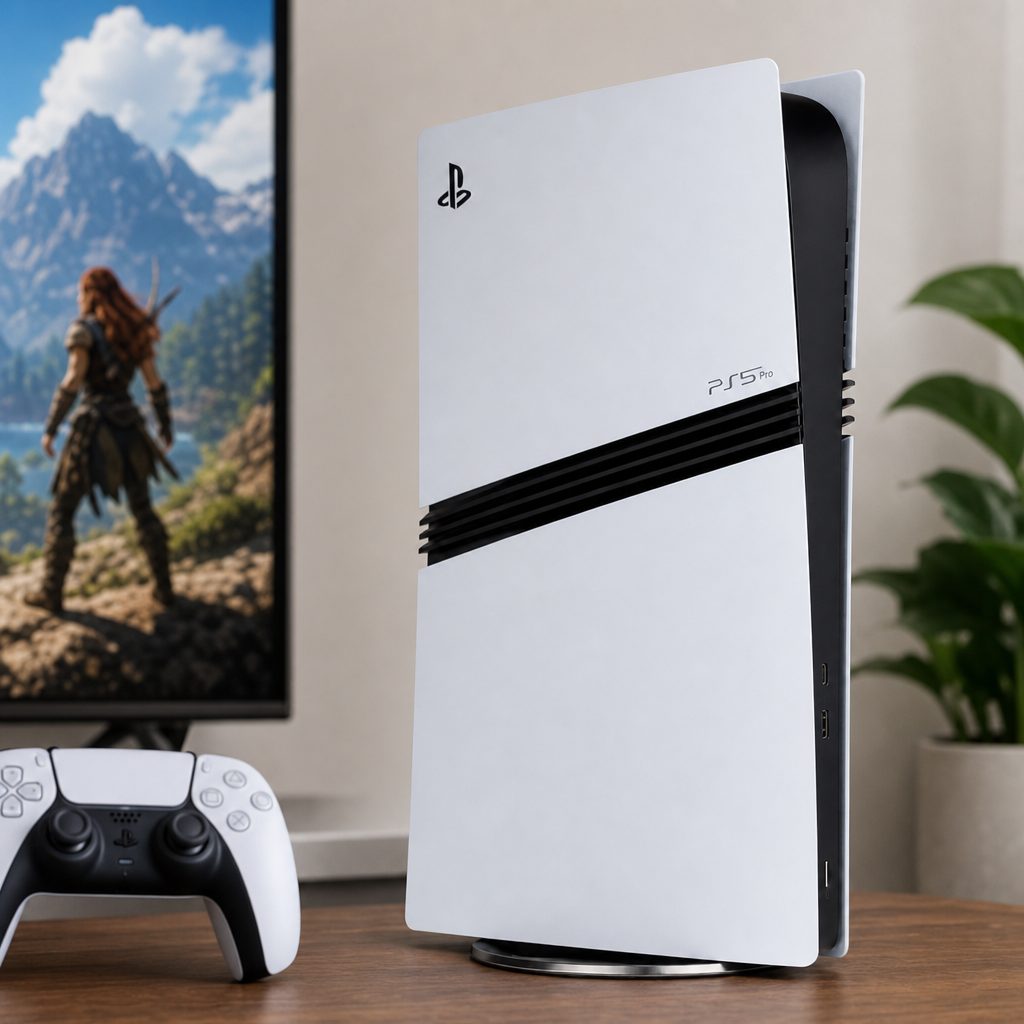
PSSR was designed to make a lower-resolution internal image hold together convincingly on a 4K screen, especially in motion-heavy scenes where shimmering is easy to spot.
Frame rates: 60fps was the PS5 Pro sweet spot, not the whole story
For most players, the PS5 Pro's best achievement was that it made 60fps and a more ambitious visual presentation coexist more comfortably. The console consistently delivered 4K gameplay at 60 to 120fps with ray tracing enabled in supported titles. That is a broad statement, so it is worth separating the headline from the detail: individual game modes still mattered, and the PS5 Pro retained the same eight-core Zen 2 CPU architecture as the base PS5. Not every limitation disappeared because the graphics hardware grew stronger.
Still, the examples were persuasive. Marvel's Spider-Man 2 ran at native 4K and 60fps with ray tracing. Final Fantasy VII Rebirth had a Performance mode at 4K. Horizon Forbidden West used 8K checkerboard output with enhanced ray tracing. These were not tiny, technical-demo games. They were the sort of large, detailed productions that make players buy a new television and then spend an afternoon adjusting its picture settings with the intensity of a museum curator.
A PS5 Pro-tier PC could broadly match that console class, putting it roughly around RTX 4070 or RTX 5070 territory depending on the game. The precise equivalency was not fixed because PC performance varies with configuration and software. That is exactly why broad "TFLOPS versus TFLOPS" arguments are not especially useful across different architectures. The real comparison was the outcome: a machine in this area could pursue a similar 4K/60-style target, but it cost more once built as a complete usable PC.
The RTX 5080 system was a clear step upward. In Cyberpunk 2077 with RT Overdrive at 4K, it delivered 80–110fps. It could exceed 120fps in Fortnite at 4K Epic and run Valorant above 500fps. Those latter figures are rather academic if your display cannot show them, of course, but they reveal how far the ceiling moved. A 4K 160Hz panel suddenly stopped being an absurd luxury and became a display the PC could make proper use of in the right games.
The final bar is important because it removes a little marketing fog. Even the RTX 5080 did not make 4K path tracing effortless. In path-traced scenes from Cyberpunk 2077, Alan Wake 2 and Black Myth: Wukong, native rendering without frame generation ran around 35–45fps. With frame generation in use, those games could hold a 60fps floor and often reach 80–90fps. That is hugely impressive, but it also explains why the PS5 Pro's focused reconstruction strategy remained sensible.
Ray tracing: PS5 Pro improved the console baseline, RTX 5080 chased the frontier
Shop PS5 Pro improved the console baseline, RTX 5080 chased the frontier on Amazon UK
Ray tracing was where the difference in ambition became especially clear. The PS5 Pro's GPU offered up to two to three times the ray-tracing throughput of the standard PS5. In practical game terms, that created more scope for better reflections, shadows and global illumination without instantly sacrificing the sort of frame rates people actually wanted to play at.
It is easy to reduce ray tracing to reflections in puddles, which does the technology a disservice and perhaps gives puddles an inflated sense of importance. Better lighting can subtly change the entire mood of an environment: how a room receives bounced light, the way a character appears against a bright window, or whether a city at night feels coherent rather than assembled from separate shiny bits. The Pro's advantage was that it could bring more of that polish into console modes which still felt responsive.
But an RTX 5080 PC was designed for more extreme work. Its 4K RT Overdrive result in Cyberpunk 2077, at 80–110fps, was the sort of number the PS5 Pro was not built to answer. The PC could target path-traced games at a level where frame generation helped maintain a stable 60fps floor, with frequent movement into the 80–90fps range. If your dream was the most aggressive lighting settings available, paired with a fast 4K monitor, the PC had the stronger case. Full stop.
The sensible caveat is that not every game benefits equally, and not every player notices every visual improvement equally. Some will gladly trade a more expensive graphics card for the most convincing lighting in the business. Others would rather spend that money on games, a better chair, or something wildly extravagant such as groceries. The PS5 Pro was not a substitute for an RTX 5080. It was a much more affordable attempt to make ray tracing feel less like an optional luxury on console.
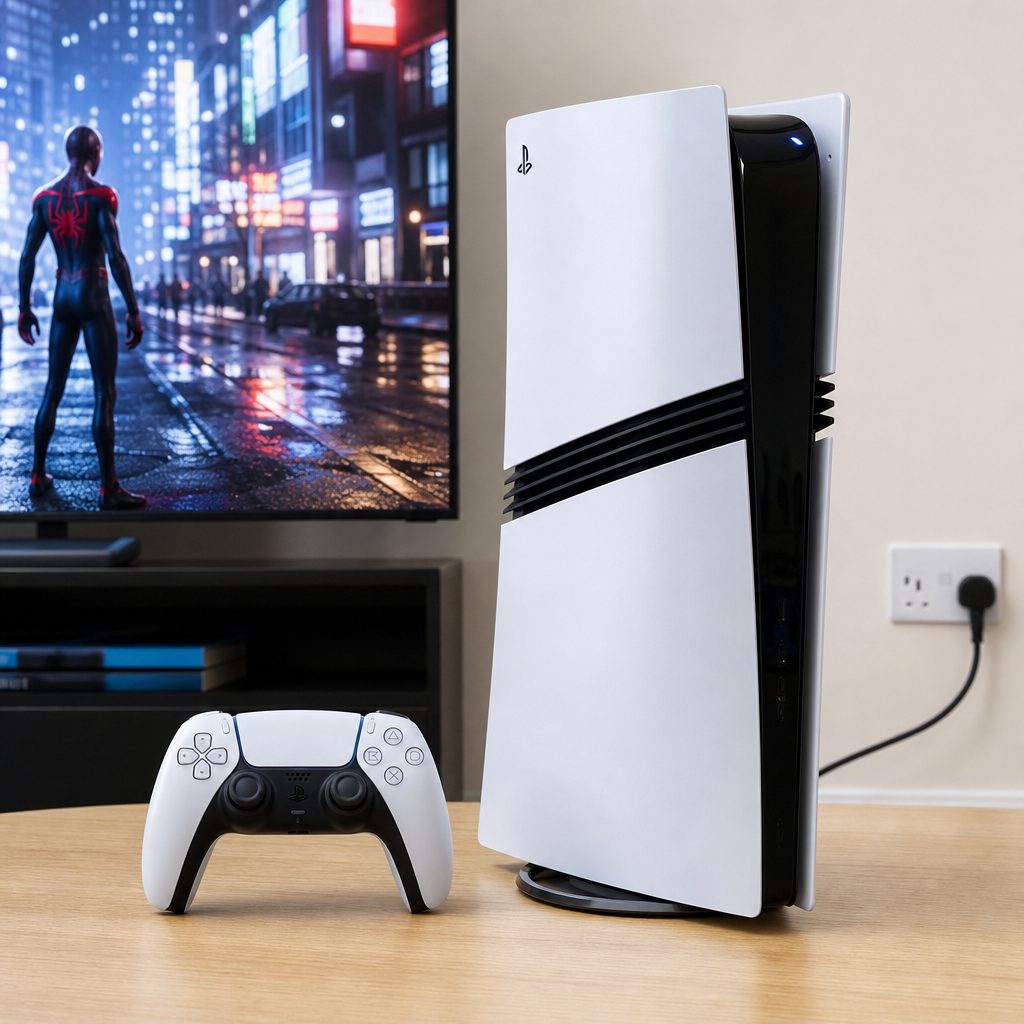
Ray tracing can improve reflections, shadows and global illumination, but the bigger question is how much visual ambition you want without sacrificing the frame rate you enjoy playing at.
Hassle, noise and power: the console quietly won the everyday battle
This is the section PC enthusiasts tend to glide past at speed, much like somebody avoiding eye contact after saying "it only took me one weekend to build". A gaming PC can be wonderfully rewarding. It can also involve choosing parts, assembling them or selecting a pre-built machine, connecting a monitor, installing an operating system, keeping drivers current and deciding how deeply you want to investigate a performance setting when a game behaves oddly.
None of that was impossible. Plenty of people enjoy it. But it was work, and the PS5 Pro's strongest argument was that it removed nearly all of it. Its hardware was fixed, its storage was already installed, and its interface was built around launching games on a television. You did not need to decide between a 1000W ATX 3.0 or 3.1 power supply, whether a 360mm AIO radiator suited your chosen case, or how much desk space was about to disappear under a very expensive black box.
Power was also friendlier on the console side. The PS5 Pro consumed roughly 200–230W depending on the game and demand. It was very close to the standard PS5 overall and could even be slightly more efficient in some games or scenes. That was impressive given the higher performance. A high-end PC specification with a 1000W recommended PSU did not necessarily draw 1000W constantly, but it made the difference in hardware scale obvious.
Noise is more personal, because room temperature and seating distance matter. Still, the Pro featured quieter fans and improved heat dissipation compared with the original PS5. That is not a glamorous upgrade, but it is one you appreciate during a quiet scene. A console that sounds less like it is preparing for take-off is a console you notice less, which is precisely the point.
PS5 Pro strengths
- Fixed hardware and 2TB storage arrived ready to play.
- Its roughly 200–230W consumption was close to standard PS5 levels.
- Improved ventilation and quieter fans helped its living-room manners.
- PSSR gave supported games a focused route to sharper 4K output.
PS5 Pro limitations
- The eight-core Zen 2 CPU was unchanged from the base PS5.
- It was digital-only unless you bought the separate $79.99 disc drive.
- The stand was not included.
- Its performance ceiling remained below a properly equipped RTX 5080 PC.
Upgrade path: the gaming PC was the long-game option
The word "upgradeable" can be used rather lazily in PC discussions, as if changing parts is automatically cheap, simple and universally desirable. It is neither. A new graphics card, processor or storage drive is still a purchase, and high-end hardware can be spectacularly expensive. But the underlying advantage is real: a PC is not a single fixed hardware target in the same way a console is.
A PC starting with 32GB of RAM, a 2TB SSD and a modern platform had room to become something else later. You could replace or add storage. You could change the graphics card when the time came. You could choose a different monitor as your priorities changed. That flexibility matters particularly to the buyer who sees this not as a one-off purchase for the next few years, but as the foundation of a longer-running setup.
The PS5 Pro did have one meaningful hardware expansion route: its PCIe Gen4 x4 M.2 NVMe slot. That let owners expand its storage rather than live forever within the supplied 2TB. For a console, that was the sensible upgrade. It targeted the bit players genuinely run out of first. It did not turn the machine into a modular PC, nor did it need to. Consoles succeed partly because they prevent you from forever wondering whether next month's component will be a better deal.
There is a psychological difference here too. With a PS5 Pro, you buy the best version of a defined PlayStation experience and then stop thinking about hardware. With a PC, you gain the freedom to adjust and improve, but you also inherit the possibility of always wanting one more improvement. Both are valid. One is a hobby. The other is a machine for playing games. Sometimes those overlap; sometimes they very much do not.
Display choice: television convenience versus monitor headroom
If your 4K screen was a television in the lounge, the PS5 Pro had a beautifully straightforward fit. Its purpose was to make supported games look stronger on the sort of large screen many homes already had. It supported Wi-Fi 7 and Bluetooth, had USB-C and two USB-A connectors on the front, and avoided the strange little ritual of arranging a desk around a tower, keyboard, mouse and monitor.
A high-end PC rewarded a more deliberate display purchase. The cited 32-inch IPS panel ran at 3840 x 2160 and 160Hz, with a 0.3ms response time. It could also operate in a 1080p 320Hz mode. That dual-mode approach was compelling for somebody who played both visually demanding 4K games and very fast competitive games. The RTX 5080's 500-plus-fps Valorant result made rather more sense when paired with a display designed to prioritise speed.
However, that display cost $500 or more separately. It was not an incidental extra. Nor was it necessary for every player. A person who primarily wanted to play from the sofa might regard a 32-inch desk monitor as a downgrade in comfort, even if its technical specification was stronger. Equally, somebody who already owned a good monitor may find the PC economics less intimidating than a television-first buyer would.
This is why I would not choose a machine before considering where it will live. The nicest frame-rate graph in the world does not help if it commits you to playing in a room you do not like using. A console on a 4K TV remains hard to beat for relaxed, shared-space gaming. A PC at a desk can be a far more personal and capable setup. The winner is largely determined by where you want to sit.
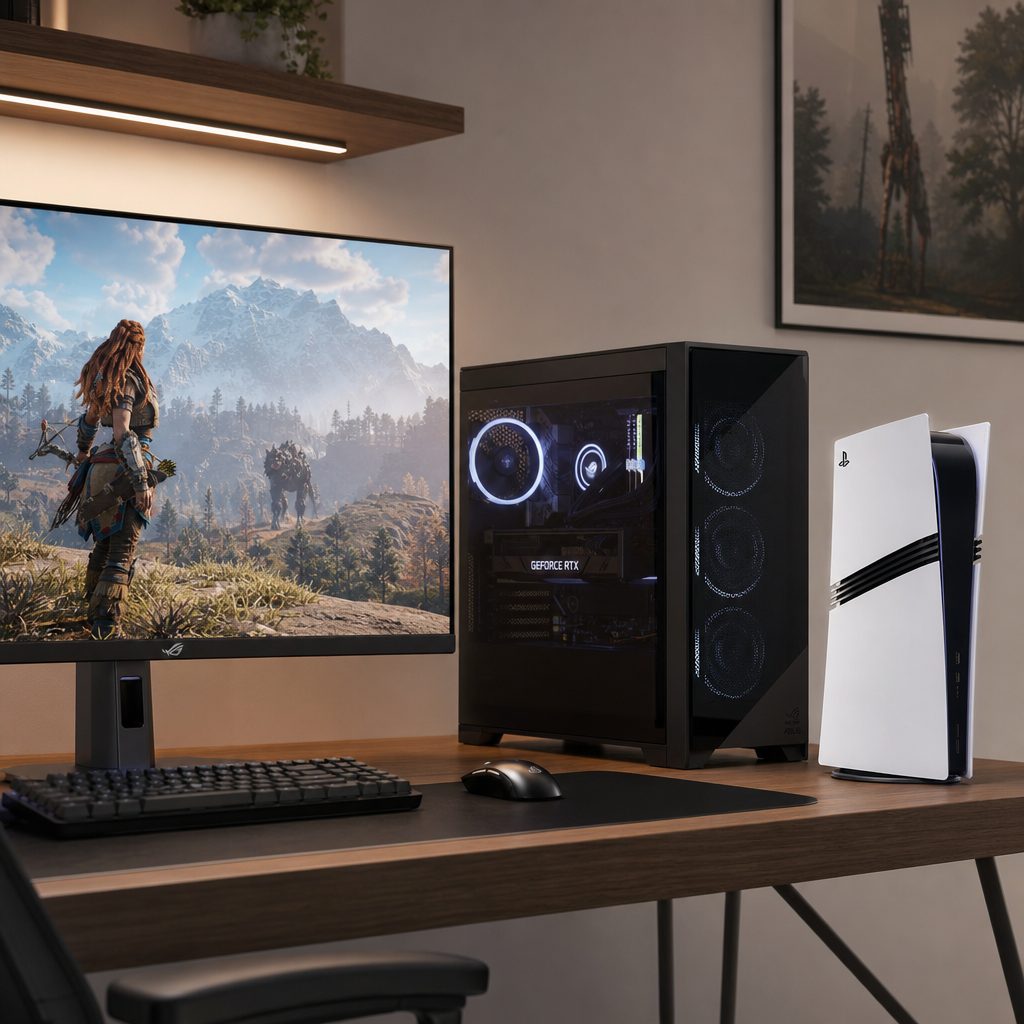
A 32-inch 4K 160Hz monitor gives an RTX 5080 PC room to stretch, whilst the PS5 Pro makes most sense for players already committed to a 4K television setup.
Value over time: pay for the performance you will genuinely use
The PS5 Pro was not cheap. At £789.99 in the UK, it was very much a premium console rather than an impulse purchase. But its value proposition was unusually easy to understand once you accepted its purpose. You were paying for a more capable version of a familiar console design: better raster performance, substantially stronger ray-tracing throughput, quicker GDDR6 memory bandwidth of up to 576GB/s, 2TB of storage and PSSR. It was a concentrated package.
The PS5 Pro did not make financial sense for every PS5 owner. If you were satisfied with the base system's visual modes, there was no need to treat it as mandatory. If, however, you had a 4K display and repeatedly found yourself choosing between image quality and frame rate, it directly addressed that frustration. The sharper output and occasional up-to-20% frame-rate improvement in supported games were not abstract upgrades. They were the exact things you could see and feel.
A parity-class PC had a harder value case at the start because its core parts alone cost around $963–$1,200 before several essentials. Its argument was flexibility rather than instant cheapness. It was a better buy for a person who needed a computer as well as a gaming machine, wanted to tailor a display setup, or expected to change parts later. It was not automatically a better buy for a player who wanted one evening's setup and a reliably polished 4K console experience.
The RTX 5080 PC was a luxury performance decision. It was for the person who looked at 4K RT Overdrive in Cyberpunk 2077 at 80–110fps and thought, yes, that is the point. At roughly $2,562 for components before monitor and peripherals, it was nowhere near the PS5 Pro's value category. But it offered results the PS5 Pro simply could not approach, including the ability to tackle path-traced games at a stable 60fps floor with frame generation and often 80–90fps.
That score is not a claim that the PS5 Pro is "better" than a high-end PC. It is a measure of how effectively it delivered the specific 4K TV experience most console buyers wanted without creating a much larger shopping list. A premium PC would score higher on ultimate performance and upgrades, but lower on simplicity and initial cost. The right score is the one that matches your own priorities, not the one with the biggest number.
Best pick by player type
Here is the practical shopping advice. I have deliberately not tried to force every buyer into the same answer, because that is how you end up with somebody spending thousands on a PC to play from a sofa at 60fps, or somebody buying a console when what they actually wanted was a desk-based 160Hz setup. Both would be slightly tragic. Not devastatingly tragic, obviously. But avoidable.
Best for the more controlled spend: PS5 Pro
The $899.99 console included its 2TB SSD and complete working platform. A comparable PC's core parts alone began around $963–$1,200 before several essentials.
Best for 4K television gaming: PS5 Pro
Shop Best for 4K television gaming on Amazon UK
PSSR, improved ray tracing and supported 4K 60–120fps gameplay made it the cleaner choice for someone who wants a premium console in the lounge.
Best premium performance: RTX 5080 gaming PC
Shop RTX 5080 gaming PC on Amazon UK
Choose this if 4K RT Overdrive at 80–110fps and path-traced games at a stable 60fps floor with frame generation are the goal.
Best for long-term hardware flexibility: gaming PC
A PC could be evolved with different storage, graphics hardware and displays. The PS5 Pro's practical expansion route was its M.2 storage slot.
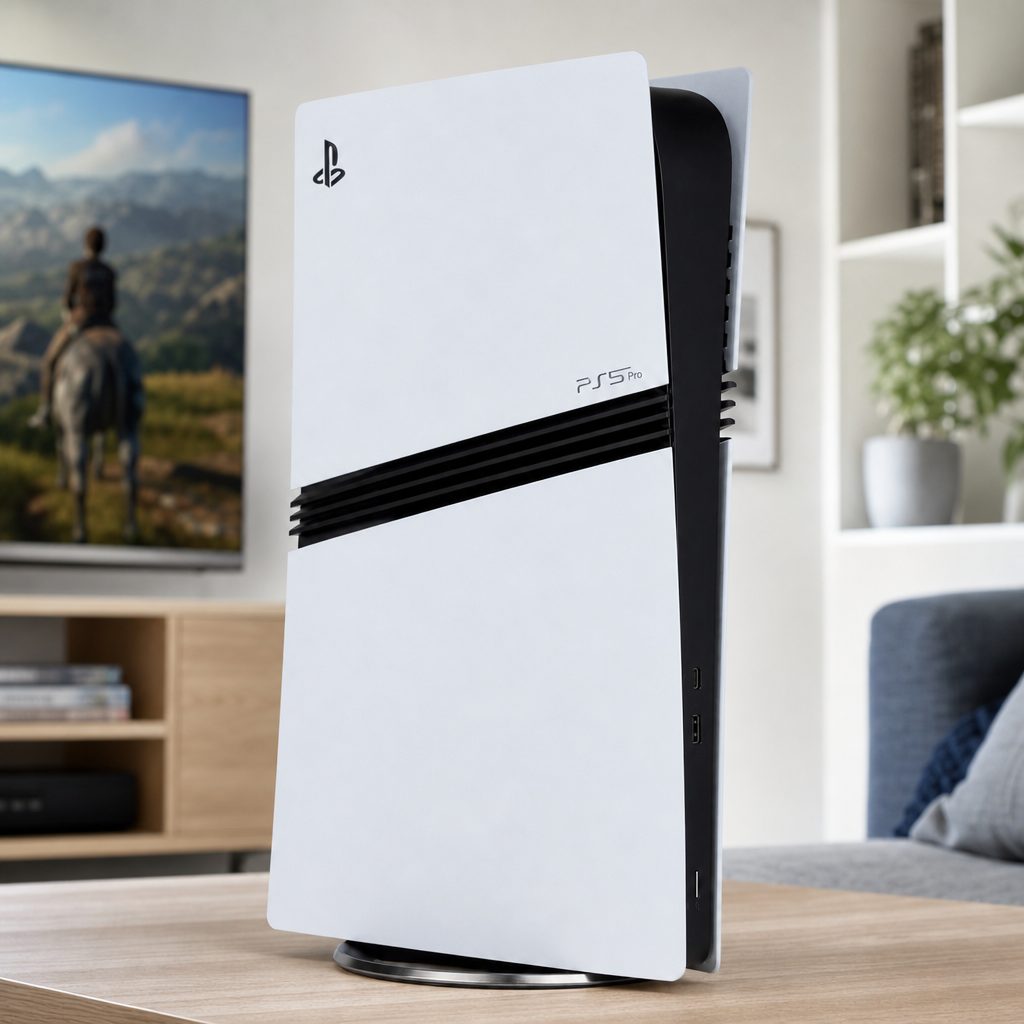
The better purchase depends on whether you value a compact 4K television experience, the headroom of high-end PC hardware, or the ability to alter your setup over time.
Frequently asked questions
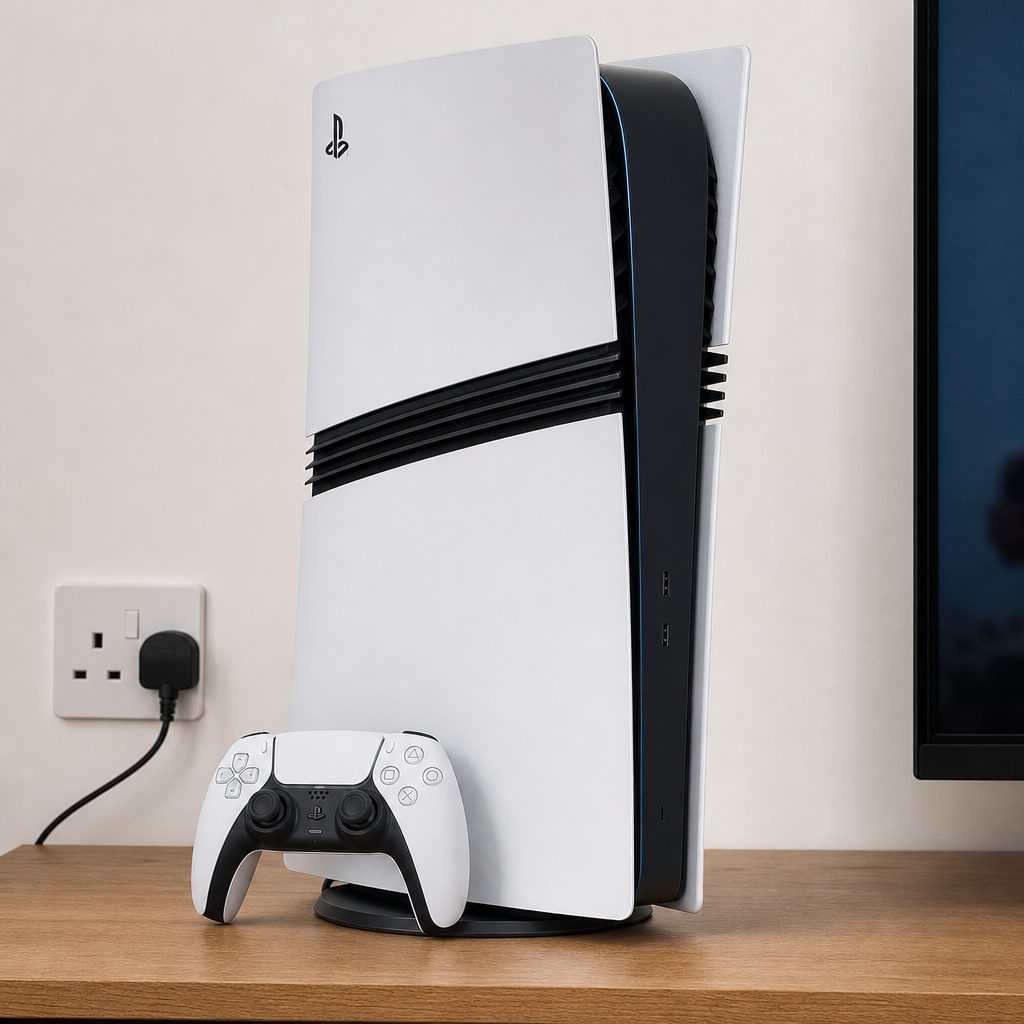
For most people, the sensible choice is the one that delivers the 4K experience they will actually use every week, not the one that wins the most impressive specification argument.
The final verdict: buy the PS5 Pro for ease, a gaming PC for ambition
Buy the PS5 Pro if you want the most straightforward premium 4K console experience for a television. It brought a sharper PSSR-enhanced picture, substantially improved ray tracing, 2TB of built-in storage and supported 4K gameplay at 60–120fps into one comparatively compact package. It was still expensive at £789.99, and the lack of an included disc drive or stand was stingy, but it made far more financial sense than building a PC simply to reach similar results.
Buy a PS5 Pro-tier gaming PC if you want the flexibility of a computer, enjoy choosing your own hardware and display, and accept that a genuinely comparable setup cost more once complete. It was the route for someone who values the ability to evolve a machine rather than replace a whole platform.
Buy an RTX 5080 gaming PC if your real target is uncompromising 4K performance: RT Overdrive at 80–110fps, 4K Epic gaming above 120fps in the right titles, and a fast 4K monitor that can show it. It was emphatically not the value choice. It was the performance choice. For everyone else, the PS5 Pro remained the more sensible 4K player's purchase: less faff, less hardware anxiety, and more time spent actually playing.