
Why Is My PS5 Pro So Loud? Fan Noise and Overheating Fixes
A PS5 Pro is a powerful bit of kit, and some audible fan noise during a long 4K session is perfectly normal. A sudden whine, a persistent roar or an overheating warning is different. Here is how to work out what you are hearing, clean and place the console safely, and decide when it is time to ask PlayStation for help.
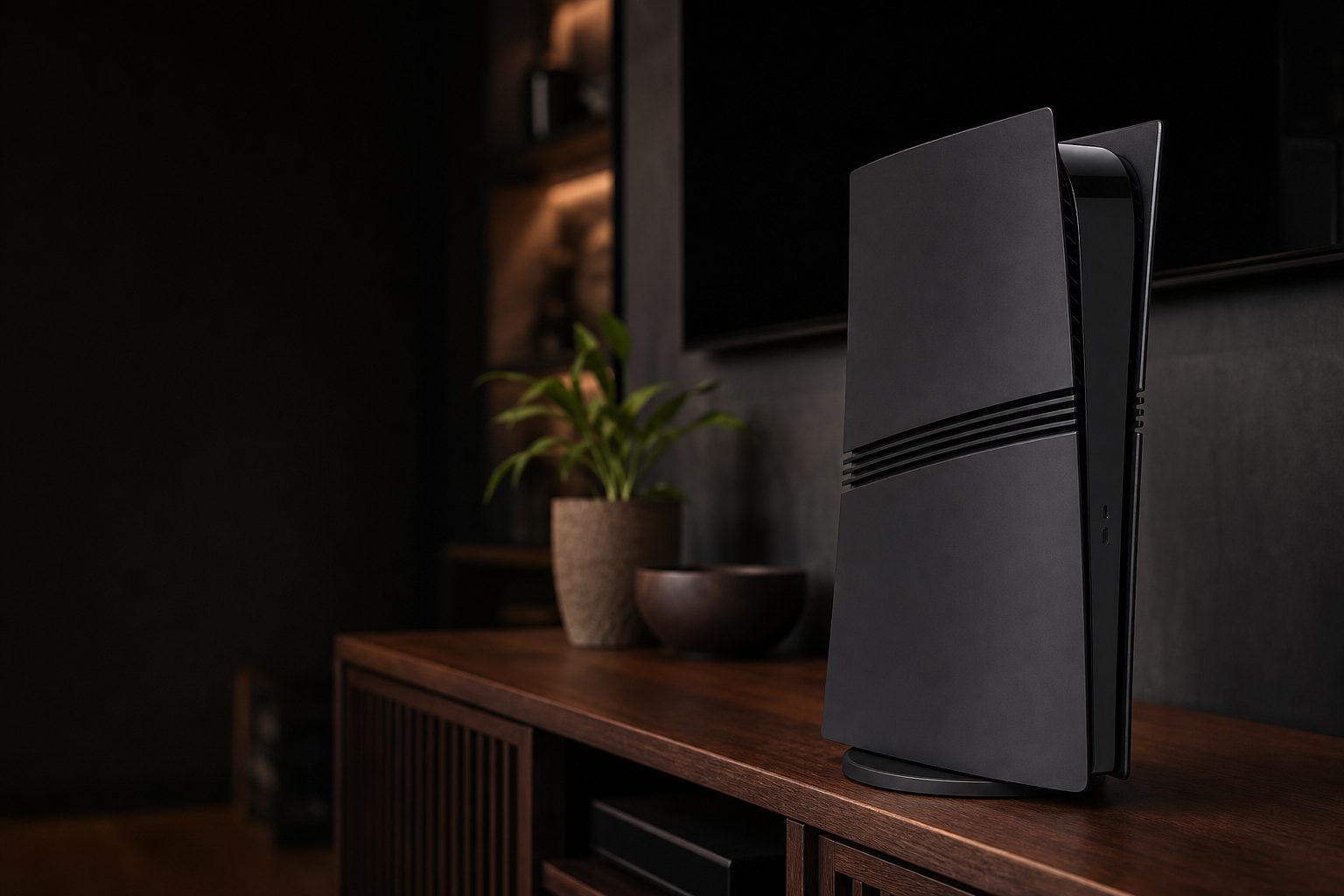
A PS5 Pro needs clear, cool air around its side intakes and rear exhaust; a handsome television cabinet is not automatically a sensible home for one.
1. Start by deciding whether the noise is actually abnormal
First, the reassuring bit: a PS5 Pro is not meant to be silent. It has a substantially more capable graphics system than the original PS5, including 67% more GPU compute units and 28% more memory. When a demanding enhanced game is pushing high frame rates, ray tracing and PSSR upscaling at once, heat has to leave the machine somehow. That job belongs largely to the fan.
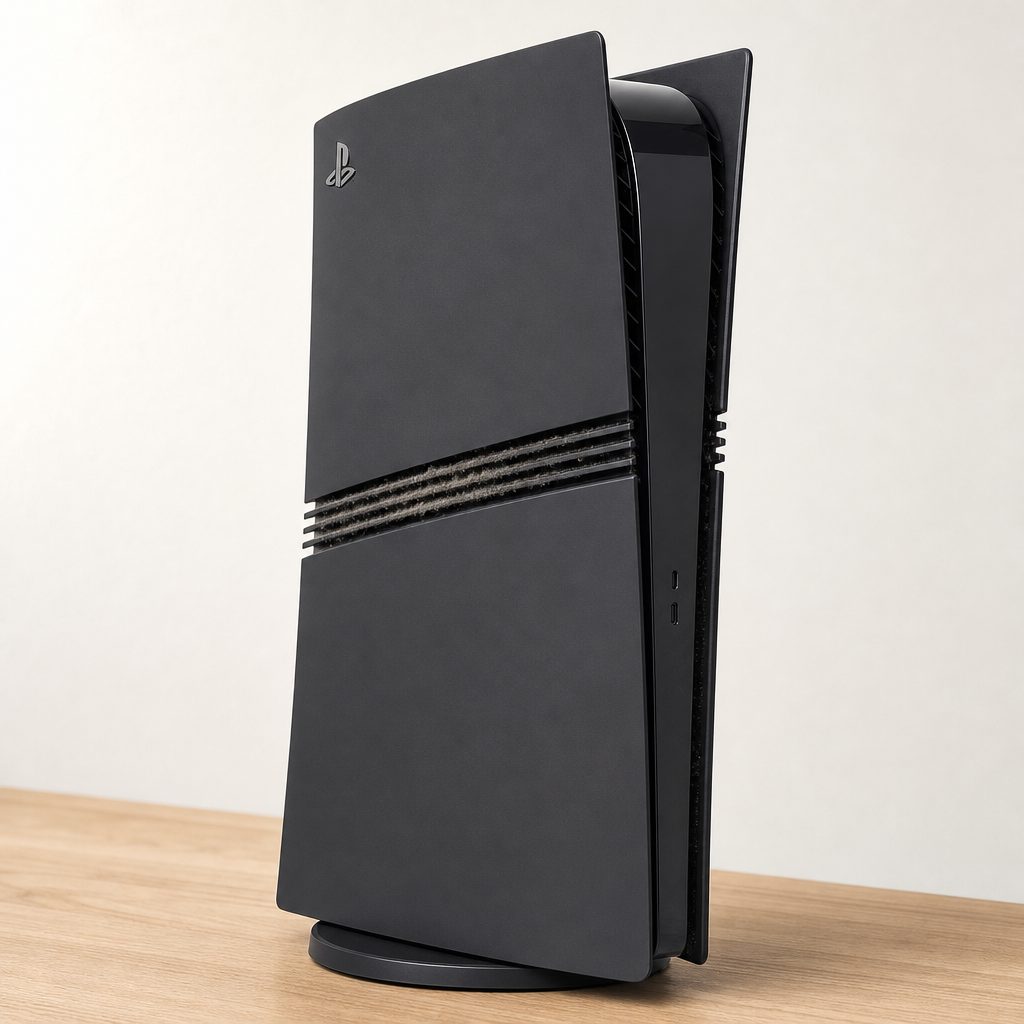
Dust gathers first around intake openings and accessible collection areas, restricting airflow long before the outside of the console looks especially grubby.
In moderate gameplay, a PS5 Pro commonly lands around 35–45 dB, broadly similar to a quiet desktop fan. Under sustained heavy load, readings of 45–55 dB have been reported. One set of real-world observations found a room baseline of about 44 dB, around 46 dB on the PS5 Pro menu, and roughly 47–54 dB in Astro Bot. Those figures sound more dramatic written down than they often feel in a living room, particularly from two or three metres away, where measured output was notably below 30 dBA.
What matters is the character and change in the sound. A gentle rush of air that grows during a demanding game and eases once you return to the dashboard is expected. A rattle, clicking, scraping sound, repeated pulsing, or a fan that immediately sounds like it is trying to leave orbit is worth investigating. Consoles are very good at making us notice a new noise at 11:30pm, when the rest of the house has finally gone quiet. Still, trust your ears if the difference is obvious.
Do not diagnose a console with a phone app alone. Handy as they are, phone decibel apps can be wildly inaccurate because microphones, cases, distance and room reflections all affect the result. Use measurements as a rough before-and-after comparison, not a warranty verdict.
2. Identify the sound before trying a fix
"Loud" can mean several entirely different things. Separating them saves you from cleaning a fan that was innocent all along.
Airflow rush
A smooth whoosh that rises with demanding gameplay is normal fan behaviour. It should not include vibration, grinding or sharp mechanical ticks.
Dust-restricted fan
A stronger, higher-pitched airflow sound that worsens gradually over months often points to a fan working harder because the path through the console is dirty.
Coil whine
This is a thin electronic buzz or chirp rather than moving air. Some owners noticed it most in games with uncapped frame rates, including some Hoyoverse titles.
Disc-drive activity
If you fitted the optional disc drive, a brief spin-up when installing or checking a disc can be audible. It is separate from the console's cooling fan.
Coil whine is the awkward one. Moving the console, cleaning dust or pointing a room fan at it will not cure it because it is electrical noise from components under particular loads. A game menu with an uncapped frame rate can make it more noticeable than the actual game. Try another title, move to gameplay from the menu, and listen from your usual sofa position rather than with your ear beside the casing. If it is only faintly audible at close range and performance is normal, it is usually more annoyance than danger.
A mechanical rattle deserves more attention. Check that the console is stable on its stand or feet, that no cable is tapping the casing, and that the optional disc drive is firmly fitted if you use one. If a rattle persists with nothing touching the machine, stop treating it as ordinary fan noise. A damaged or obstructed fan needs professional attention.
3. Check the room and placement before opening anything
Placement is the easiest fix and, rather wonderfully, costs nothing. The PS5 Pro measures 388 × 89 × 216mm, so it is slimmer than many people expect. That can make it tempting to tuck it into a tight TV unit as though it were a paperback book. It is not. It can draw up to around 350W during sustained 4K gaming at 120fps, and it needs room to exchange that heat with the room.
Put the console on a firm, flat surface. Keep its air openings clear of curtains, carpet pile, cushions, piles of games, controller charging cables and the inevitable layer of miscellaneous television cabinet archaeology. Avoid a fully enclosed shelf. If it must live in furniture, open the doors when playing and create as much free space around it as practical, especially at the rear where warm air exits.
Ambient temperature matters more than it gets credit for. The console's stated operating range was 5°C to 35°C, but "within range" is not the same as ideal. Keeping the room comfortably below 25°C / 77°F helps the fan remain calmer. In testing, a small desk fan aimed at the room rather than directly into the console lowered internal temperatures by around 4–6°C. It is a useful summer trick, not a substitute for clearing a blocked vent.
The five-minute placement test
Turn the PS5 Pro fully off, move it temporarily into open air on a hard surface, then play the same demanding game for 20 to 30 minutes. If it becomes noticeably quieter, your furniture or room temperature was contributing. Solve that first; it is safer and simpler than dismantling a console.
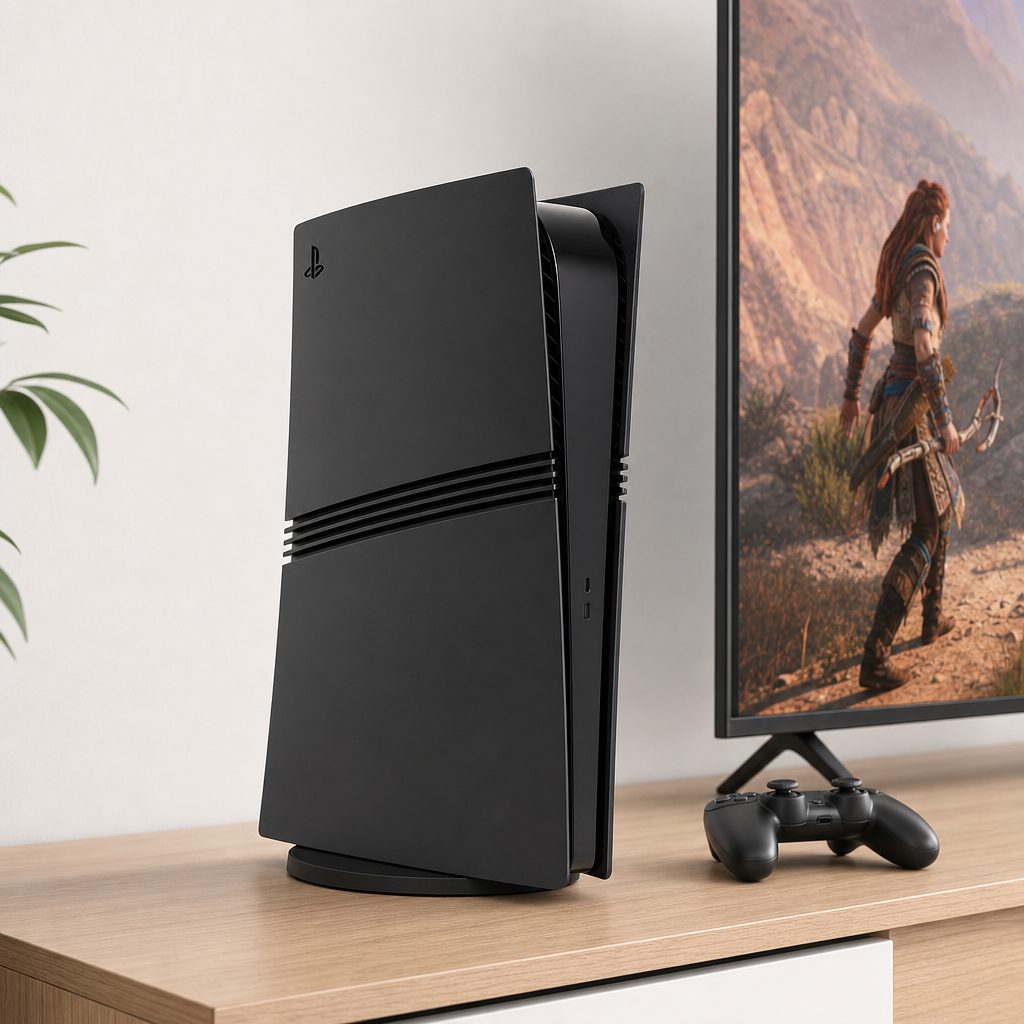
Testing the same game in an open, well-ventilated spot is the simplest way to reveal whether a cramped cabinet has been making the fan work overtime.
4. Power down properly and inspect the outside
Before cleaning, shut the PS5 Pro down completely. Do not leave it in Rest Mode, do not merely switch the television off, and do not start pulling panels whilst a game is suspended. Once it is off, unplug the power cable and let the console cool. A few minutes of patience is considerably cheaper than replacing hardware because we became impatient with dust.
Use a bright torch and look through the accessible openings. You are checking for lint, pet hair and grey fluff around the intakes, not trying to peer into the secrets of the universe. Also inspect the surface beneath the console. A unit sat on a rug can hoover up fibres surprisingly quickly, while a home with cats, dogs or enthusiastic craft projects can turn a clean machine into a fuzzy one in no time.
Wipe the exterior with a clean, dry microfibre cloth. For stubborn dust around openings, use a soft brush very gently. Avoid household wet wipes, sprays, polish, solvents and anything that leaves moisture behind. The PS5 Pro has no confirmed water or dust ingress rating, so treating it as though it can shrug off liquids is a poor gamble.
5. Clean dust safely without making a worse problem
The goal is to remove loose dust without forcing it deeper into the heatsink, fan assembly or ports. Start conservatively. A soft anti-static brush and a vacuum cleaner held near, rather than against, the openings can lift surface debris. Keep the nozzle clear of plastic trim and do not scrape around inside. If your vacuum has a powerful motor, keep it at a sensible distance; this is delicate maintenance, not a battle with a chimney.
Compressed air can help, but it is easy to overdo. Use short, controlled bursts from a safe distance and keep the can upright. Never spray liquid propellant. More importantly, do not blast continuously into one opening and assume the job is done. That may redistribute dust rather than remove it, and a fan spun excessively by forced air can be harmed.
The PS5 Pro uses an improved cooling system with a larger heatsink and liquid metal thermal compound. That is excellent for heat transfer, but it also means this is not a machine to casually strip down because a social-media video made it look easy. Removing internal cooling parts, disturbing liquid metal, or using the wrong screws and tools can turn a cleaning job into a repair job. For most owners, careful external cleaning and sensible placement are the correct first line.
Sensible maintenance
- Fully switch off and unplug before inspection.
- Use a dry microfibre cloth and soft brush on exterior dust.
- Keep the console raised off thick carpet and clear of pet bedding.
- Use brief, gentle air bursts only when needed.
Avoid these shortcuts
- Never pour, spray or wipe liquid into openings.
- Do not run a vacuum nozzle across internal components.
- Do not dismantle cooling parts to reach liquid metal.
- Do not keep gaming through repeated heat warnings.
6. Update system software and test one game at a time
After you have improved airflow and removed obvious dust, update the PS5 Pro's system software through the console settings. Firmware will not magically silence a dusty fan, but it is part of sensible troubleshooting. It ensures you are testing with the console operating as PlayStation intended rather than chasing a behaviour already addressed in software.
Then test methodically. Choose one game that reliably made the console loud, play for a similar duration, and note the result. Do not judge from a ten-second trip to the home screen. The system needs a little time to reach its usual temperature. Repeat in a second game with a different kind of workload. If the sound happens only in one title or only in a particular menu, that points away from a general overheating fault and more towards how that software is driving the hardware.
For coil whine in particular, look for patterns. Is it strongest in a static menu? Does it change when the frame rate changes? Is it absent in another game? Those answers are useful if you later need support, and they prevent the classic troubleshooting mistake of changing five things at once and learning absolutely nothing.
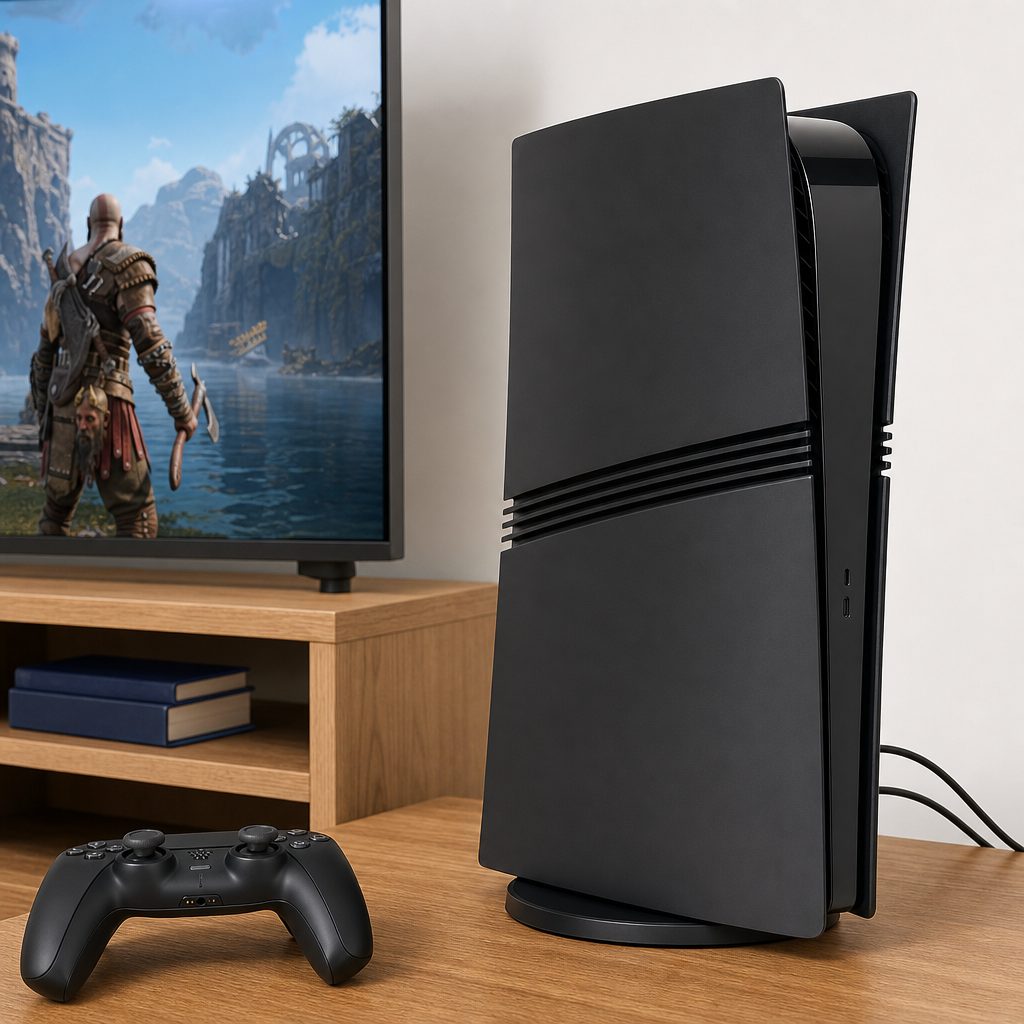
A controlled test means using the same game and roughly the same play time after each change, rather than relying on a single noisy loading screen.
7. Understand the performance, power and noise trade-off
The PS5 Pro did not become louder merely because something had gone wrong. It was designed to render faster than the base PS5, with advanced ray tracing and PSSR doing extra work behind the scenes. In Elden Ring's Quality mode, measurements put the Pro at roughly 228–230W, compared with 215–218W for the base PS5. That is only a modest power increase for a reported 35% performance gain in that example.
However, not every part of a console reacts to power in the same way. The Pro uses a smaller fan than the original PS5's larger fan, so it can spin faster and produce a more noticeable, higher-pitched note even when the measured difference is not enormous. Human ears are funny things. A lower, broad whoosh may fade into the background; a narrow, high-pitched sound can make itself known during the quietest dialogue scene in your favourite game. Naturally.
The useful conclusion is not "the quieter console always wins". It is that a little fan activity under a workload is normal. Investigate a major change in sound, overheating warnings, shutdowns, burning smells, persistent rattling, or noise that remains extreme even on the dashboard in a cool, open room. Those are the dividing lines.
8. Compare the PS5 Pro with PS5 and Xbox Series X noise
Context can stop a perfectly healthy PS5 Pro from becoming an unnecessary worry. Testing found it was quieter at idle but noisier than the original PS5 across games tested, despite remaining far from the famously aggressive roar many people remembered from the PS4 Pro era. The more compact fan's pitch was part of why the sound could seem prominent.
Xbox Series X was measured around 22 dB at the dashboard, whilst Xbox Series S was measured at 26 dB in Destiny 2. Those figures made Microsoft's machines notably quiet competitors, but they are not a direct promise that every game, room and measurement position will match. The important practical point is that the PS5 Pro's fan is audible under load, and that alone does not prove overheating.
| Measure or trait | PlayStation 5 Pro | PlayStation 5 | Xbox Series X |
|---|---|---|---|
| Noise in demanding games | 35–45 dB typical; 45–55 dB heavy sustained load | Lower output than Pro in tested games | No equivalent game-load figure stated here |
| Dashboard / idle context | Less noisy at idle than PS5 | More audible at idle than Pro in testing | 22 dB dashboard measurement |
| Elden Ring Quality-mode power | 228–230W | 215–218W | Not compared in this test |
| Cooling character | Smaller, faster-spinning fan; larger heatsink and liquid metal | Larger fan in comparison | Quieter dashboard measurement |
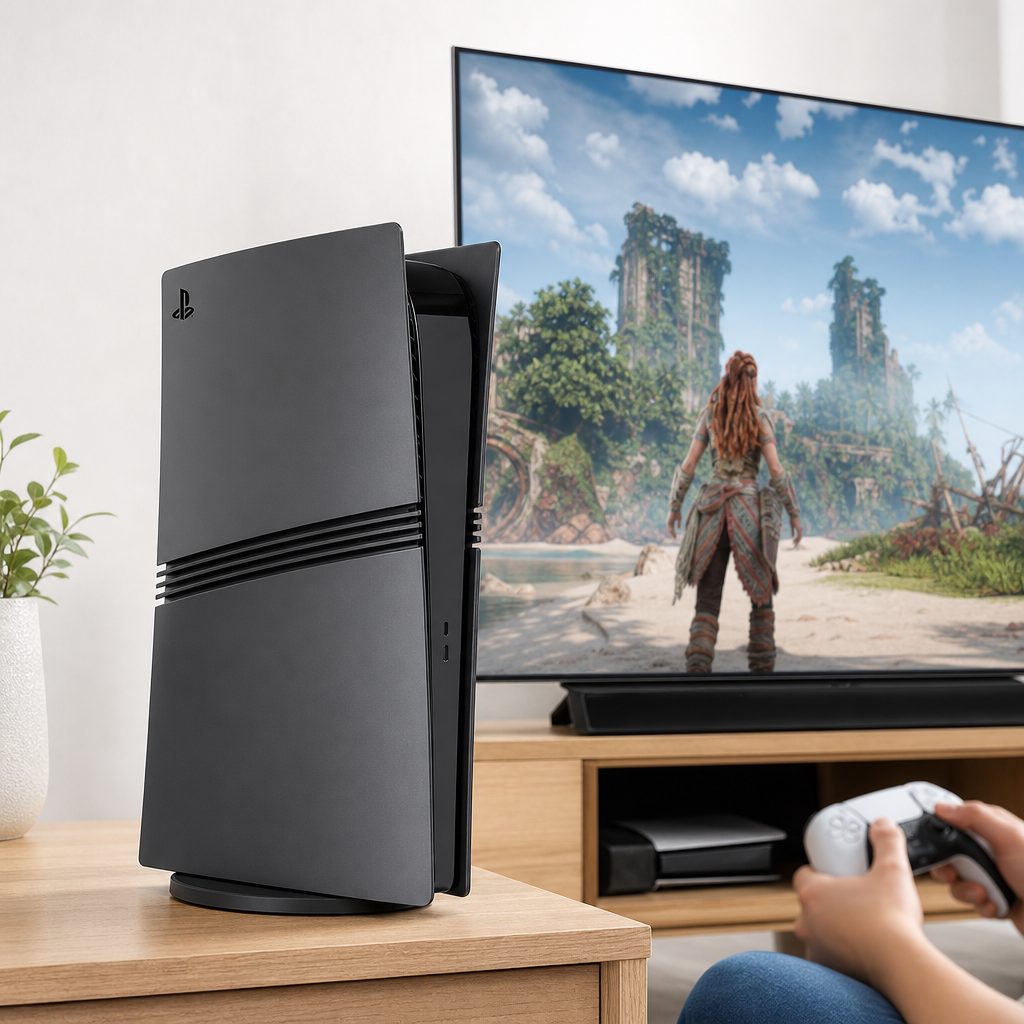
The PS5 Pro can be more audible than the base PS5 in games, but placement, distance and the pitch of the fan all shape what you actually notice on the sofa.
9. When an overheating warning means stop playing
If the PS5 Pro displays an overheating message, do not try to squeeze in "just one more match". Save if the system gives you the chance, shut it down, unplug it and let it return to room temperature. Move it into open air before the next test. The console's thermal protection is there to prevent damage; repeatedly forcing the issue is not a clever endurance test.
Once cool, check every obvious cause: blocked intakes, packed shelf space, a hot room, dust, direct sunlight and a soft surface beneath the machine. Update the system software, then run a short controlled test. If a warning returns after the console has been cleaned externally and placed properly in a cool room, contact PlayStation Support or the retailer under your consumer rights and warranty arrangements. Describe exactly what happened, which game was running, how long the session lasted, whether the system shut down, and what you had already tried.
Stop using it immediately if you smell burning, see smoke, hear grinding or repeated clicking from inside, or find the casing unusually hot in a way that accompanies instability. Those are not "normal Pro sounds". Do not open the power supply area and do not attempt an internal repair unless you are properly qualified. Premium hardware is lovely. Premium hardware with improvised surgery is less lovely.
Repeated heat warnings after basic checks are a support issue. Clear airflow and gentle exterior cleaning are sensible owner maintenance. Persistent overheating, mechanical fan noise or unexplained shutdowns are not problems you should be expected to solve with a can of air and optimism.
10. A simple quiet-and-cool routine for everyday ownership
You do not need to turn console ownership into a monthly engineering inspection. A small routine is enough. Every few weeks, glance at the air openings and the surface underneath. When you dust the television unit, dust the console exterior too. If you have pets or the PS5 Pro lives near carpet, check a little more often. The idea is to remove the beginning of a problem rather than wait until the fan is compensating for a felt blanket of lint.
Give the machine an honest amount of breathing room, particularly during summer. Keep cables tidy enough that they cannot tap the casing or obstruct openings. Let it cool down after an exceptionally long session before shifting it around. And when a new game sounds a touch livelier than your last one, compare it under the same conditions before assuming disaster. The Pro was built for more demanding rendering, and demanding rendering is not whisper work.
Best for the living-room player
Place the PS5 Pro in open air two or three metres from seating. At normal distance, measured noise was notably below 30 dBA and generally fades behind game audio.
Best for pet households
Check vents and the surrounding floor more frequently. Pet hair is one of the quickest ways to make any cooling system work harder than it needs to.
Best summer solution
Keep the room below 25°C where possible and use a small desk fan to circulate room air. Testing suggested a 4–6°C internal temperature reduction.
Best for persistent faults
Use official support when warnings, shutdowns, grinding or abnormal noise continue after airflow, dust and software checks. Do not disturb internal liquid-metal cooling.
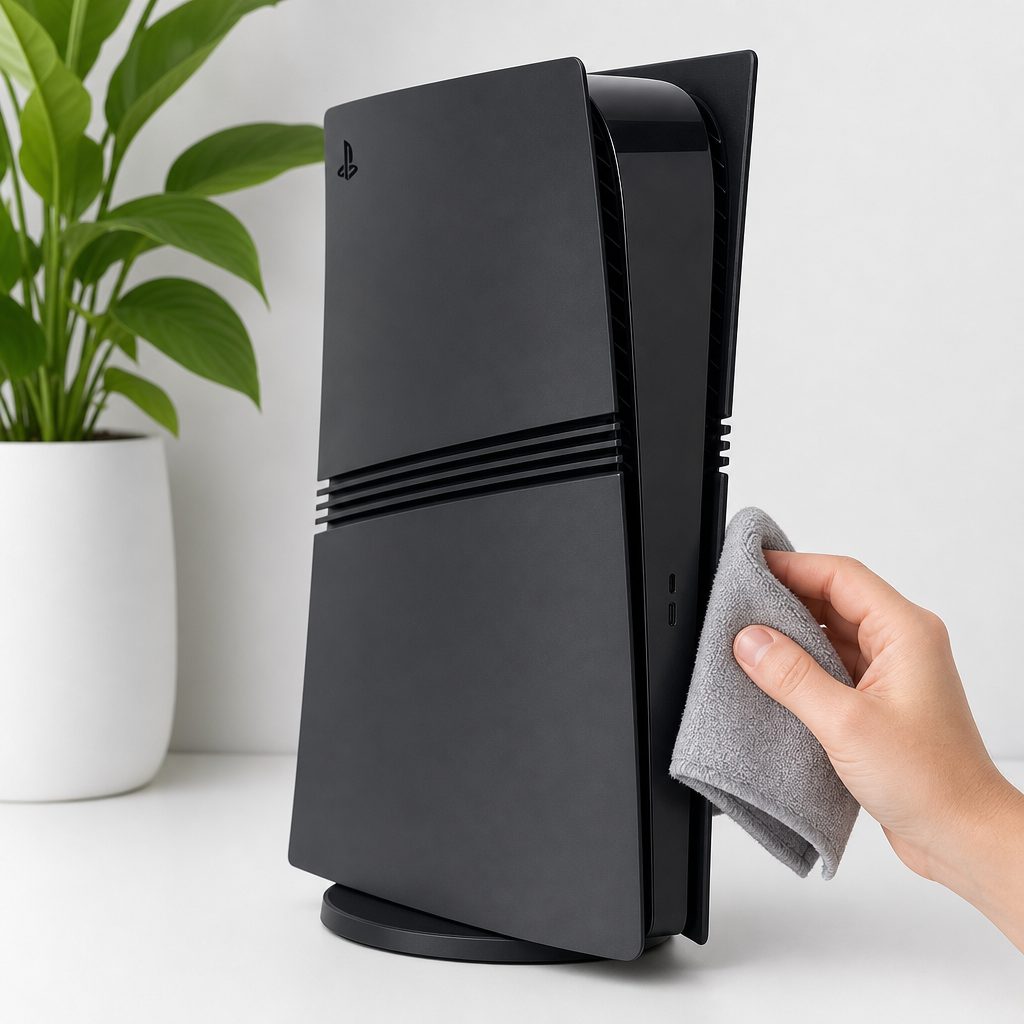
Regular light cleaning and a clear shelf are far more effective than waiting for the console to sound stressed during the hottest week of the year.
11. Frequently asked questions
Yes. Moderate gameplay commonly produces around 35–45 dB of fan noise, and sustained demanding loads can reach roughly 45–55 dB. A smooth airflow sound that rises gradually during a demanding title and settles afterwards is expected.
The PS5 Pro was measured louder than PS5 in games tested, although it was quieter at idle. Its smaller fan can spin faster and create a higher-pitched sound that is subjectively more noticeable, whilst the Pro is also delivering substantially greater graphical performance.
Only if the cabinet offers genuinely clear ventilation. A tightly enclosed compartment traps hot exhaust air, making the fan work harder. Open doors during play or move the console into an open position if a placement test makes it quieter.
Improving room airflow can help. A small desk fan aimed at circulating room air lowered internal temperatures by around 4–6°C in testing. Do not use it to compensate for blocked vents, dust or a sealed cabinet.
No. Fan noise is moving air; coil whine is a high electronic buzz or chirp. It can vary by game and may be especially noticeable in uncapped menus. Cleaning the fan is unlikely to remove genuine coil whine.
Use it cautiously, in short bursts and from a safe distance, only for accessible dust. Keep the can upright and never spray moisture into the unit. Avoid aggressive continuous blasts and do not dismantle internal cooling hardware.
Stop playing, turn the system off fully, unplug it and allow it to cool. Move it into open air, inspect for dust and retest only after addressing airflow. If the warning returns, contact PlayStation Support rather than repeatedly running the console hot.
It can show a rough change if you test from the same position in the same room, but it cannot provide a dependable absolute diagnosis. Phone microphones and room acoustics vary too much. Listen for changes in tone, vibration and behaviour as well as numbers.
The sensible finish is a quiet, open setup: the fan may still be audible in hard work, but it should not have to fight dust, heat and a sealed cupboard at the same time.
The bottom line
A PS5 Pro was never going to be totally silent when it is rendering demanding 4K games at high frame rates. Its fan can be more audible than the original PS5 in gameplay, and its smaller, faster-spinning design can make the pitch stand out. That is normal.
What is not normal is a sudden mechanical rattle, grinding, repeated overheating warnings, shutdowns or a dramatic fan roar in a cool, open, dust-free setup. Start with placement, room temperature, exterior cleaning and a system update. Test one game at a time. If the issue remains, let official support take over. Your console should sound like it is working, not like it is filing for rescue.