
Is the PS5 Pro Worth It for 1080p TV Owners?
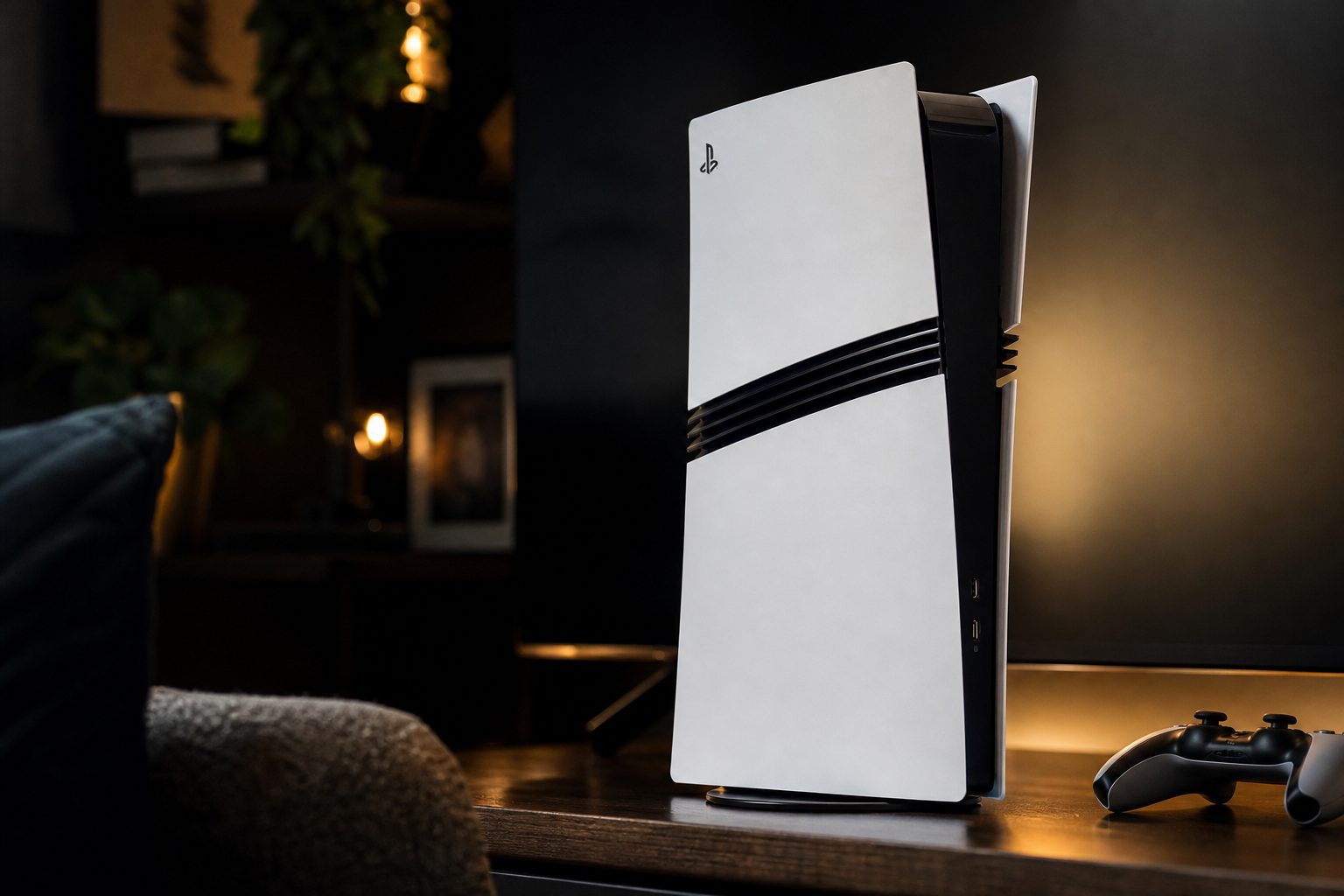
The PS5 Pro was built around sharper, more stable high-end console gaming, but a 1080p television still benefits from more than its pixel count suggests.
Yes, a PS5 Pro can make games look and run better on a Full HD television — but it is a luxury upgrade rather than an obvious one. Here is what you genuinely keep at 1080p, what your TV cannot show you, and how to decide without accidentally buying a very expensive future-proofing project.
1. Start with the short answer
If you own a decent 1080p TV and are wondering whether the PlayStation 5 Pro is pointless, the reassuring answer is no. It is not pointless. The less reassuring answer is that it is not automatically sensible either.
The PS5 Pro launched on 7 November 2024 as Sony's more powerful PlayStation 5. Its headline appeal was simple: give players less of the old choice between a prettier Fidelity mode and a smoother Performance mode. On a 4K screen, that can mean a much clearer upgrade because the display can show the extra fine detail created by higher rendering resolutions and PlayStation Spectral Super Resolution, better known as PSSR.
On a 1080p panel, you lose some of that obvious "ooh, look at the bricks" resolution advantage. You do not lose the extra graphics headroom, steadier frame rates, improved ray tracing or the benefits of rendering above 1080p and then scaling down. In other words, your television puts a ceiling on visible detail, but it does not make the console's extra muscle go on holiday.
For most current PS5 owners with a perfectly happy Full HD screen, I would regard the Pro as a want rather than a need. For someone who plays demanding enhanced games, notices unstable performance immediately, or expects to buy a 4K or 120Hz television later, the case is appreciably stronger.
The crucial distinction: output resolution and internal rendering resolution are not the same thing. A game can render at 1440p or higher inside the PS5 Pro, then be downscaled cleanly to your television's 1080p output.
2. Know what the PS5 Pro actually adds
Before deciding whether any console upgrade is worthwhile, it helps to separate meaningful capability from box-art excitement. The PS5 Pro remains a PS5: it plays PS5 and PS4 games, uses the same general ecosystem, and does not turn every game into a miraculous remake. It is a more capable version of the same machine.
The important figures are the 60 compute units against 36 in the original PS5, 18 Gbps memory bandwidth rather than 14 Gbps, and a verified 28% increase in overall bandwidth. Sony's design gives supported games up to roughly 45% more rasterisation performance. That is the traditional graphics work: geometry, effects and the large number of pixels that make up a scene.
The Pro also has substantially stronger ray-tracing capability. Ray tracing is the demanding lighting technique responsible for convincing reflections, shadows and light behaviour. It is not always the sort of feature that announces itself with fireworks, but it can make a wet street, a window reflection or a dimly lit room feel noticeably more natural. On a 1080p TV, that remains visible. Reflections do not require 4K eyesight.
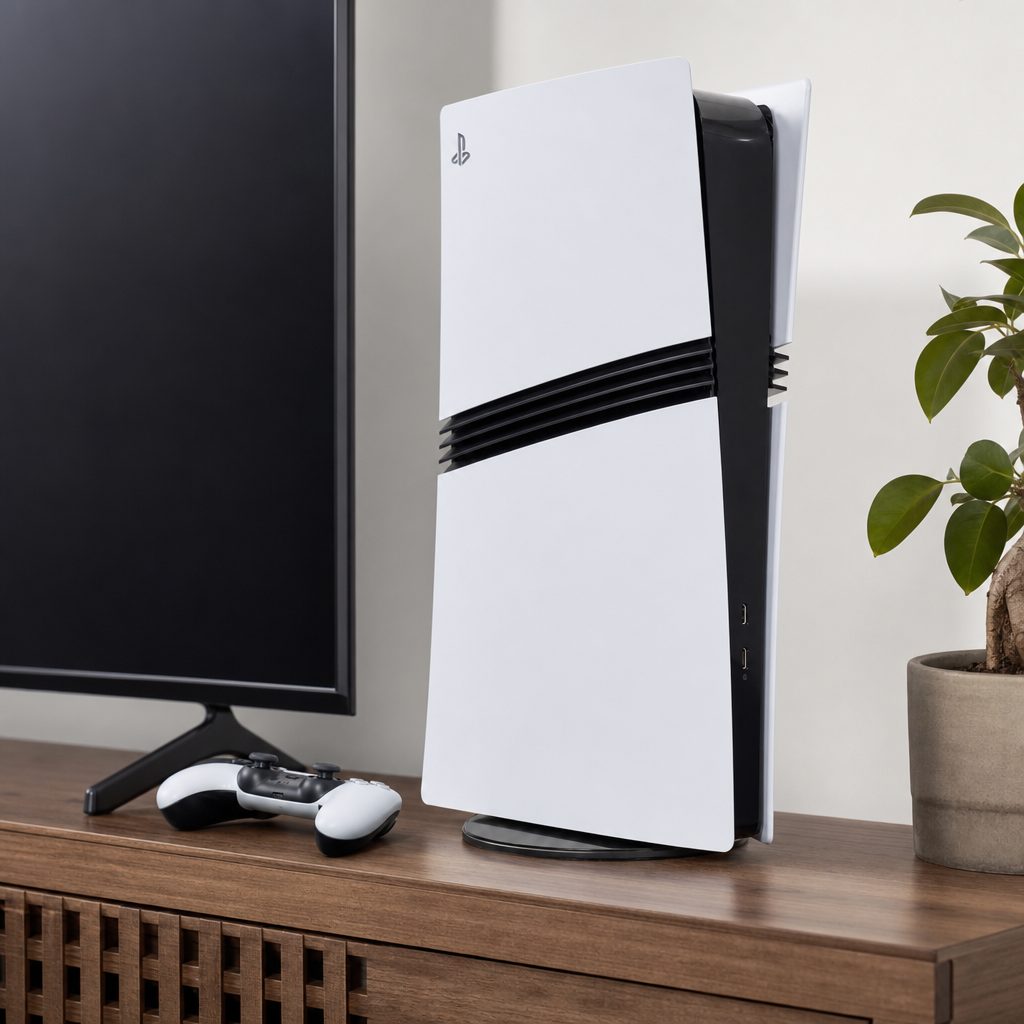
The 2TB digital PS5 Pro has significantly more built-in space than many original PS5 setups, which matters once several large modern games begin competing for room.
3. The benefits you still keep on a 1080p television
The biggest misconception is that a Full HD display can only ever show a Full HD-quality experience. In reality, it can show a better-produced Full HD image. Think of it like a photograph reduced carefully from a detailed original rather than enlarged from a small one. The final image still fits the same frame, but awkward edges, fine patterns and shimmer can look more controlled.
More stable performance modes
Extra GPU headroom can help a game remain nearer its 60fps target instead of reducing resolution more aggressively when action gets busy.
Cleaner downsampled image
Higher internal rendering resolutions can be downscaled to 1080p, reducing visible jagged edges and making fine detail appear tidier.
Better lighting options
Improved ray tracing can survive the move to a lower-resolution display because it changes how the scene is lit, not merely how many pixels it contains.
Quicker game loading
Games including Spider-Man 2 and Final Fantasy XVI loaded approximately 15–25% faster than on the base machine in testing, regardless of display type.
Frame-rate stability is the benefit I would put at the top of the list. The original PS5 was already capable of excellent 60fps performance, but hard-working games often used dynamic resolution to protect that target. Marvel's Spider-Man: Miles Morales, for example, targeted 60fps in Performance Mode while using a dynamic resolution that began around 1440p and could fall to 1080p during intense traversal or combat.
A 1080p TV cannot display 1440p as native output, but it can absolutely reveal the difference between a game that is consistently rendered with more detail and one that has dropped to its floor. Fast web-swinging, busy effects and intricate scenery are exactly where cleaner reconstruction and steadier performance are welcome. Nobody has ever said, "I rather miss that little wobble when the explosions began."
A useful way to judge it
At 1080p, prioritise motion, image stability and lighting over pixel-count claims. Sit at your normal distance, play an enhanced game you know well, and look for less shimmer in foliage, cleaner fine lines, steadier movement and fewer compromises between visual modes.
4. What a 1080p TV prevents you from seeing
There is no need to pretend otherwise: a Full HD television does limit the PS5 Pro's most marketable advantage. It cannot show native 4K output as 4K. If a PS5 Pro-enhanced game uses PSSR to create a near-4K presentation from a 1440p or 1800p internal image, your television receives a 1080p version of that work.
You may still see a cleaner final image, especially if the downsampling is good, but the finely resolved texture detail a large 4K screen can expose is capped by the panel. Tiny distant details, exceptionally crisp signage and the extra sharpness that makes a 4K image look almost cut from glass are simply not available in the same way. Your screen has around a quarter of the pixels of a 4K panel. It cannot invent the rest, and neither can optimism.
The other lost opportunity is 120Hz output if your 1080p TV is a conventional 60Hz set. The PS5 Pro supports HDMI 2.1 output up to 120Hz on compatible displays, but a 60Hz television can only refresh 60 times each second. This means a game with a 120fps option will not look like 120fps on that television, even though the Pro may still use its power to make a 60fps mode less compromised.
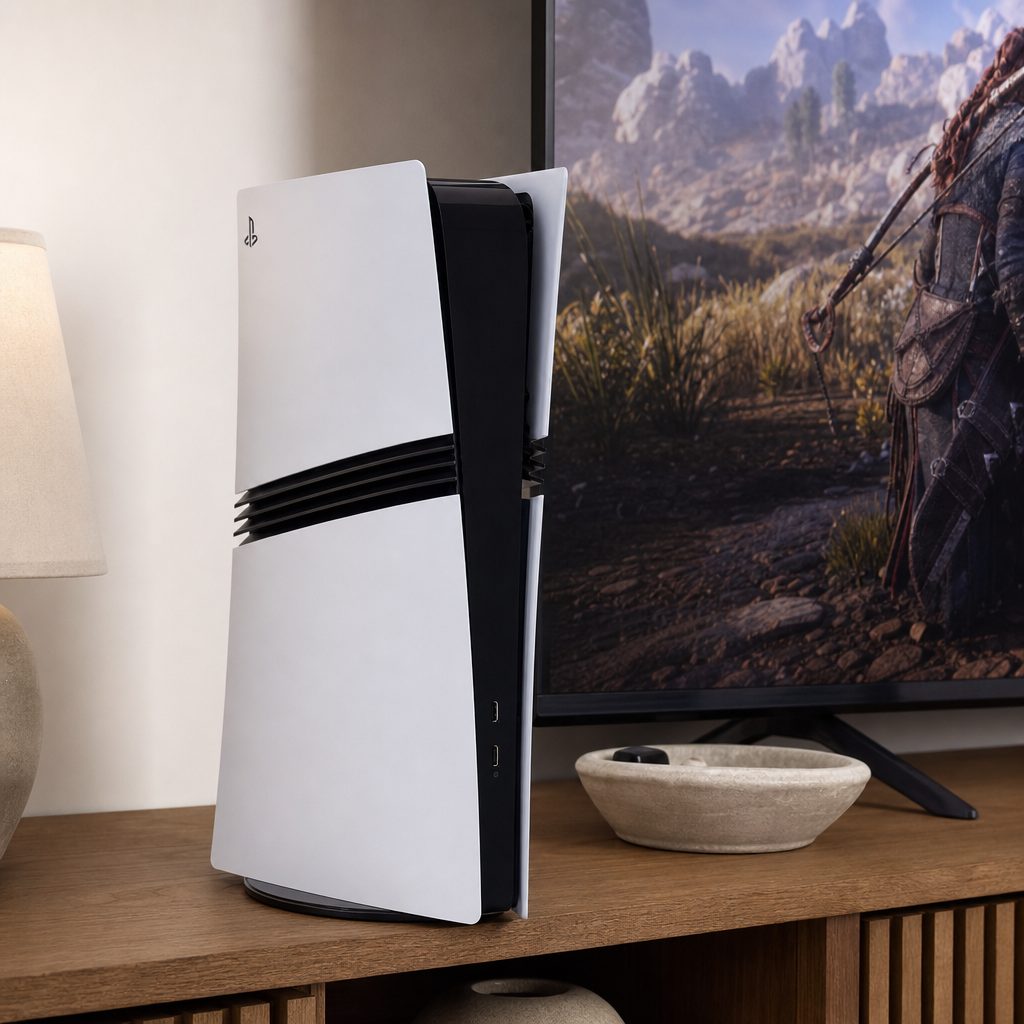
A 1080p display cannot reveal 4K pixel detail, but it can still show the cleaner edges and more consistent image produced by higher internal rendering.
5. PS5 Pro versus the original PS5: the figures that matter
The original PS5 was not suddenly inadequate after the Pro appeared. It remained an excellent console, and the upgrade makes most sense when a particular game's choices frustrate you. Some players are perfectly content with a good Performance Mode. Others spend half an hour switching between settings, then spend the remaining forty hours mildly annoyed. If that is you, welcome; there are biscuits on the table.
| Feature | PS5 Pro | Original PS5 |
|---|---|---|
| GPU compute units | 60 | 36 |
| Graphics memory bandwidth | 18 Gbps / 576 GB/s | 14 Gbps |
| Rasterisation advantage | Up to roughly 45% faster | Baseline |
| AI upscaling | PSSR in supported games | Not included |
| Ray tracing | Significantly improved performance | More limited in demanding games |
| Storage | 2TB SSD | Varies by original model |
| Disc drive | Separate accessory required | Available on disc-console versions |
| 1080p output | Supported | Supported |
That comparison explains the Pro's personality. It is not a new generation with a radically different CPU. Its eight-core, 16-thread AMD Zen 2 processor remains in the same family, so games that are heavily CPU-limited will not necessarily transform. The gains arrive principally because the graphics side has more room to work.
That matters for your expectations. Do not buy a PS5 Pro assuming every 30fps game becomes 60fps merely through good intentions. Developers need to provide an enhanced mode, and each game has its own bottlenecks. Where developers use the extra GPU performance intelligently, though, the Pro can combine smoother performance with higher image quality and ray tracing that the base machine previously had to ration.
6. Check the games you actually play
This is the practical step many people skip. Do not buy the Pro for an imaginary library. Open the games you return to, the ones your family plays, and the games you are genuinely likely to buy next. The value is much easier to see if several are PS5 Pro enhanced and their visual compromises currently bother you.
Final Fantasy VII Rebirth offered one of the clearest examples of the Pro's purpose. Technical analysis described its improvement as "night and day": the PS5 Pro delivered a rock-solid 60fps Performance Mode with much stronger fidelity. That is precisely the sort of improvement a 1080p owner can appreciate. The screen cannot show every 4K-level pixel, but more stable movement and a markedly better-quality performance presentation remain visible.
Resident Evil 4 Remake is another useful case: it ran at a stable 60fps with ray tracing on PS5 Pro. The Last of Us Part I Remastered used a 1440p render before PSSR upscaling to 4K while maintaining its 60fps target. Again, a Full HD screen reduces the resolution payoff, but it does not erase the advantage of a game having more rendering quality to begin with.
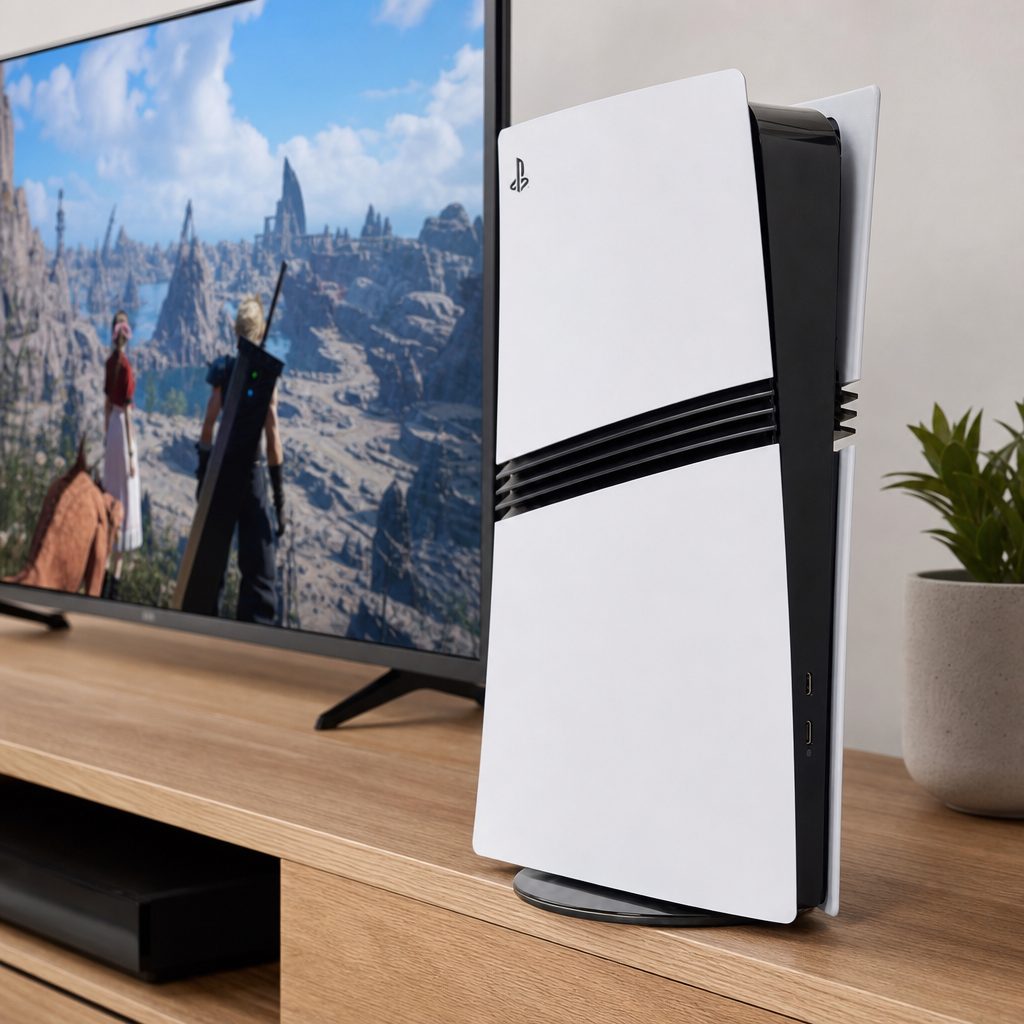
Games such as Final Fantasy VII Rebirth demonstrated why the Pro matters most when a developer can improve fidelity without sacrificing a dependable 60fps mode.
Use this five-minute game-library check
- List the three games you played most over the last six months.
- Ask whether you normally select Performance or Fidelity mode in each one.
- Think about whether frame-rate dips, soft image quality or limited ray tracing genuinely annoy you.
- Check whether the titles you care about have PS5 Pro enhancements.
- Decide whether you expect to keep your current TV for years or replace it with a 4K or 120Hz display.
7. The practical compromises before you upgrade
The PS5 Pro came only as a 2TB Digital Edition. That is convenient if your library is already digital, and the larger SSD is a real quality-of-life advantage. It is less tidy if you own shelves of PS5 or PS4 discs, borrow games, trade games in, or simply enjoy the comforting little ritual of putting a disc in a machine. You will need the separate disc drive for physical games.
There is also a separate vertical stand if you want to position the console upright. Neither point makes the Pro bad; they simply matter when comparing the complete setup with a disc-equipped original PS5. Accessories have a habit of appearing small until they are standing between you and the game you already own.
The PS5 Pro's maximum power consumption is 390 watts. It also features quieter fans and improved heat dissipation compared with the original PS5. For a living-room console, less fan noise is a quietly welcome upgrade. A game's dramatic final scene deserves better than sounding as though a small hovercraft has entered the television cabinet.
Reasons it can work at 1080p
- More stable performance in demanding enhanced games.
- Higher internal resolution can produce cleaner Full HD output.
- Improved ray tracing remains visible at any output resolution.
- Approximately 15–25% faster loading in tested games such as Spider-Man 2 and Final Fantasy XVI.
- 2TB of built-in SSD storage is genuinely handy.
Reasons to wait
- A 1080p panel cannot display the Pro's 4K-level output detail.
- A 60Hz TV cannot show 120Hz output.
- Benefits depend on game-specific Pro enhancements.
- The CPU is not a wholesale generational leap.
- Physical-game owners need a separate disc drive.
8. Price, ownership cost and the better use of your budget
Price is where the 1080p question becomes properly awkward. The PS5 Pro launched at £699.99 in the UK. Sony raised its recommended retail price to £789.99 on 2 April 2026. As of 11 August 2026, the best current UK price was £756.00. That is a substantial amount for a console whose biggest visual party trick is partially hidden by a Full HD display.
For context, the separate disc drive was priced at $79.99 in the United States, while the vertical stand was $30. Those are not direct UK price comparisons, but they illustrate why it is worth deciding your setup before assuming the console price is the whole story.
If your current PS5 works well and your TV is an older 1080p 60Hz model, a television upgrade may create a more dramatic visible change than moving to the Pro alone. That does not mean the Pro is wasted; it means the upgrade path matters. A better display lets you see more of what the console already does.
| UK price reference | Figure | What it means for a 1080p owner |
|---|---|---|
| PS5 Pro UK launch price | £699.99 | The original premium entry point in November 2024. |
| PS5 Pro recommended retail price from 2 April 2026 | £789.99 | A high outlay when a Full HD TV limits the visible resolution gain. |
| Best current UK price as of 11 August 2026 | £756.00 | Useful as a real-world benchmark when deciding whether to wait for a better deal. |
| EE Cyber Monday 2025 reference price | £565.00 | Shows that deep discounts had existed, though past sale prices should not be treated as a promise. |
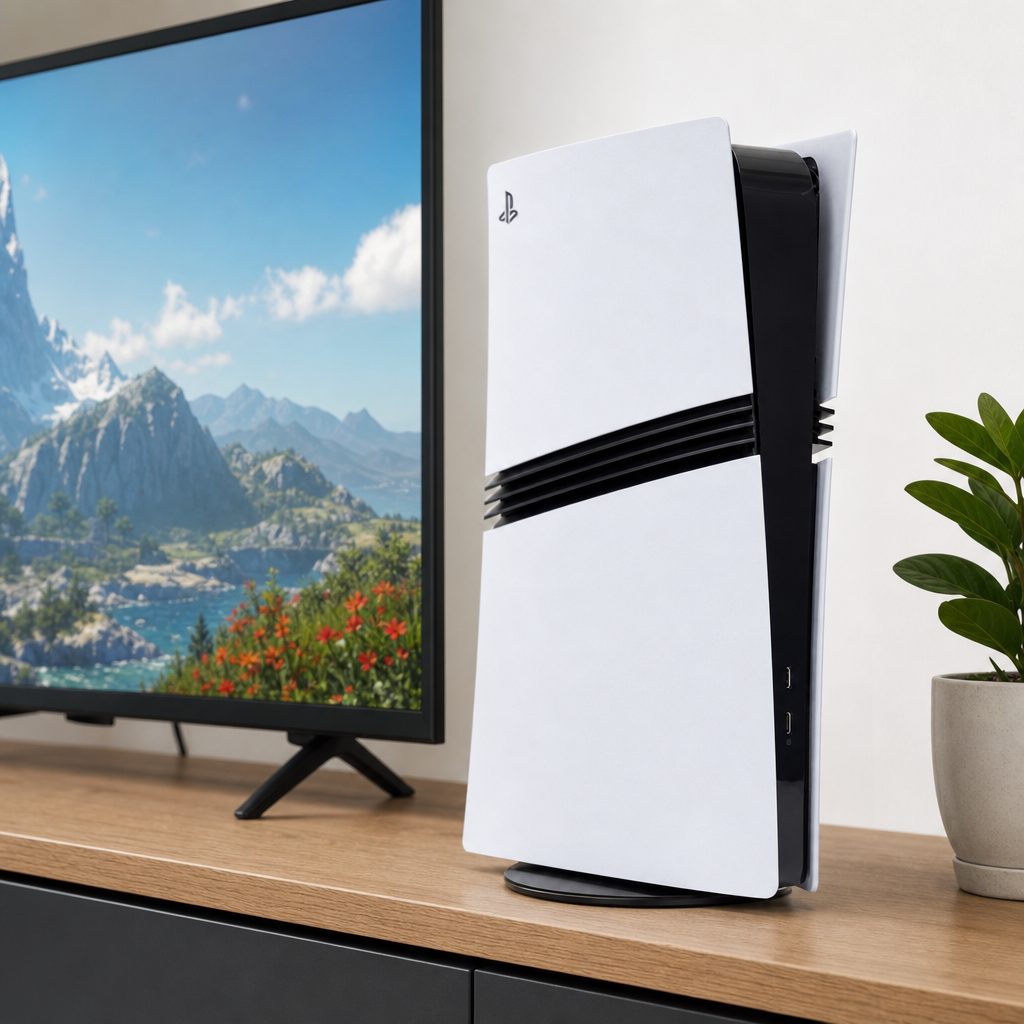
A Full HD television can make the Pro's performance gains worthwhile, but a future 4K or 120Hz display would reveal more of the console's intended visual ceiling.
9. Best pick for different 1080p players
Shop Best pick for different 1080p players on Amazon UK
There is no universal answer because "1080p TV owner" describes the screen, not the person holding the controller. A competitive player, a physical-media collector and someone planning a living-room overhaul next year are starting from very different places.
Keep the original PS5
Best for players happy with present performance and a 1080p 60Hz television. Spend nothing unless a specific game's compromises are genuinely spoiling the fun.
Original PS5 with a future display upgrade
Best for players who want the biggest eventual jump in visible image quality. A better TV can unlock more obvious benefits from any PS5 setup.
PlayStation 5 Pro
Best for players who value smoother enhanced games, cleaner imagery, ray tracing and 2TB storage now, with a likely 4K or 120Hz TV purchase later.
PlayStation 5 Pro
Best if stable 60fps matters more to you than native 4K, especially in games where the base PS5 makes you choose between clarity and smoothness.
10. Set up the PS5 Pro sensibly on a Full HD TV
Shop Set up the PS5 Pro sensibly on a Full HD TV on Amazon UK
If you do buy one, do not assume the console will automatically choose your favourite balance. Start by ensuring your TV is receiving a 1080p signal and then look through the game's own display settings. The useful choice may be called Performance, Pro, Enhanced Performance, Fidelity, Ray Tracing, or something similarly inventive. Games do enjoy making simple things feel like a menu puzzle.
On a 60Hz Full HD television, begin with a performance-focused enhanced mode where one is available. This is usually the setting most likely to show why the Pro exists: cleaner image quality than the base machine's standard Performance Mode, while preserving the smoother response associated with 60fps. If the game offers ray tracing at 60fps on Pro, test it. The difference is often easiest to spot in reflective surfaces, interior lighting and shadow detail.
Turn off unnecessary TV processing if it introduces lag or strange smoothing. A Game Mode is normally the sensible starting point. Then play for an hour rather than standing six inches from the screen examining a fence. Console gaming happens from the sofa, after all. The right setting is the one that feels better while you are actually dodging monsters, driving badly or losing to an eleven-year-old who claims they have "barely played this one".
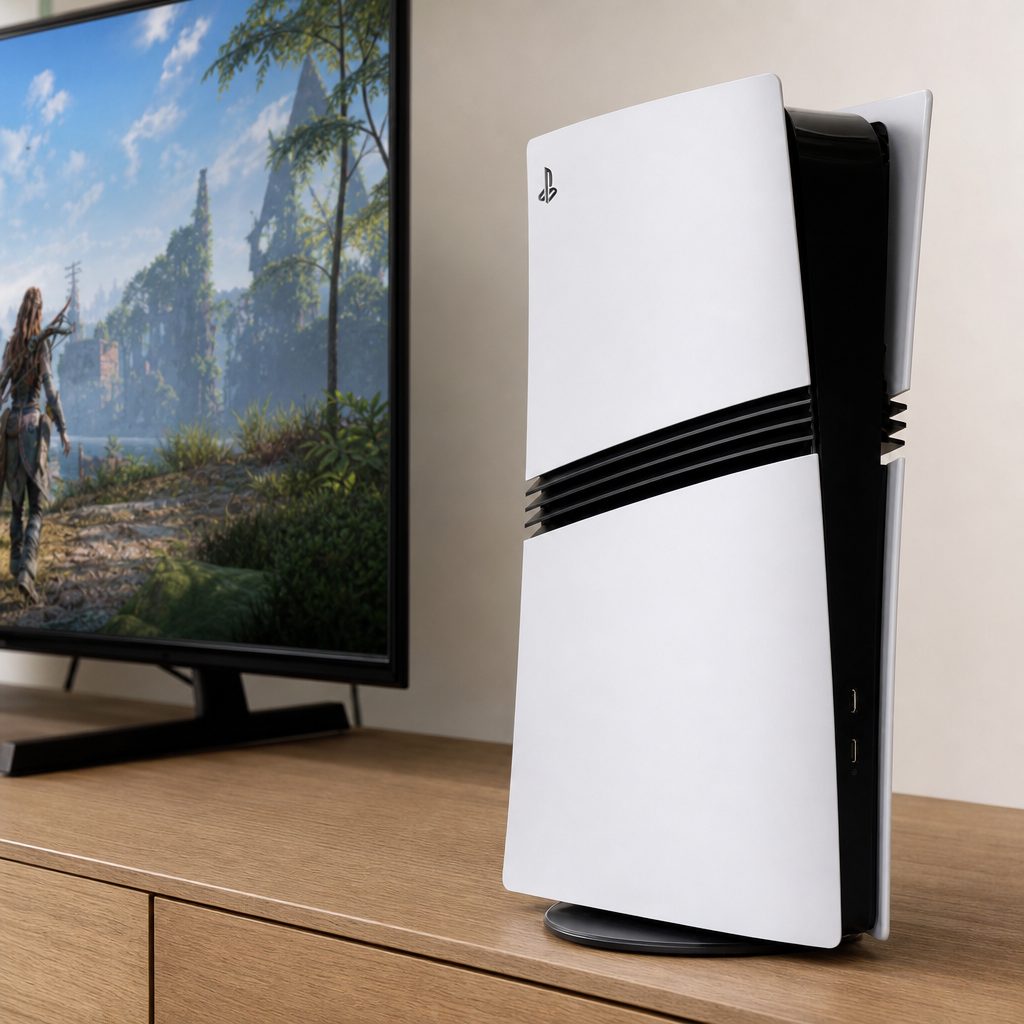
For a conventional 1080p 60Hz TV, an enhanced performance setting is often the PS5 Pro mode most likely to offer a worthwhile real-world improvement.
11. When it makes sense to wait
Waiting is a perfectly respectable answer, not an admission that you failed to appreciate technology. Keep your original PS5 if you mainly play older titles, casual multiplayer games, PS4 games, or a handful of current titles that already run exactly as you like. The Pro's extra power only helps where the game can use it, and a perfectly smooth 60fps game does not become twice as enjoyable merely because a specification sheet is taller.
I would also wait if you use a large physical collection and do not want the added complication of a separate drive, or if the £756.00 current best price would reduce the money you have available for games, controllers or a display upgrade. Consoles are there to play games. A beautiful machine with no new games installed is an unusually expensive ornament.
Finally, wait if you are tempted chiefly by the word "Pro" rather than a specific improvement. It is an impressive package, but the original PS5 remains the baseline for every PS5 game. You are not being left behind because you did not replace a working console.
12. Frequently asked questions
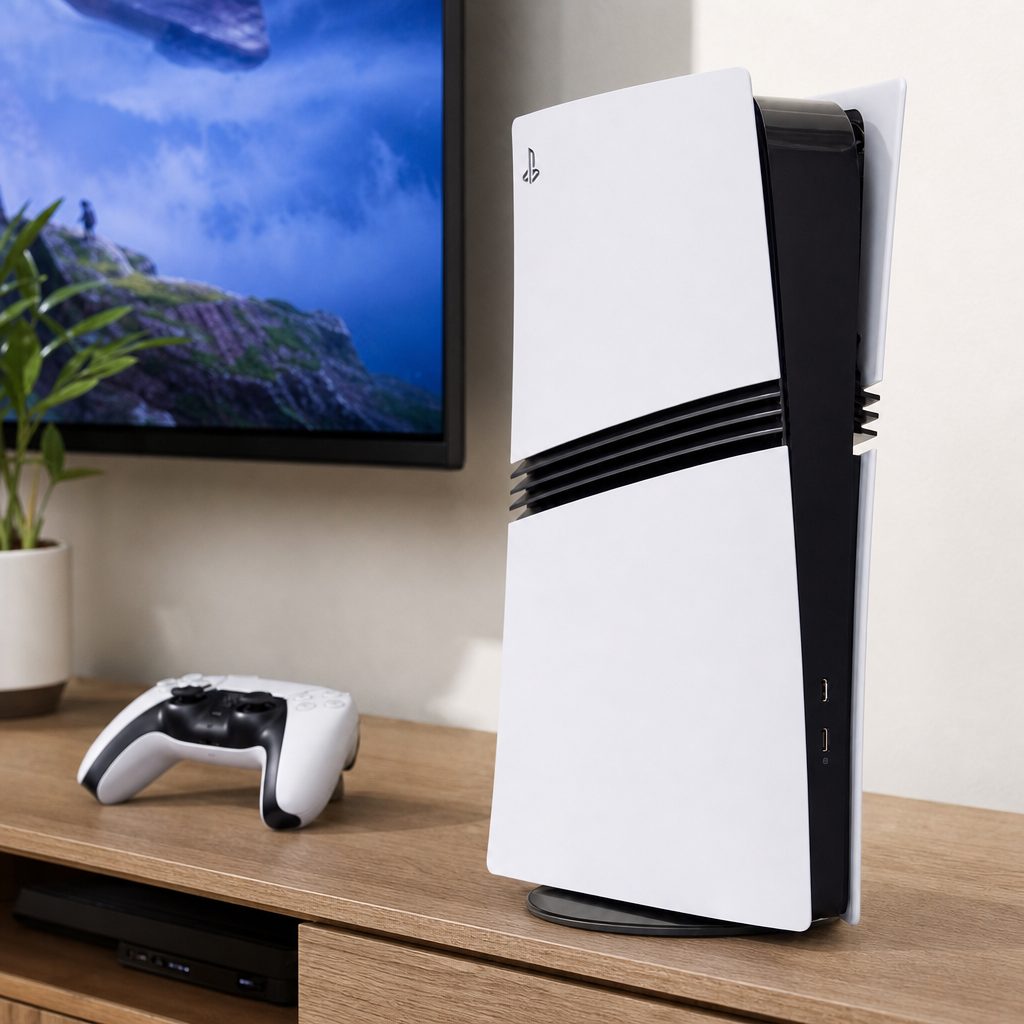
The sensible PS5 Pro purchase is not about chasing a specification sheet; it is about whether smoother, cleaner enhanced games matter to you now and whether your display plans will grow with the console.
Verdict: is the PS5 Pro worth it for 1080p TV owners?
For most 1080p 60Hz TV owners: not yet. The original PS5 remains a thoroughly capable machine, and the PS5 Pro's clearest resolution advantage is limited by a Full HD panel. At a current best UK price of £756.00, it is difficult to call the Pro essential if your existing console and television are both doing the job nicely.
For demanding players: it can absolutely be worth it. You retain the things that matter most in motion: more stable 60fps performance in supported games, cleaner downsampled imagery, stronger ray tracing, faster loading in tested titles and a generous 2TB SSD. Final Fantasy VII Rebirth and Resident Evil 4 Remake showed the sort of polished performance-and-fidelity balance the Pro can deliver.
The best reason to buy is simple: you care deeply about enhanced games today and expect to move to a 4K or 120Hz-capable display later. If that is not you, keep enjoying your PS5, save the difference, and let your next television make the upgrade feel properly dramatic.