
Best 4K TVs to Get the Most Out of Your PS5 Pro
The PS5 Pro can make a great game look sharper, steadier and more richly detailed, but only if the television is not quietly holding it back. These are the 4K TVs worth considering if you want to make proper use of PSSR-enhanced image quality, HDMI 2.1 features and 120Hz gaming.
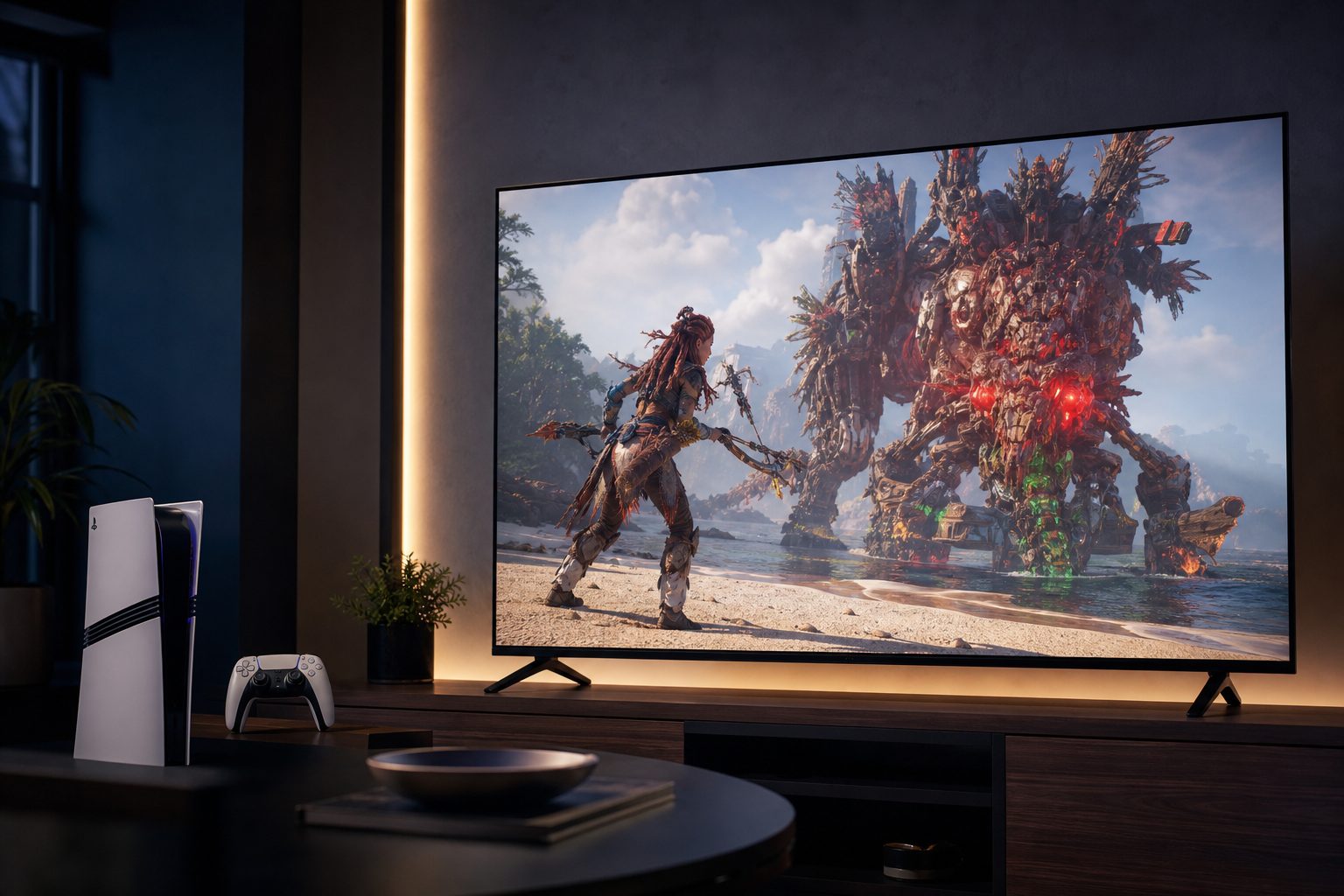
A PS5 Pro deserves a display that can keep pace with its enhanced detail modes, 120Hz output and demanding HDR scenes.
Why your PS5 Pro TV choice matters more than usual
The PS5 Pro was not simply a PS5 with a slightly more muscular engine. Its appeal was the chance to reduce one of modern console gaming's most familiar compromises: choosing between crisp high-resolution visuals and smoother performance. In supported games, PlayStation Spectral Super Resolution, better known as PSSR, helped developers produce a cleaner 4K-looking image from a lower internal resolution. It was clever stuff. It was not, however, magic dust that could turn a mediocre television into a brilliant one.
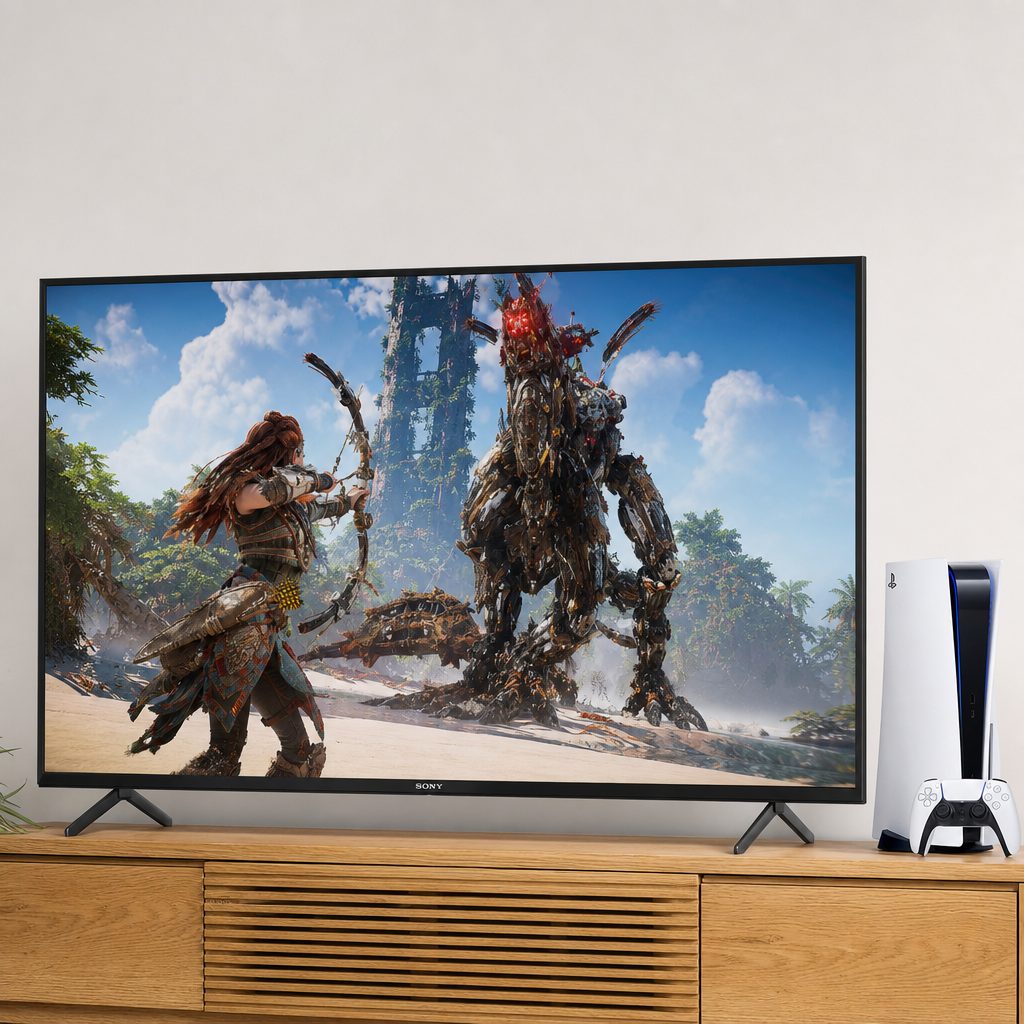
HDMI 2.1, VRR and low input lag are the unglamorous ingredients behind a TV that feels properly responsive with PS5 Pro.
A good TV still needed to show fine texture without smearing it, switch into a responsive game mode without making HDR look washed out, and accept 4K at 120Hz through HDMI 2.1. If your display only managed 60Hz, the PS5 Pro still worked perfectly well, but you missed one of its most useful routes to a sharper-and-smoother balance. A bit like buying the fancy controller and leaving it in the drawer because the batteries looked intimidating.
The best screens here also offer VRR, or variable refresh rate. That matters when a game's frame rate moves around rather than sitting obediently at a fixed number. VRR helps the TV and console stay in step, avoiding tearing and making fluctuating performance less distracting. ALLM is less glamorous, but equally welcome: it automatically sends the television into its low-lag gaming mode when you begin playing.
A useful reality check: PSSR is processed by the PS5 Pro, not by the TV. The television's job is to present that extra image detail cleanly, accept the console's high-bandwidth signal, and avoid adding lag or unwanted processing. A flashy "AI upscaling" label on a TV is not a replacement for HDMI 2.1 gaming support.
What to look for before buying
Start with the ports, because this is where otherwise excellent TVs can become awkward. HDMI 2.1 is the connection standard that carries 4K at 120Hz from the PS5 Pro. A television with four HDMI 2.1 inputs is wonderfully flexible if you also own an Xbox, gaming PC, soundbar or a small family of devices that have all decided they need the best socket. Two HDMI 2.1 ports can still be enough, but you need to plan rather than merely plug things in and hope for the best.
Then consider the room. OLED offers near-perfect black levels and wonderfully immediate pixel response, which makes dark horror games, racing at night and neon-heavy sci-fi look glorious. Mini-LED is usually the safer bet for a very bright lounge, especially if sunlight regularly lands on the screen at the exact moment you enter a boss arena.
Input lag first
For competitive games, a TV around 9ms at 4K 120Hz feels exceptionally prompt. The controller should feel connected to the action, not like it has posted your command second class.
Contrast for HDR
OLED excels at black depth. Mini-LED counters with much higher measured brightness, which can make HDR highlights stand out in sunlit rooms.
VRR for busy games
VRR gives performance modes room to breathe when frame rates vary, helping motion remain cleaner during demanding scenes.
Game settings access
A dedicated game menu is genuinely useful. It means less wandering through menus whilst friends wait politely and then, eventually, not politely.
Do not buy a 165Hz TV just for PS5 Pro
The PS5 Pro tops out at 120Hz output. A 144Hz or 165Hz television can still be an excellent purchase, especially for PC gaming, but the console itself will not use those extra refresh-rate headroom figures. Buy the better panel, connectivity and room performance, not the biggest number on the box.
The ranked picks
Every TV below can give a PS5 Pro the essentials it needs: a 4K image, high-refresh gaming support and modern HDMI connectivity. The ranking is about the whole ownership experience, not simply chasing one laboratory number. A spectacular OLED that becomes a mirror in your lounge is not automatically better for you than a bright Mini-LED, and a two-port set may be more than enough in a console-only household.
1. LG C5 OLED — Best all-round PS5 Pro TV
The LG C5 OLED is the sensible flagship choice for most PS5 Pro owners. That might sound faintly unromantic, but in TV shopping "sensible" can mean "does everything you actually need without creating a cable-management crisis". It combines a 4K 144Hz panel, four full-bandwidth HDMI 2.1 inputs, VRR, ALLM, FreeSync Premium, Nvidia G-Sync and Dolby Vision gaming support.
The important PS5 Pro number is its measured 9ms input lag at 4K 120Hz. That is properly quick, making the C5 a superb fit for 120fps modes in shooters, sports games and racers. Its roughly 0.1ms response time also helps preserve clarity in fast motion. PSSR-enhanced fine detail benefits from OLED's pixel-level contrast too: small highlights and shadow detail do not have to fight a glowing backlight.
Brightness was measured at around 820 nits, with approximately 1,180 nits recorded in Filmmaker Mode. It is not the brightest television in this guide, but it has enough HDR punch for many living rooms, particularly those without direct sunlight hitting the panel. Its 42-inch option is also unusually useful for a desk or bedroom setup, whilst the range climbs to 83 inches for the person who thinks "cinematic" means the game menu should be visible from the kitchen.
Pros
- Four full-bandwidth HDMI 2.1 ports make multi-device gaming easy.
- 9ms input lag at 4K 120Hz is among the fastest figures here.
- Excellent OLED black level and very fast response suit PSSR-enhanced detail.
Cons
- Its brightness is lower than the Mini-LED options in this guide.
- Bright rooms may favour Samsung's glare-free alternative or Hisense's high-output Mini-LED.
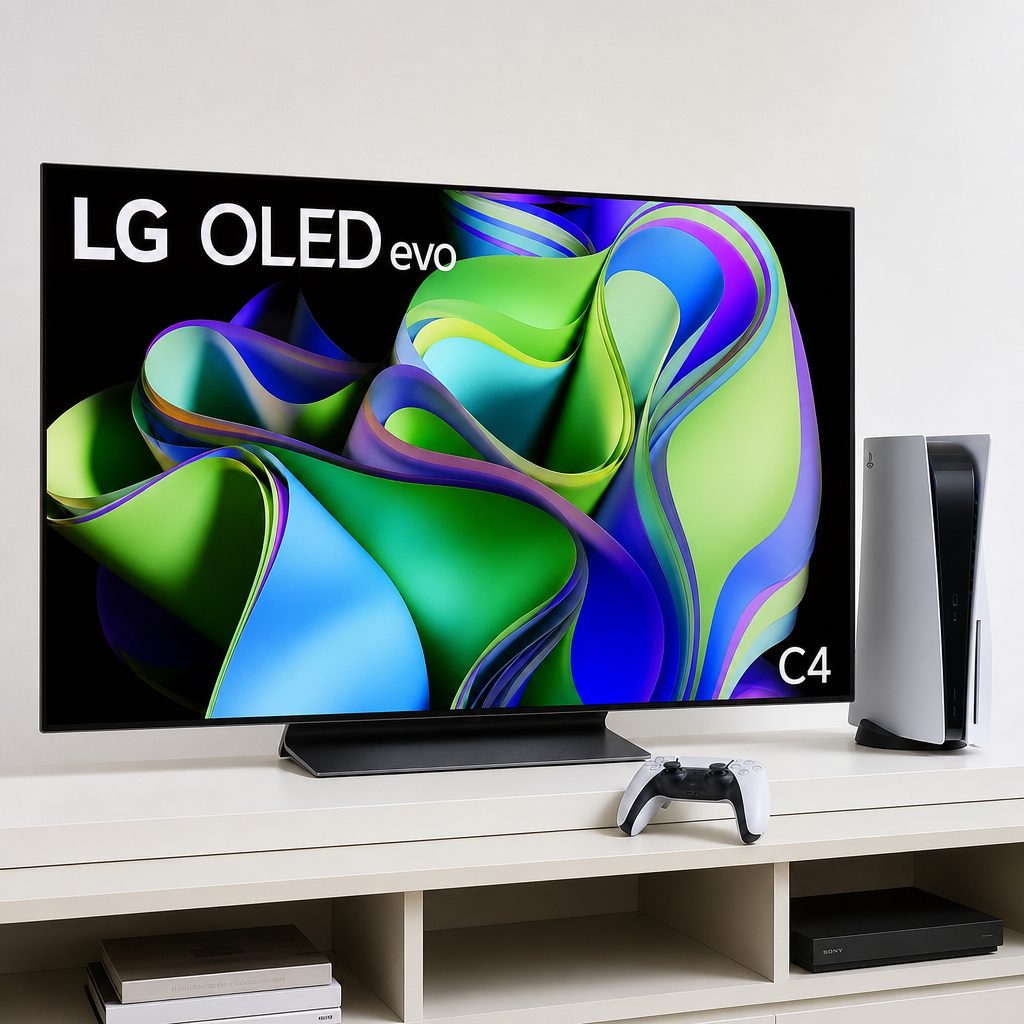
LG's C-series OLED approach remains especially compelling for PS5 Pro players who want four HDMI 2.1 ports and quick 4K 120Hz response.
2. Samsung S95F OLED — Best premium TV for bright rooms
Shop Samsung S95F OLED on Amazon UK
The Samsung S95F OLED is the pick for someone who wants premium OLED colour and contrast but has a lounge with windows, lamps and the general brightness of a minor airport terminal. Its QD-OLED panel uses a glare-free coating that improved noticeably in 2025, making it a much more convincing candidate for daytime gaming than many traditional OLED sets.
It offers four HDMI 2.1 ports, 4K 144Hz support, FreeSync Premium Pro, ALLM and HDR10+ gaming. Input lag came in at 9.9ms, so it is fractionally slower than the LG C5 on paper but still absolutely in the top tier for responsive console play. The native 165Hz panel is more relevant to PC players than PS5 Pro owners, though it does mean the S95F has useful flexibility if your setup expands later.
One Connect Box keeps the inputs and outputs separate from the exceptionally thin screen. That can make wall mounting tidier, although it does mean you have another bit of kit to place somewhere sensible. It is a small compromise for a screen that makes bright-room HDR gaming much easier to enjoy.
3. LG C6 OLED — Best future-facing LG choice
LG's 2026 C6 OLED is the current C-series step forward, and the 77-inch and 83-inch models are particularly interesting because they use a Primary RGB Tandem panel. Smaller versions use WOLED panels, so it is worth checking the exact size rather than assuming every C6 behaves identically. This is one of those irritating details that matters rather more than a shiny new badge on the carton.
All sizes offer 4K 144Hz gaming, VRR, ALLM, Dolby Vision gaming and four HDMI 2.1 ports on the standard models. The Alpha 11 Gen 3 processor has a 50% faster CPU, 70% faster GPU and five times better AI performance than the C5's processor. For PS5 Pro use, the practical attraction remains the same: ample HDMI 2.1 capacity, a high-refresh 4K panel and OLED contrast that shows off the console's enhanced rendering cleanly.
Choose the C6 over the C5 if you are specifically interested in the newer platform or are looking at the larger 77-inch and 83-inch sizes. Otherwise, the C5's known 9ms 4K 120Hz input-lag result makes it the more straightforward all-round recommendation.
4. Samsung S90F OLED — Best accessible OLED gaming choice
Shop Samsung S90F OLED on Amazon UK
The Samsung S90F is the less elaborate sibling to the S95F. It retains a QD-OLED panel, four HDMI 2.1 ports, 4K 144Hz support and the gaming features a PS5 Pro owner wants, but leaves out the S95F's glare-free coating and 165Hz panel. That is not a disaster. In a reasonably controlled room, it remains a formidable gaming display.
Its measured 9.5ms input lag is excellent and sits very close to the LG C5's 9ms result. Samsung's NQ4 AI Gen3 processor uses 128 neural networks for real-time enhancement, whilst Motion Xcelerator 144Hz is intended to keep motion fluid. Again, the PS5 Pro itself will not output 144Hz, but the screen is fully equipped for 4K 120Hz console play and has room to grow with a PC.
Available sizes run from 42 inches through to 83 inches, making it a practical option for smaller gaming spaces as well as larger lounges. If glare is not a major issue and you want QD-OLED gaming performance with plentiful HDMI 2.1 connectivity, this is the Samsung to focus on.
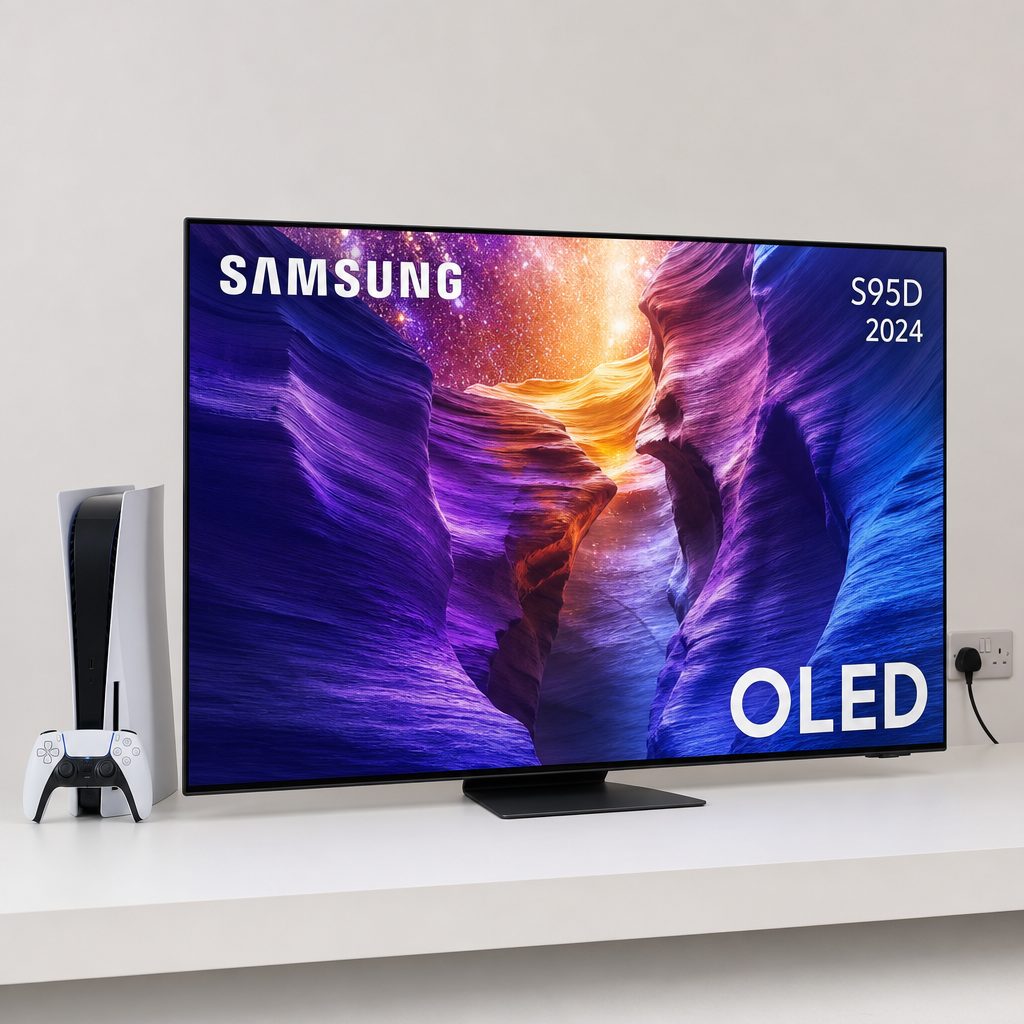
Samsung's QD-OLED options are strong choices for players who want vibrant HDR colour alongside fast 4K 120Hz console gaming.
5. Hisense U8N Mini-LED — Best bright-room value alternative
Shop Hisense U8N Mini-LED on Amazon UK
The Hisense U8N Mini-LED is the most sensible answer for a bright room where OLED's black-level magic is less important than brute-force HDR brightness. This 2024 model used Mini-LED Pro+ backlighting, Quantum Dot colour and anti-glare low-reflection technology. It also delivered a measured peak brightness of 3,000 nits, a number that comfortably changes the conversation in a sunlit space.
For PS5 Pro, it supports 4K 144Hz through two HDMI 2.1 inputs, VRR including FreeSync Premium Pro, ALLM and Dolby Vision gaming. Input lag was under 15ms in both 1080p and 4K modes. That is not as rapid as the LG and Samsung OLEDs, but it remains responsive enough for the vast majority of players, especially those focused on big-screen single-player games.
The compromise is connectivity. Only two of its four HDMI ports are HDMI 2.1, and one may need to serve eARC duties if you connect a compatible soundbar. The built-in 50W 2.1.2-channel speaker system supports Dolby Atmos and DTS:X, though, so some households may not feel an immediate need to add audio hardware. Its sizes go all the way to 100 inches. At that scale, a family game of Rocket League can become a local sporting event.
6. Sony Bravia 8 II OLED — Best for Sony's PS5-specific extras
Shop Sony Bravia 8 II OLED on Amazon UK
The Sony Bravia 8 II OLED is a particularly natural match for a PlayStation household because it includes Auto HDR Tone Mapping for PS5 and Sony's Game Menu 2. Auto HDR Tone Mapping is designed to help the console and television agree on HDR settings with less manual fiddling, which is welcome for anyone who has ever spent ten minutes adjusting a white symbol until it is "barely visible" and then wondered whether they had made everything worse.
Its QD-OLED panel should appeal to players who value rich colour and OLED contrast, whilst Acoustic Surface Audio+ uses the screen itself as a speaker. With a compatible Sony soundbar, the television can also act as a centre channel. It is a more distinctive audio proposition than most thin TVs manage.
There are caveats. Its 16.3ms input lag is higher than the other key models here, and it has only two HDMI 2.1 ports. It remains responsive for story-driven adventures, RPGs and most general gaming, but competitive players are better served by LG or Samsung. Buy the Bravia 8 II for its Sony ecosystem convenience, image character and sound design rather than because it wins the raw gaming-spec race.
7. TCL QM7K / QM8K QLED — Best alternative for big-screen gaming
TCL's QM7K and QM8K QLED sets are worth considering if your main objective is a large 4K gaming screen rather than OLED's pixel-level black control. They are budget gaming alternatives in a market where "big screen" can otherwise become very expensive very quickly. For PS5 Pro shopping, though, check the exact model and size carefully before committing, particularly where HDMI ports and gaming modes are concerned.
The important lesson is not to buy a QLED simply because the panel is large. Make sure the particular set you are considering supports the console features you actually plan to use, especially 4K 120Hz, VRR and ALLM. The PS5 Pro will look excellent on a well-chosen large QLED, but the console cannot compensate for a display that treats high-refresh gaming as an afterthought.
PS5 Pro gaming comparison at a glance
There is no single "best" figure here. The LG C5 wins on the available 4K 120Hz lag measurement; the S95F adds glare handling and premium flexibility; the Hisense wins the brightness contest by an enormous margin. The table makes the trade-offs clearer than a list of logos ever could.
| TV | Panel type | Gaming refresh support | HDMI 2.1 ports | Measured input lag | Standout PS5 Pro strength |
|---|---|---|---|---|---|
| LG C5 OLED | WOLED (Evo) | 4K 144Hz | 4 | 9ms at 4K 120Hz | Best balance of speed, ports and OLED contrast |
| LG C6 OLED | WOLED; Primary RGB Tandem at 77in/83in | 4K 144Hz | 4 | — | Newest LG C-series platform and large-screen panel option |
| Samsung S95F OLED | QD-OLED | 4K 144Hz; 165Hz native panel | 4 | 9.9ms | Glare-free OLED gaming in bright rooms |
| Samsung S90F OLED | QD-OLED | 4K 144Hz | 4 | 9.5ms | Fast QD-OLED with broad size choice |
| Hisense U8N Mini-LED | Mini-LED Pro+ | 4K 144Hz | 2 | Under 15ms | 3,000-nit brightness for sunny rooms |
| Sony Bravia 8 II OLED | QD-OLED | — | 2 | 16.3ms | PS5 Auto HDR Tone Mapping and screen-based audio |
| TCL QM7K / QM8K QLED | QLED | — | — | — | Large-screen alternative to investigate carefully |
What the latency figures actually mean
Input lag is the delay between the console sending a frame and the TV showing it. It is not the whole story of responsiveness, but it is one of the clearest numbers available. The difference between the LG C5's 9ms and Samsung S90F's 9.5ms is tiny. The S95F at 9.9ms is also firmly in the same excellent class. You would not choose between those three solely on that half-millisecond sliver.
The Sony Bravia 8 II's 16.3ms is still perfectly playable, but it is a more meaningful step up. In cinematic games, it is unlikely to spoil your evening. In a twitchy online shooter, it is one more reason why the ultra-low-lag LG and Samsung sets are safer choices. Hisense's under-15ms result lands between these groups and is very respectable considering its focus on brightness and big-screen impact.
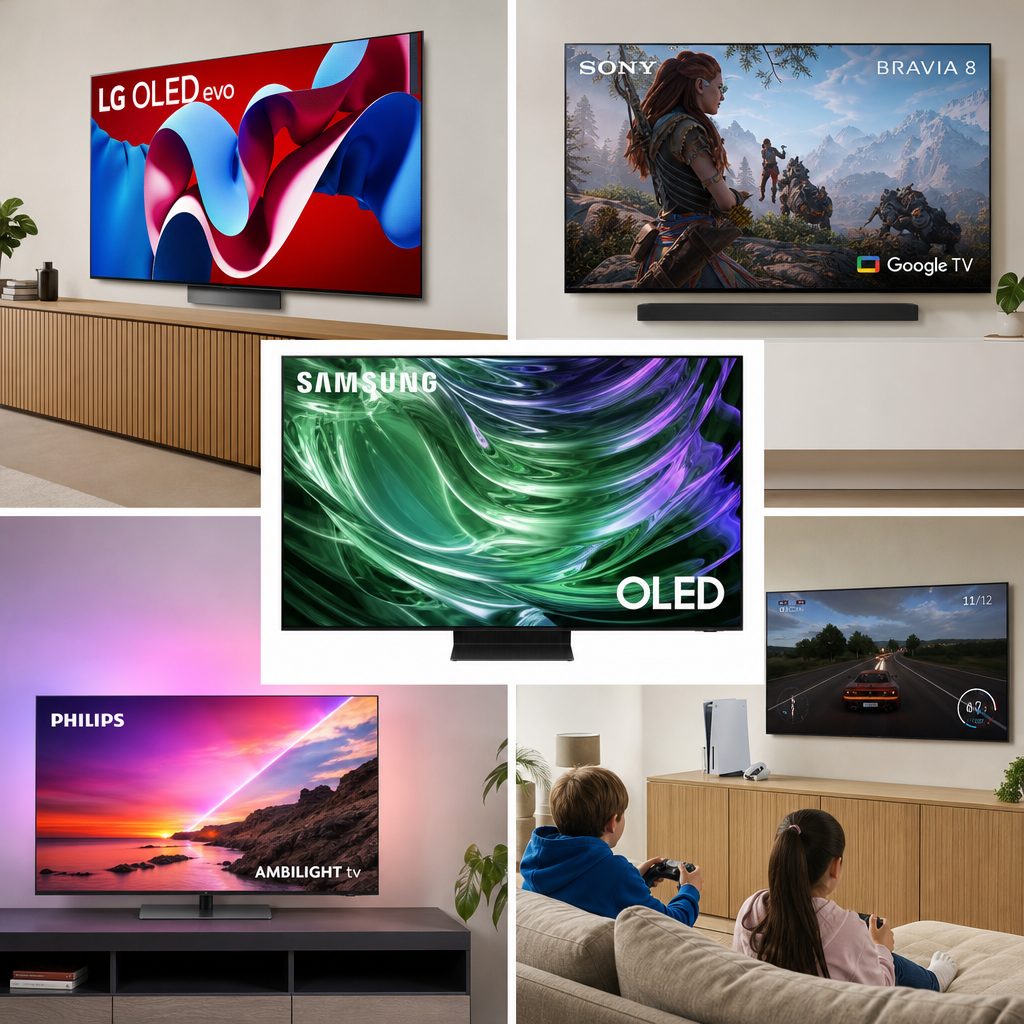
Measured lag matters most in competitive games, but bright-room performance and connection flexibility can matter more in everyday family use.
OLED or Mini-LED for PS5 Pro?
If you play mainly after dark or in a room where you can control the light, OLED is difficult to beat. The LG C5's black level measured at 0.1 nits, and its approximately 0.1ms response time shows why OLED motion looks so immediate. The PS5 Pro's extra image reconstruction detail has room to breathe against a genuinely black background, especially in games that use detailed shadows, rainy streets or space scenes with tiny bright highlights.
Mini-LED is not second-rate OLED. It is a different answer to a different problem. The Hisense U8N's 3,000-nit peak brightness is a serious advantage when afternoon sunlight is unavoidable. Its anti-glare low-reflection treatment also makes practical sense for a bright family room. You trade some of OLED's precision in dark scenes for a screen that can punch through daylight with far more confidence.
Samsung's S95F sits somewhere between these priorities. It retains OLED's QD-OLED strengths but adds a glare-free coating designed to make bright-room viewing less punishing. If your room is difficult and you still want OLED, it is the premium answer. If your room is merely bright sometimes, the LG C5 or Samsung S90F remains easier to justify.
Set your TV up properly before judging it
Even the best screen can look disappointing if it is connected to the wrong input or left in a picture preset designed for shop floors. Start by connecting the PS5 Pro to one of the TV's HDMI 2.1 ports. On sets with only two such ports, decide early whether the soundbar needs the eARC connection, because that can affect your available choices.
Enable the TV's enhanced HDMI format where required, then make sure Game Mode or ALLM is active. On the console, check the video output information so you can confirm 4K, 120Hz and VRR are behaving as expected. It is boring admin, yes. It is also the difference between owning a capable display and actually using it properly.
Finally, run the PS5 HDR calibration. Sony's Auto HDR Tone Mapping on the Bravia 8 II is designed to simplify this relationship, but every television benefits from being checked. Avoid blindly copying somebody else's settings from the internet. Your room, size and preferences are not identical to a stranger's, no matter how confidently they typed "THE ONLY CORRECT SETTINGS".
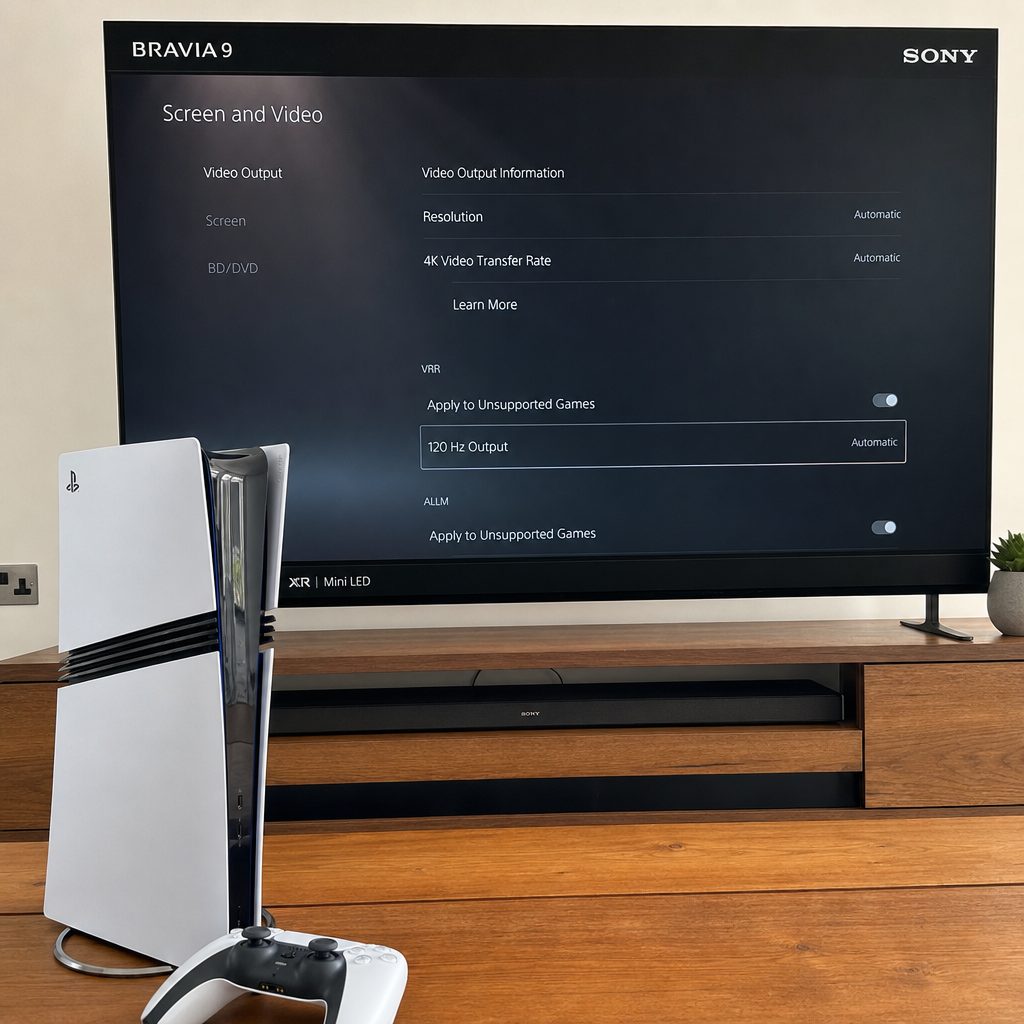
Use the correct HDMI 2.1 input, enable Game Mode and confirm 120Hz and VRR in the PS5 Pro settings before deciding how your new TV performs.
Choosing the right screen size for your room
Size is partly practical and partly emotional. The 42-inch versions of the LG C5 and Samsung S90F make sense for a bedroom, desk arrangement or compact gaming corner. A 55-inch or 65-inch screen is the natural living-room middle ground for many households. At 77 inches and beyond, the game becomes dramatically more immersive, but the screen also dominates the room. That may be exactly the point.
The LG C5 is available from 42 to 83 inches; the C6 similarly spans 42 to 83 inches. Samsung's S95F begins at 55 inches and reaches 83 inches, while the S90F includes 42-inch and 48-inch options as well as 55-, 65-, 77- and 83-inch versions. The Hisense U8N begins at 55 inches and goes up to a frankly colossal 100 inches.
For PSSR-enhanced detail, a larger 4K panel can make the benefits easier to appreciate from a sensible viewing distance. Yet do not choose a huge screen simply because it exists. A too-large screen in a tiny room can make you spend more time scanning the image than enjoying it. The best TV size is the one that makes Gran Turismo feel thrilling, not one that makes reading the minimap feel like a neck exercise.
Best PS5 Pro TV for each type of buyer
The following shortcuts are deliberately blunt. Real buying decisions always involve room layout, other devices and personal preference, but these picks should steer you towards the right starting point.
Best all-rounder: LG C5 OLED
Choose this if you want the strongest blend of 9ms 4K 120Hz lag, four HDMI 2.1 ports, OLED contrast and flexible sizing.
Best for bright rooms: Samsung S95F OLED
Its glare-free QD-OLED screen is the premium choice when daytime reflections are a regular nuisance.
Best PS5-specific convenience: Sony Bravia 8 II OLED
Auto HDR Tone Mapping, Game Menu 2 and Acoustic Surface Audio+ suit a PlayStation-centred setup.
Best big bright-screen route: Hisense U8N Mini-LED
Its 3,000-nit brightness, large size range and gaming support make it ideal for a bright shared space.
Best for console and PC: Samsung S90F OLED
Four HDMI 2.1 ports and a 144Hz panel make it a very capable mixed gaming display.
Best newer LG platform: LG C6 OLED
Look here if you want the current C-series model, particularly in the 77-inch or 83-inch Primary RGB Tandem versions.
Frequently asked questions
No. The PS5 Pro works on a 60Hz 4K TV, and plenty of games will still look excellent. But a 120Hz TV with HDMI 2.1 lets you use compatible 120fps modes and gives the console more scope to balance image detail with smooth performance.
PSSR runs on the console, so it does not technically need OLED. OLED can make reconstructed fine detail look especially convincing because of its pixel-level contrast, deep blacks and fast response. A bright Mini-LED can still be the better choice if the room has lots of daylight.
Not for a PS5 Pro-only setup. Two can be sufficient. Four is simply more convenient if you want a PS5 Pro, another console, a gaming PC and eARC sound equipment without constantly swapping cables or making compromises over which device gets the high-bandwidth input.
The console outputs up to 120Hz, so it will not use 144Hz or 165Hz as a console refresh rate. Those figures can be valuable for PC use, but should not be the deciding reason to buy one TV over another for PS5 Pro alone.
The LG C5 OLED recorded 9ms at 4K 120Hz. The Samsung S90F followed very closely at 9.5ms, with the Samsung S95F at 9.9ms. All three are excellent choices for fast, competitive gaming.
The Hisense U8N Mini-LED is the brightest option here with a measured 3,000-nit peak brightness and anti-glare low-reflection technology. If you specifically want OLED in a bright room, the Samsung S95F's glare-free QD-OLED panel is the more premium alternative.
Not automatically. The Bravia 8 II has genuinely useful PS5-friendly features, including Auto HDR Tone Mapping, but its 16.3ms input lag and two HDMI 2.1 ports mean LG and Samsung are stronger choices for the fastest competitive gaming or a multi-device setup.
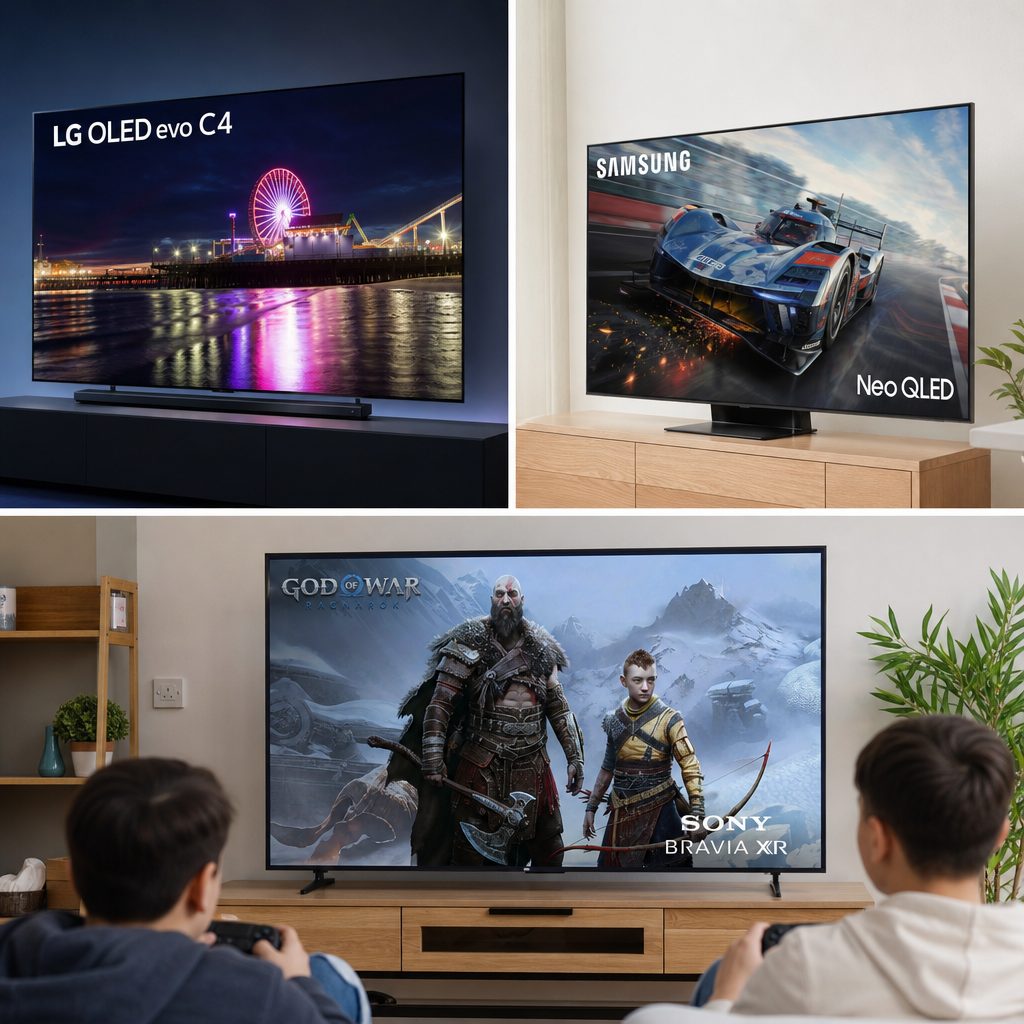
The right choice depends on your room as much as your console: dark-room OLED drama, bright-room Mini-LED impact, or a carefully balanced all-rounder.
The bottom line
For most PS5 Pro owners, the LG C5 OLED is the television to beat. Its 9ms 4K 120Hz input lag, four HDMI 2.1 ports, VRR support and OLED contrast give PSSR-enhanced games exactly the sort of clean, responsive presentation they deserve. Choose the Samsung S95F if daylight reflections are your enemy, the Hisense U8N if outright brightness and a huge screen matter most, or the Sony Bravia 8 II if PS5-specific HDR convenience and distinctive built-in sound are higher priorities than the very lowest lag. The PS5 Pro can do the clever image work. Your job is simply to give it a screen worthy of the effort.
Shop Best 4K TVs to Get the Most Out of Your PS5 Pro on Amazon UK