
Switch 2 Slow Charging? How to Get the Fastest, Safest Charge
A Switch 2 that appears to be charging at a snail's pace is usually not broken. More often, it is negotiating with a low-powered plug, a tired cable, a warm battery or a game that is cheerfully using much of the electricity as quickly as it arrives. Here is how to diagnose the problem, choose the right USB-C power setup and charge safely without turning your console shelf into a small electronics experiment.
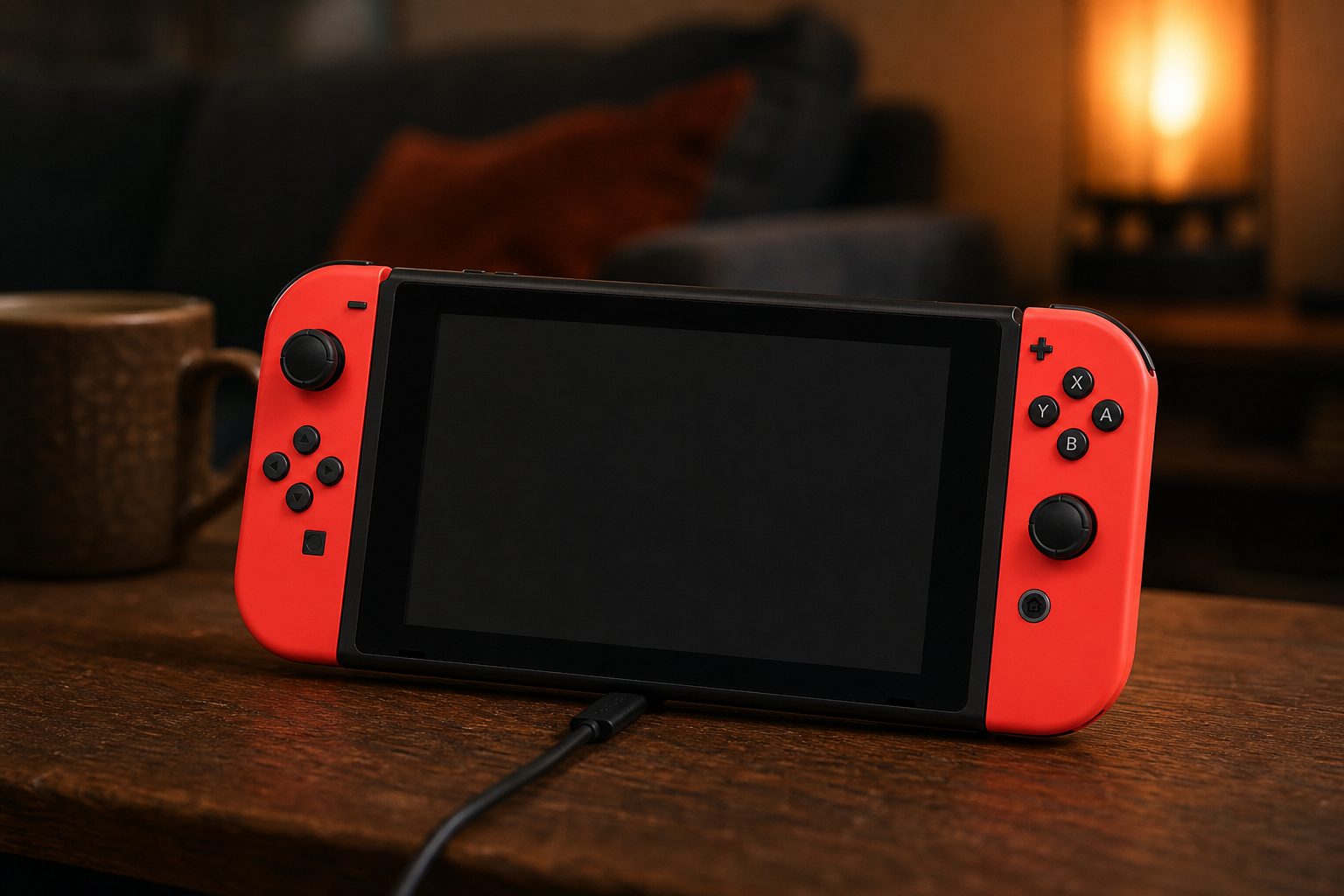
The Nintendo Switch 2 has USB-C ports at the top and bottom, but choosing the right port, charger and cable matters more than simply plugging in whatever is nearest.
1. First: understand what "fast" means on Nintendo Switch 2
The Nintendo Switch 2 launched in June 2025, and it brought a much more capable USB-C setup than many people expected. Its supplied power adapter supported up to 60W USB Power Delivery, whilst the console's battery-charging behaviour was deliberately more restrained. Real-world measurements generally centred around 15–17W, including a recorded reading of 15.14V at 1.07A, or 16.14W.
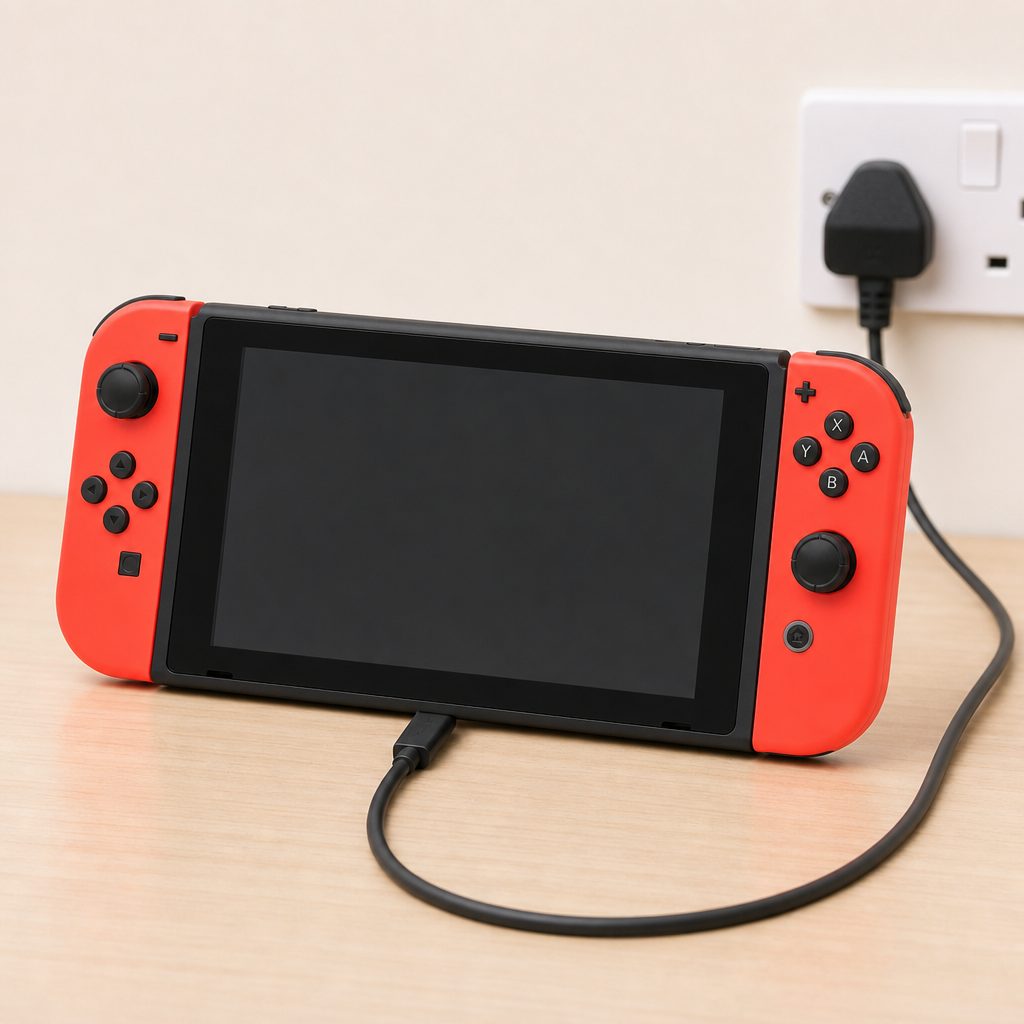
A direct sleep-mode charge is the best starting test: it separates a genuinely weak power setup from a console that is simply using power whilst you play.
That distinction is worth underlining because it clears up a lot of confusion. A 60W adapter did not mean the handheld constantly pulled 60W into its battery. It meant the adapter could meet the higher power and protocol requirements involved in normal dock use. In handheld charging, Switch 2 typically managed its battery at around 16W. That was not a sign that the adapter had failed to wake up. It was the console being sensible.
In plain English: a bigger-wattage charger gives Switch 2 enough headroom for the dock and enough flexibility for stable charging, but it does not force the battery to gulp electricity like a laptop. Batteries are not pints. You cannot simply pour faster and hope for the best.
The key thing to remember
For ordinary handheld charging, seeing roughly 16W from a suitable USB-C PD charger is normal. Chasing a dramatically larger number will not make Switch 2 charge dramatically faster, because the console controls the power it accepts.
2. Check whether it is really charging slowly
Before buying anything, make the diagnosis less dramatic. The percentage icon alone can be misleading, particularly if you have just paused a demanding game, left the display bright, kept wireless connections active and immediately started watching the number crawl. A battery meter is useful, but it is not a stopwatch.
Start with the simplest test. Put Switch 2 into sleep mode, connect it directly to the official adapter or a known-good USB-C PD charger, and leave it alone for 30 minutes. No game suspended in the foreground if you can avoid it, no controller charging from the console, no repeated waking of the screen to inspect the percentage every two minutes. I know. It is difficult. We have all done it.
Then compare that quiet charging session with one where you are actively playing. Switch 2 had a 5,220mAh battery and game time varied considerably, at around 2 to 6.5 hours depending on game intensity and settings. That tells you something important: demanding games can consume a meaningful amount of power. If the console is receiving around 16W but also working hard to run a graphically intensive game at a bright screen setting, the battery percentage may rise slowly, stay level, or even fall. The charger may be doing exactly what it should.
Sleep-mode test
Charge for 30 minutes with the console asleep. This is the cleanest basic check because the console is using far less energy than it would during play.
Play-and-charge reality
A demanding game, high screen brightness and active connections can make charging look slow because incoming power is also keeping the console running.
Feel for heat, not panic
Some warmth is normal. If the console is very warm, let it cool in a ventilated spot before expecting the quickest practical battery recovery.
Repeat once
Swap one item at a time: charger first, then cable, then wall socket. Changing everything at once is how troubleshooting becomes modern interpretive dance.
3. Use the right USB-C charger: PD 3.1 and 60W matter for docking
The most dependable answer remains very straightforward: use the official Switch 2 power adapter and its cable when you are charging through the dock. It was built for the system, it supported up to 60W USB Power Delivery and it removed the question of whether the dock had received the profile it expected.
If you need another adapter for a second room, travel bag or desk, look for a charger that explicitly supports USB Power Delivery 3.1 and is rated at 60W or above. That is the meaningful specification for Switch 2 dock compatibility. USB-C is the connector shape. USB PD is the power negotiation system. PD 3.1 is the important bit here. A USB-C charger can physically fit and still be a poor choice if it does not offer the right power profile.
Do not assume every charger labelled "fast charge" is suitable. That phrase is used very generously. Sometimes it means excellent charging for a phone. Sometimes it means the manufacturer has printed the words "fast charge" in a particularly confident font. What you need to find in the technical details is USB Power Delivery support, ideally PD 3.1, and a stated 60W-or-higher total rating for a dock setup.
| Charging option | Stated power detail | Protocol detail | Best use with Switch 2 |
|---|---|---|---|
| Official Nintendo Switch 2 adapter | Up to 60W | USB Power Delivery | Safest simple choice for docking and everyday charging |
| Third-party 60W+ USB-C PD 3.1 adapter | 60W or higher | PD 3.1 required for normal dock mode | Useful second charger for a desk, bedroom or travel kit |
| Nacon 65W charger | 65W | USB-C charging cable included, 1.5m | A higher-rated dedicated alternative where its PD compatibility is confirmed |
Docking is the stricter test. A charger may power the handheld adequately yet fail to give the dock what it needs for normal operation. If your priority is TV play, do not settle for "it charges sometimes"; choose USB PD 3.1 with at least 60W.
4. Do not confuse the charger's maximum wattage with the console's draw
It is perfectly safe to use a charger rated above 60W if it is a proper USB-C PD model. A 65W adapter, for example, did not ram 65W through the console because it had a point to prove. USB-C Power Delivery works by negotiation: the adapter offers supported voltage and current profiles, then the connected device requests an appropriate one.
Switch 2's measured charging behaviour generally landed around 15–17W, and testing found it could trigger 9V, 12V and 15V levels with current up to around 2A across third-party chargers. That is why a quality charger with generous capacity can be useful: it gives the system options, stays comfortably within its working limits and is less likely to struggle when the dock or console asks for a specific profile.
What a 100W or 140W laptop charger does not do is make Switch 2 fill in half the time. The console's battery management decides its own intake. Think of the charger as a large tap feeding a carefully controlled valve. A bigger tap can be useful, especially if it is powering more than one device, but the valve is still in charge.
The bar chart is not a race result. It is a useful visual reminder that adapter capacity and battery intake are different figures. The official adapter had a 60W ceiling, but Switch 2 normally took a much smaller amount when charging its battery. That was controlled, expected behaviour.
5. Inspect the cable before blaming the console
Cables are boring until they are the whole problem. A USB-C cable can look immaculate and still be unsuitable, damaged internally or designed for a modest phone-charging job rather than a higher-power console-and-dock setup. If Switch 2 is slow only with one cable, starts and stops charging when moved, or behaves differently after you rotate the connector, you have a very good suspect.
For docked play, use the cable supplied with the official adapter or another quality USB-C cable intended for USB Power Delivery at the power level your charger supports. If you are mixing chargers and cables, keep the test simple: known-good PD charger, known-good cable, direct connection. Once that works, introduce other parts of your setup one by one.
Give both USB-C connectors a close look under decent light. You are looking for fraying near the strain relief, bent metal, loose ends, scorching, deep scratches or a plug that sits oddly in the port. A cable should insert firmly but without force. If it wiggles excessively, feels loose, gets unusually hot or needs to be held at a certain angle, stop using it. Cables are much cheaper than consoles. This is not the place to be brave.
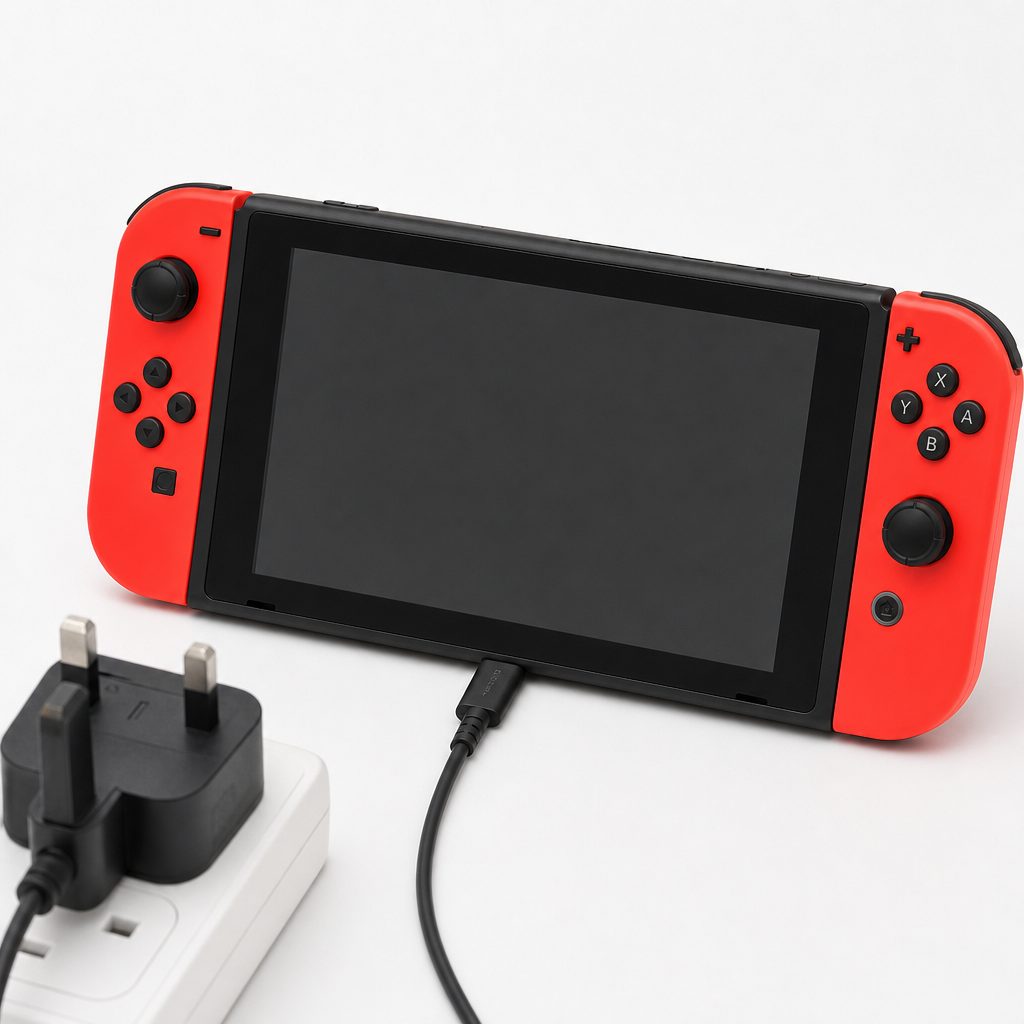
A USB-C cable may fit perfectly whilst still being the weak link. Check for a secure fit, damaged insulation and signs of heat before assuming the console is at fault.
Signs the cable is probably fine
- Charging remains stable when the console is left untouched.
- The connector sits securely in both the charger and Switch 2.
- The cable and plugs remain normally warm rather than noticeably hot.
- It delivers consistent results in a repeatable sleep-mode test.
Signs it is time to retire it
- Charging cuts in and out when you touch or move the lead.
- The connector is bent, loose, damaged or discoloured.
- The cable only works in one particular position.
- It produces dramatically slower charging than a known-good alternative.
6. Choose the best port for handheld and tabletop charging
Switch 2 added a top USB-C port, and it is one of those small design changes that becomes much more appreciated once you have actually used it. If you are playing in tabletop mode with the kickstand open, charging from the top can keep the cable away from the desk and give you more freedom over the angle. It is a much tidier arrangement than asking a bottom-mounted lead to coexist with a surface at the same time.
The bottom USB-C port remained the important one for dock charging and video output. When you are using the dock, use the intended dock connection rather than trying to create a clever cable arrangement around it. Clever cable arrangements are often just untidy problems with a few extra minutes of preparation.
For handheld play, use whichever port keeps the cable least likely to bend sharply, snag on furniture or sit under the console's weight. For tabletop sessions, the top port is usually the obvious answer. For a quiet overnight recharge, either port can be practical, provided the console is on a hard, open surface where it can shed heat normally.
Top USB-C port
Best suited to tabletop play, especially when the kickstand is open and you want the cable away from the desk or sofa arm.
Bottom USB-C port
The primary charging and video-output connection when Switch 2 is docked. Keep this route clear and use the dock as intended.
Give it breathing room
The dock included a fan. Avoid enclosing it in a cramped cabinet or piling soft items around the console whilst charging.
Avoid soft surfaces
Charging under duvets, cushions or thick blankets is a poor plan. Put the console somewhere stable, open and dry instead.
7. Stop playing whilst you test charging speed
This is the bit nobody loves hearing, because the whole appeal of a portable console is that you can keep playing. But if your aim is the fastest safe recovery from a low battery, sleep mode wins. Switch 2 could deliver 1080p handheld play and up to 120 frames per second in supported games. That is a much heavier task than the original Switch's 720p handheld output and 60fps ceiling. More performance is lovely. More performance also needs energy.
If you need to keep playing, be realistic about what "charging" means. A suitable charger may keep your session going and gradually add battery percentage, but a demanding game can dramatically reduce the visible rate of gain. Lowering screen brightness where comfortable, putting the console into sleep mode during breaks and avoiding unnecessary accessory charging can all make the practical result less frustrating.
For a proper troubleshooting test, do this:
- Let Switch 2 cool naturally if it has been running a demanding game for a long session.
- Connect the official adapter, or a 60W-or-higher USB PD 3.1 alternative, directly to a wall socket.
- Use a known-good USB-C cable.
- Put the console into sleep mode and leave it on a hard surface for 30 minutes.
- Check whether the battery percentage has risen meaningfully without repeatedly waking the system.
- If it has, your previous "slow charge" was likely active power use rather than a charging fault.
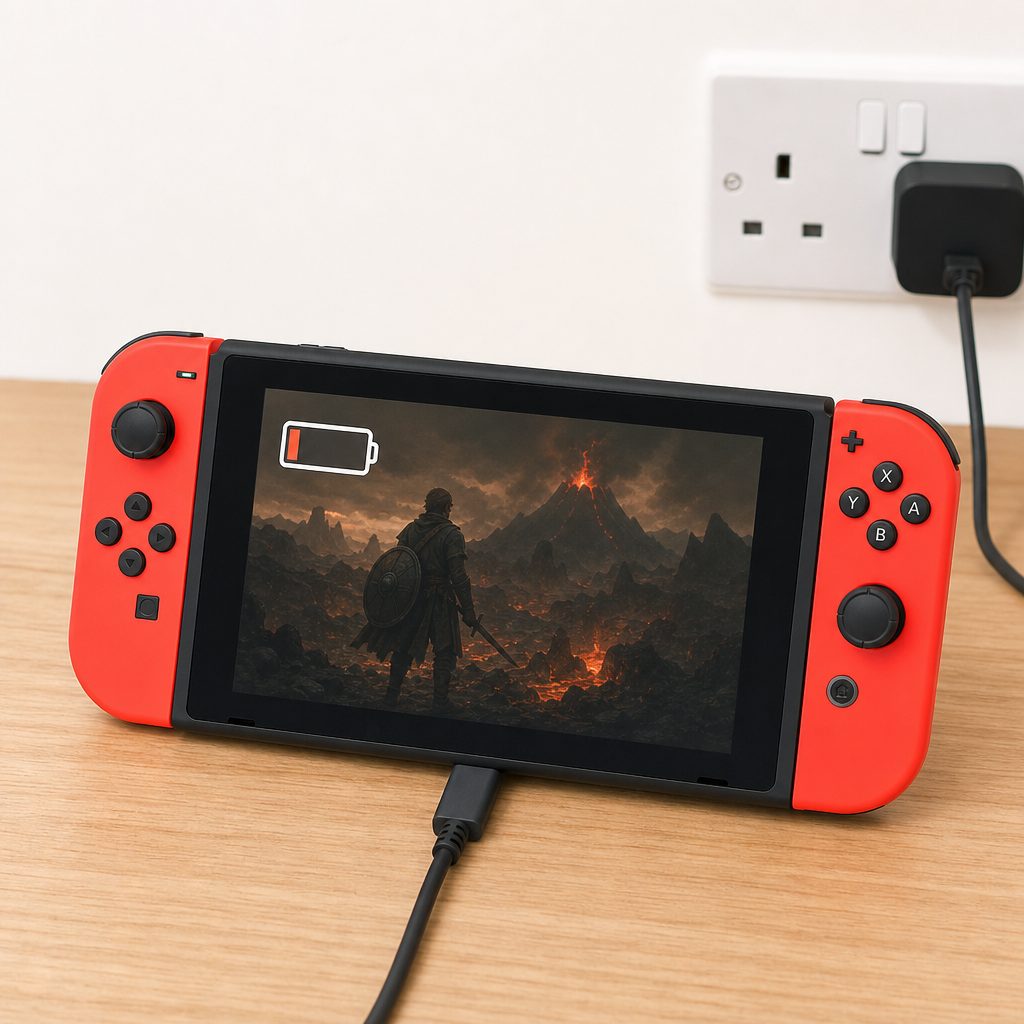
Demanding handheld play can make the battery meter move slowly even with a capable charger connected. Sleep mode is the fair test when you need a quick top-up.
A practical charging habit
Top up during meals, school runs, showers or the bit of a film where somebody says "we need to talk". A 30-minute rest in sleep mode is usually more useful than an hour of charging whilst playing continuously.
8. Make the dock work properly, not merely intermittently
Dock behaviour is where many otherwise decent third-party chargers reveal their limitations. The dock was designed for Switch 2's TV output, including 4K support in games that supported it, and normal dock use required a PD 3.1 charger rated at 60W or higher. If the console charged in handheld mode but the dock did not behave normally, that did not automatically mean the dock had failed. It could simply mean the adapter could not offer the required PD profile.
Start with the official adapter. If the dock works normally with it, the console and dock are likely fine. Then, if you are testing a third-party unit, check its technical description rather than relying on a large wattage number printed on the front. A charger might be 65W in total but share power between several sockets, reducing what one USB-C port can provide when other devices are connected. A charger might also advertise USB-C fast charging without making its PD standard clear.
For a tidy family setup, I would keep the official adapter with the main television dock and use a separate compatible PD 3.1 charger for travel or a second charging station. That way nobody has to unplug the living-room console just because someone wants to charge in bed. This is less glamorous than buying a gadget with fourteen blinking lights, but it is vastly more peaceful.
Dock charging checklist
- Use the official adapter first when diagnosing dock issues.
- For an alternative adapter, confirm USB PD 3.1 and 60W or higher.
- Test with only Switch 2 connected to the third-party charger.
- Try another wall socket before deciding the dock is faulty.
- Keep the dock's ventilation clear, particularly in a TV cabinet.
- Do not treat "the handheld charges" as proof that the charger suits docked play.
9. The safest charging routine for everyday family use
Most Switch 2 charging problems are preventable with a few mildly unexciting habits. Use recognised, properly made USB-C PD hardware. Keep the console and dock ventilated. Do not charge under bedding. Avoid damaged cables. Do not yank a connector sideways because a child, cat or rogue Joy-Con strap has tangled itself around it. The usual household chaos applies.
The positive news is that real-world testing found stable thermal performance during charging, with no overheating issues reported in those measurements. The system's managed charging profile was part of that story. It did not attempt to draw the full 60W adapter capability into the battery, and that restraint helped keep charging behaviour controlled.
You do not need to drain Switch 2 completely before charging it. In fact, there is little practical reason to make battery management into a ritual. Plug it in when it is convenient, give it a decent top-up before a journey and use sleep mode when you need more charge quickly. The goal is a console that is ready when somebody says, "Can we play Mario Kart?" not a console sitting at 2% because everyone was waiting for the mythical perfect charging moment.
Safety first: stop using any charger, cable or extension setup that becomes unusually hot, smells odd, has damaged insulation or causes unreliable connection. Replace the suspect accessory rather than repeatedly testing it with an expensive console.
10. Best Switch 2 charging setup for each type of player
There is no single buying answer because not everybody charges Switch 2 in the same way. Some players only use the dock at home. Some need a cable by the sofa. Some are travelling every other weekend with a bag full of snacks, headphones and three different chargers that may or may not belong to them. The best setup is the one that suits your actual habits and meets the console's requirements without unnecessary faff.
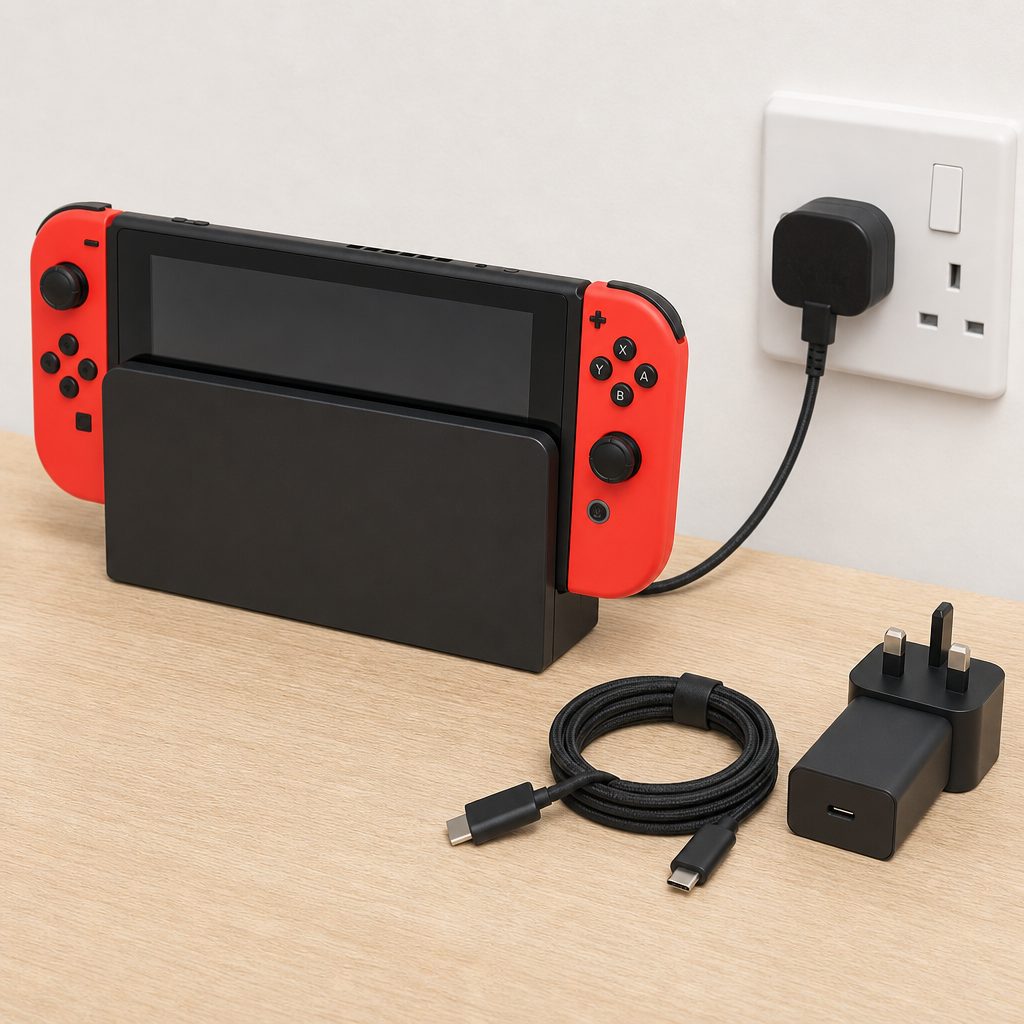
The most useful charging setup is often a simple one: a reliable main dock arrangement at home, plus a clearly labelled USB-C PD option for tabletop or travel use.
Official Nintendo Switch 2 power adapter
Keep it with the main dock. Its up-to-60W PD capability makes it the easiest, least confusing choice for normal docked play and dependable charging.
60W+ USB-C PD 3.1 charger
Choose a compact, properly specified PD 3.1 unit and a quality USB-C cable. It is the sensible route for a spare travel charger or second room.
USB PD 3.1 charger rated at 60W or more
Docking is where the specification matters most. Confirm the PD 3.1 standard rather than buying a USB-C plug based on wattage alone.
Top-port USB-C charging arrangement
Use the top USB-C port with the kickstand open. It is the neatest way to play on a table whilst keeping the cable out of the way.
One note on the Nacon 65W charger: its 65W rating and included 1.5m USB-C cable made it a potentially handy dedicated option, particularly for a separate charging point. For dock use, though, the same rule applies as it does to every alternative: confirm that its USB Power Delivery support meets Switch 2's PD 3.1 requirement. A big number on the box is helpful. The correct protocol is essential.
11. A step-by-step fix for a Switch 2 that still seems slow
If you have reached this point and Switch 2 is still charging much more slowly than expected, work through the following process in order. It is deliberately dull and methodical. That is because methodical fixes work, whereas buying three chargers in a panic usually leaves you with three chargers and the same mystery.
- Move to a wall socket. Remove extension leads, USB hubs and multi-port accessories from the equation for the first test.
- Use the official Switch 2 adapter. This establishes a reliable baseline for both handheld charging and dock performance.
- Use the original cable where possible. If that is unavailable, use a quality USB-C cable intended for USB Power Delivery.
- Charge in sleep mode. Give the system 30 minutes without gameplay, a bright display or constant checking.
- Let the console cool. If it was hot after a long game, leave it in a ventilated location until it returns to a normal temperature.
- Inspect both ports. Remove nothing with metal tools. If debris is visible or a port appears damaged, do not force a connector.
- Test one alternative cable. If the result changes sharply, replace the unreliable cable.
- Test one compatible PD 3.1 charger. For dock use, it should be rated at 60W or higher.
- Separate handheld and dock symptoms. A problem affecting only the dock points to the dock power setup; a problem affecting every direct charge suggests the cable, adapter, port or console needs closer attention.
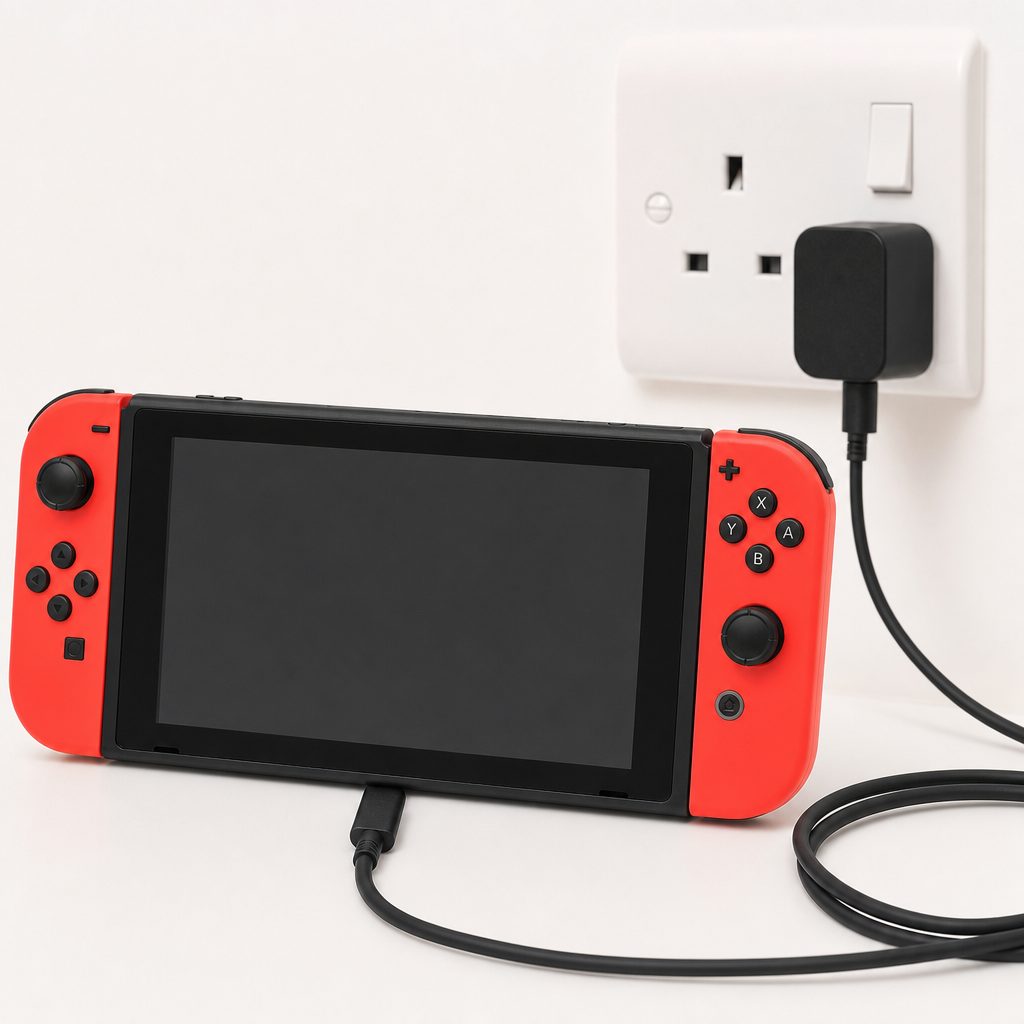
Troubleshoot one part at a time: wall socket, adapter, cable, port and charging mode. It is slower than guessing for five minutes, but much faster than guessing for a week.
If Switch 2 would not charge reliably with the official adapter and known-good cable, particularly if there was visible damage, unusual heat or repeated disconnection, stop experimenting and seek support through the appropriate official route. A port is not something to "persuade" with more force. USB-C plugs are designed to be convenient, not to win wrestling matches.
12. Frequently asked questions
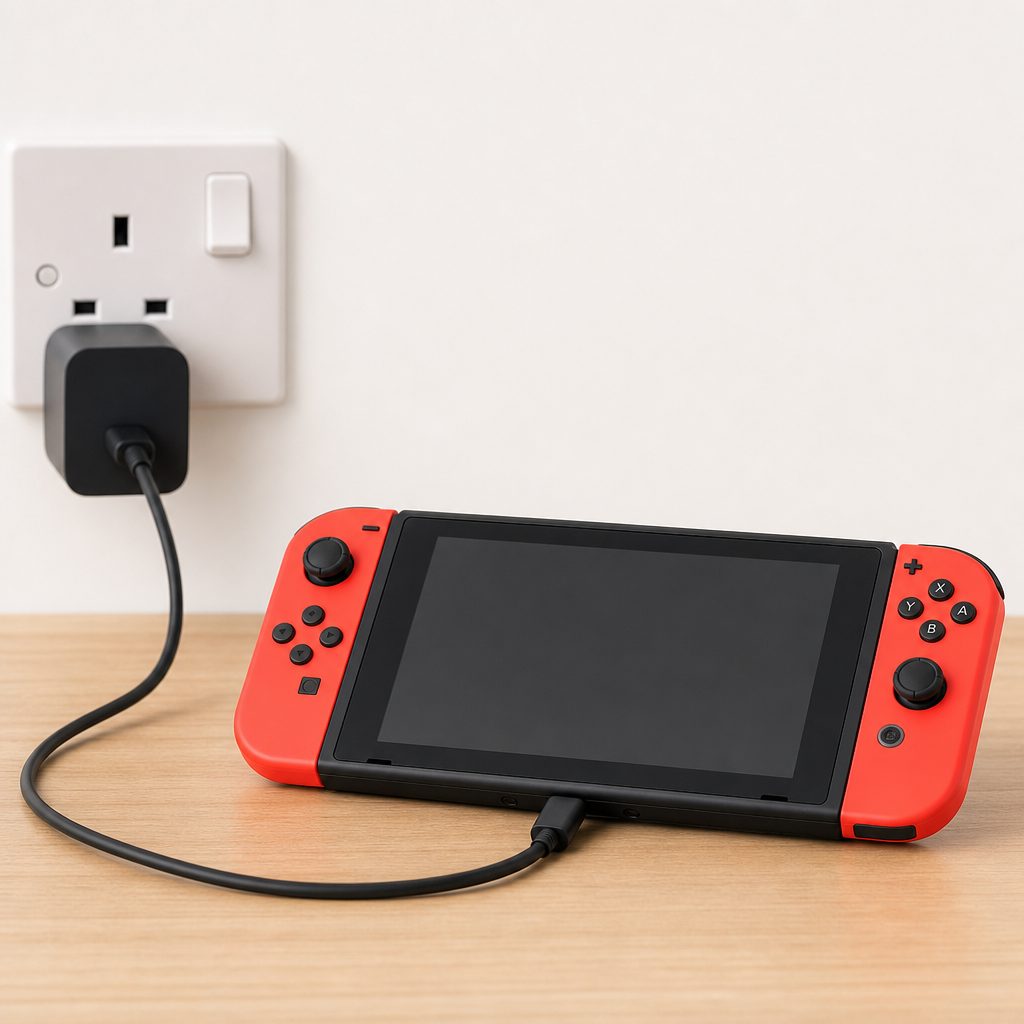
A safe charging routine is not complicated: suitable PD hardware, a sound cable, clear ventilation and a little patience whilst the console manages its battery.
The bottom line
Switch 2 was not a 60W battery-fast-charging handheld, even though its official adapter supported up to 60W USB Power Delivery. In real use, it generally charged at around 15–17W, and that was normal. The quickest safe setup was a quality USB-C PD charger, a sound cable and, for docked play, confirmed PD 3.1 support at 60W or above.
If your console appears slow, test it in sleep mode before spending money. If it charges normally then, the likely culprit is active gaming rather than a faulty system. Keep the official adapter with the dock, use the top port for tidy tabletop charging, avoid battered cables and let Switch 2 cool when it has been working hard. Nothing glamorous. Everything sensible. Which, in the world of charging accessories, is about as close to magic as it gets.