
Docked vs Handheld: Getting the Best Picture and Performance from Switch 2
The useful answer is simple: choose docked play for the biggest, sharpest television image, but choose handheld play when smooth delivery through variable refresh rate matters most. Nintendo Switch 2 can output 4K at 60fps on a TV, or up to 120fps at lower resolutions. It cannot do 4K and 120fps at the same time.
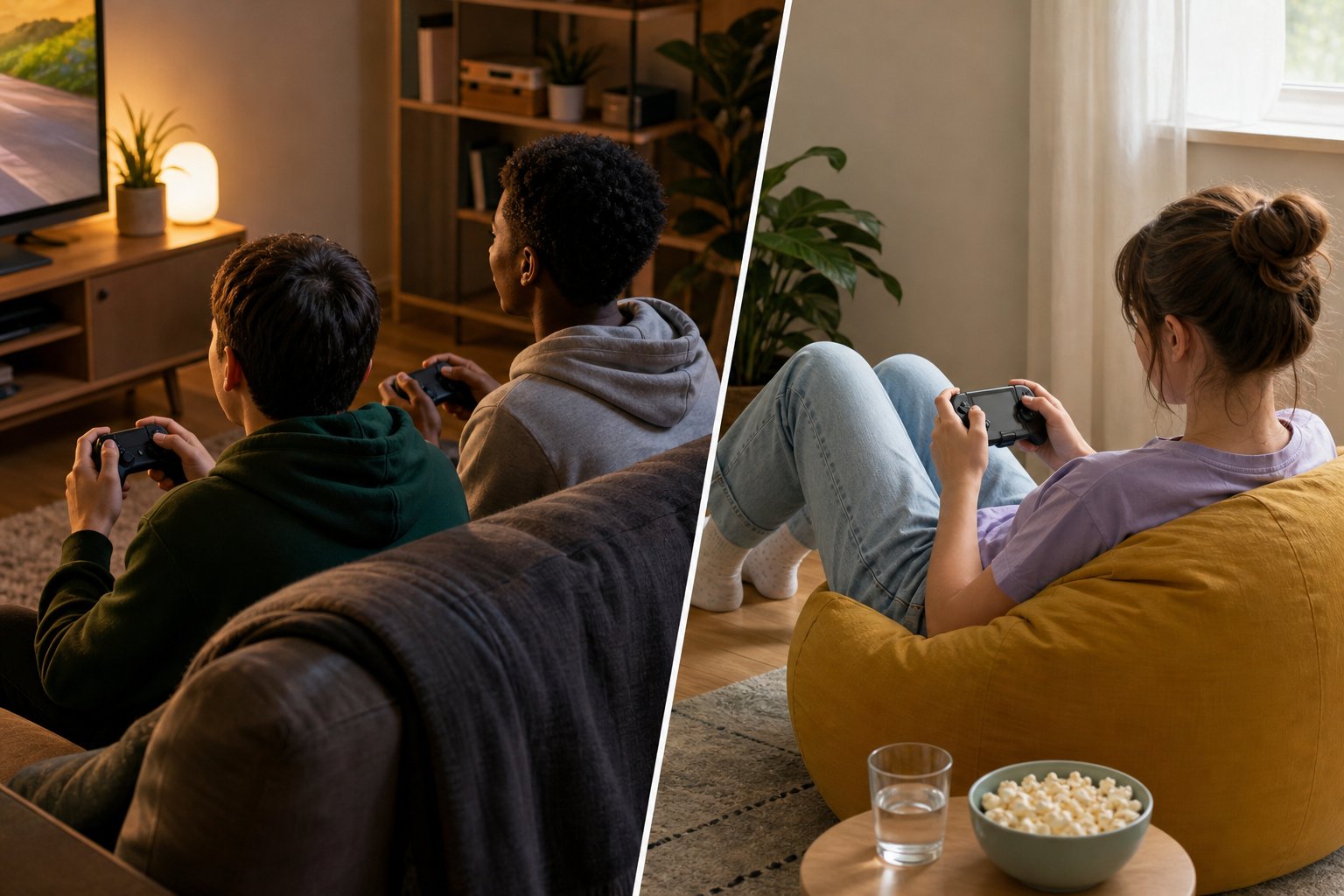
The important point is that this is not really a contest with one permanent winner. The Nintendo Switch 2 was designed to move between the television and its own 7.9-inch display. What changes is the picture target: docked mode favours resolution on a large screen, whilst handheld mode gives you the console’s native 1080p display, HDR and VRR support.
The real 4K vs 120Hz trade-off
In TV mode, the Nintendo Switch 2’s maximum HDMI output is 3840 × 2160, better known as 4K, at 60 frames per second. That is the setting to prioritise if you sit close enough to appreciate extra detail on a 4K television, especially in games where scenery, character models and fine interface details are part of the appeal.
There is a clear ceiling, though. Nintendo specifies support for 120fps only at 1920 × 1080 or 2560 × 1440. In practical terms, you choose between a 4K/60 output target and a lower-resolution output that can run at up to 120fps. A 120Hz-capable TV does not make 4K at 120fps available from the console.
| What matters | Docked TV mode | Handheld or tabletop mode |
|---|---|---|
| Maximum resolution | 3840 × 2160 (4K) | 1920 × 1080 |
| Maximum frame-rate support | 60fps at 4K; up to 120fps at 1080p or 1440p | Up to 120fps on the built-in display |
| VRR | Not supported through HDMI | Supported in handheld mode |
| Best reason to use it | A larger screen and the highest available output resolution | Portable play with the console’s 1080p, 120Hz HDR display |
The setting that catches people out
“120Hz” does not automatically mean every game runs at 120fps, and it does not mean 4K/120 is available. It describes the console’s supported output limits. Individual games determine which modes they offer.
Handheld and tabletop play are capped at 1920 × 1080 because that matches the built-in screen’s resolution. This is still a strong fit for the 7.9-inch panel: you are not trying to fill a large living-room television from across the room, so 1080p has a very different visual job here.
Nintendo Switch 2 handheld mode
Search Amazon UK for Nintendo Switch 2 handheld mode
Handheld mode is the straightforward choice when the main benefit is flexibility. You get the Nintendo Switch 2’s 7.9-inch 1080p LCD screen, with a 120Hz refresh rate and HDR support, without needing the television to be free. Tabletop mode uses the same 1920 × 1080 limit.
1080p on the built-in screen
Handheld and tabletop modes follow the display’s 1920 × 1080 resolution. It is a consistent picture target whether you are holding the console or setting it down for local play.
Up to 120Hz refresh rate
The built-in display supports up to 120Hz. Where a game includes a suitable mode, this gives it the potential to present more frames than a 60Hz display.
VRR is the handheld advantage
Nintendo later clarified that VRR is supported in handheld mode only, rather than via the dock’s HDMI connection. VRR can help the display adjust to changes in frame delivery instead of relying on one fixed refresh rate.
HDR support
The built-in display supports HDR, as does the Nintendo Switch 2’s TV output specification. HDR alone is not a reason to choose one mode, but it is part of the display feature set in both.
This makes handheld the more compelling choice for a player who values a smooth-feeling display path over maximum output resolution. It is also the only mode where the console’s VRR support applies. If a game varies around its target frame rate, that distinction can matter more than the jump from 1080p to 4K.
The limitation is screen size. A 7.9-inch panel is excellent for personal play, but it is not the same shared, across-the-room experience as a television. For a family game night or a long single-player session when you want a larger image, the dock remains the better fit.
Nintendo Switch 2 docked mode
Search Amazon UK for Nintendo Switch 2 docked mode
Docked mode is for making the most of a television. The headline option is 4K at 60fps over HDMI, which is the maximum video output listed in Nintendo’s technical specifications. For games that favour visual detail or a more cinematic pace, that is usually the more attractive trade-off than chasing a higher refresh rate.
The dock is not just a stand and video connection. It includes a built-in cooling fan, a change from the original Nintendo Switch dock. That is useful context for players who expect to use the console on the television regularly.
Docked play is not limited to 60fps in every resolution. If you select 1080p or 1440p, the Switch 2 supports output of up to 120fps. That gives players with a suitable display a genuine high-refresh alternative, but it comes at the cost of 4K output. The decision is about what you notice more in the games you play: extra pixels or extra temporal smoothness.
The compromise is VRR. Despite earlier information suggesting otherwise, Nintendo clarified that VRR does not work through HDMI, so docked mode does not have the handheld display’s variable-refresh support. A game with a steady frame rate will still suit TV play very well; the point is simply that the console cannot use VRR to adapt its HDMI output when frame delivery varies.
When to choose each mode
Choose docked mode when…
- You have a 4K television and want the Switch 2’s highest available output resolution.
- You prefer a larger picture for story-led games, detailed worlds or shared living-room play.
- You are happy with 4K at up to 60fps, or would rather select 1080p/1440p to access up to 120fps.
- Your play sessions are mainly at home in front of the TV.
Choose handheld mode when…
- You regularly play away from the television or want the simplest pick-up-and-play option.
- You value the built-in screen’s 120Hz capability and handheld-only VRR support.
- You want a 1080p HDR display without arranging a TV setup.
- You usually play alone, rather than gathering players around a television.
For 120fps specifically, neither format has an automatic monopoly. The Switch 2 supports up to 120fps on its own screen, and it can support up to 120fps docked at 1080p or 1440p. The meaningful difference is VRR: that feature belongs to handheld mode, not HDMI output.
Who should use which Nintendo Switch 2 mode?
Use docked mode if your TV is the centre of play
This is the best route for households sharing a living-room screen, players who want 4K output at up to 60fps, and anyone who simply prefers a larger image over portability.
Use handheld mode if flexibility is the priority
Choose this mode for the 7.9-inch 1080p screen, HDR, up to 120Hz and VRR support. It makes most sense when the console needs to fit around the rest of your day.
Neither mode is the wrong way to use the console. The poor fit is buying a Nintendo Switch 2 solely for one headline number without considering your screen and usual play habits. A 4K television makes docked play more appealing; a preference for portable sessions and VRR makes handheld play especially strong. If you do not have a suitable television and do not expect to use the portable screen, the Switch 2’s central advantage—moving easily between both—will matter less to you.
The ToyScout verdict
Use the Nintendo Switch 2 dock for the biggest picture: 4K at up to 60fps is the right choice for TV-focused play. Use it handheld for the most adaptable experience: the 1080p, 120Hz HDR display and handheld-only VRR are meaningful advantages. For most owners, the best answer is not docked or handheld. It is using each mode where it makes the most sense.
Sources
- Nintendo Switch 2 technical specifications — TV output, handheld resolution, HDR and supported refresh rates.
- FlatpanelsHD: Nintendo clarification on Switch 2 VRR support — VRR support in handheld mode rather than via HDMI.
- TechSpot: Nintendo Switch 2 display and dock overview — 7.9-inch display details and the dock’s cooling fan.