
How GameShare Actually Works on Switch 2 (and Its Big Catch)
One console, one copy of a game, up to four players — sounds too good to be true. Here's the honest, plain-English guide to what GameShare can do, and the catch that trips everyone up.
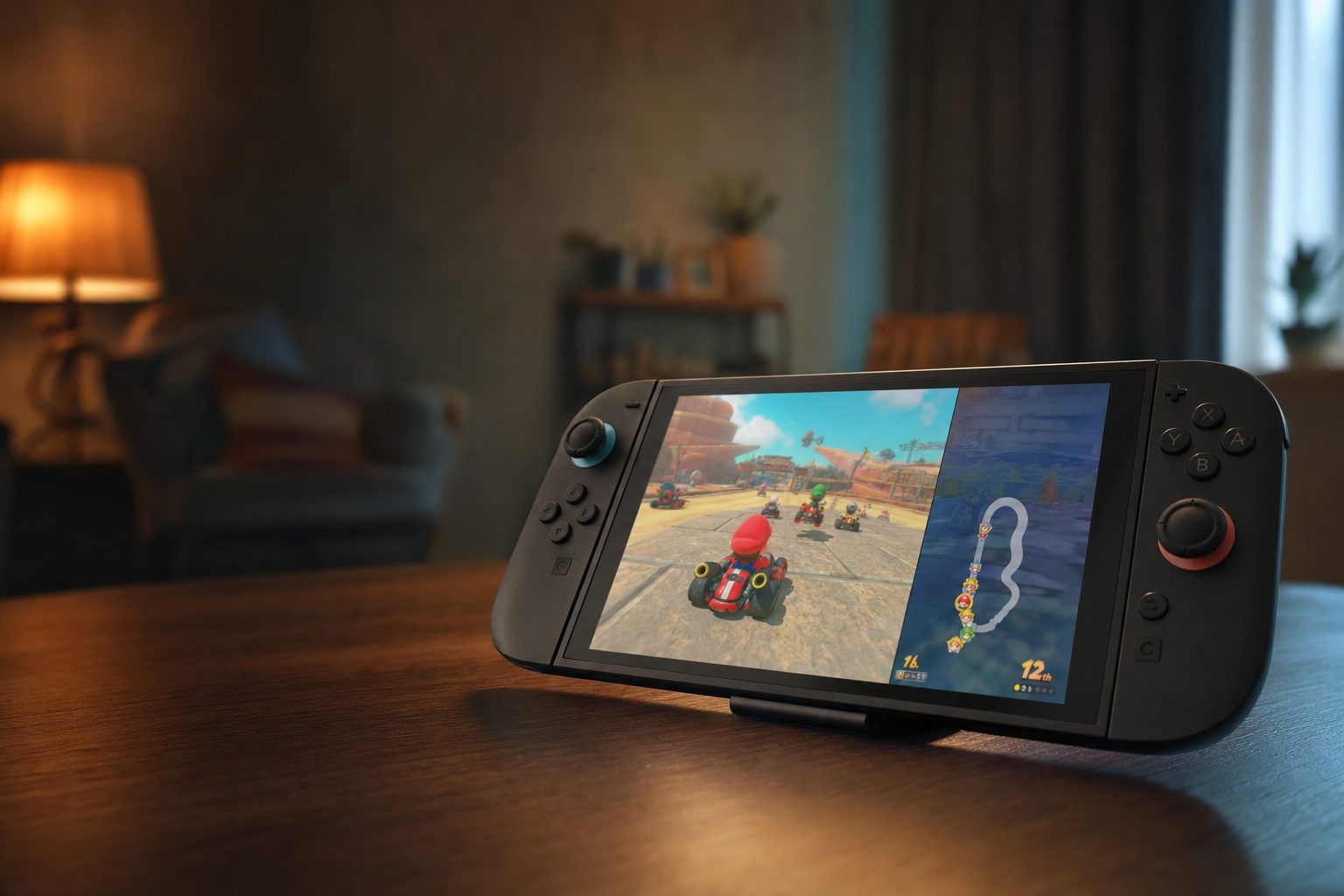
How GameShare actually works on Switch 2
If you've bought a Switch 2 since it landed in June 2025, or you're mulling one over for the family, you've probably heard whispers about GameShare. And on paper it sounds almost like a cheat code: buy one copy of a compatible game, then invite friends or family into a session so they can play along without owning it themselves. No second cartridge, no second download, no second purchase.
It's genuinely clever, and it's one of the nicest quality-of-life features Nintendo has shipped in years. But — and it's a big but — there's a catch that surprises a lot of people, and it's exactly the sort of thing that turns delight into "wait, that's it?" if nobody warned you first. So consider this me warning you first.
I'm going to walk you through what GameShare actually is, how to set it up both locally and online, who can join, which games work, and the single limitation you absolutely need to understand before you get anyone's hopes up. Grab a cuppa; this is the complete picture.
GameShare at a Glance
Before we get into the weeds, here's the shape of the thing. GameShare is a software feature — not a gadget, not an accessory — built into the Nintendo Switch 2. It lets one person share a compatible game so others can play together, even if only one of you actually owns it. Think of it as the spiritual successor to the old DS Download Play, where one cartridge could power a whole classroom's worth of Mario Kart. Same idea, modern plumbing.
Right, that's the elevator pitch. Now let's unpack every part of it properly, because the details are where GameShare either wins you over or catches you out.
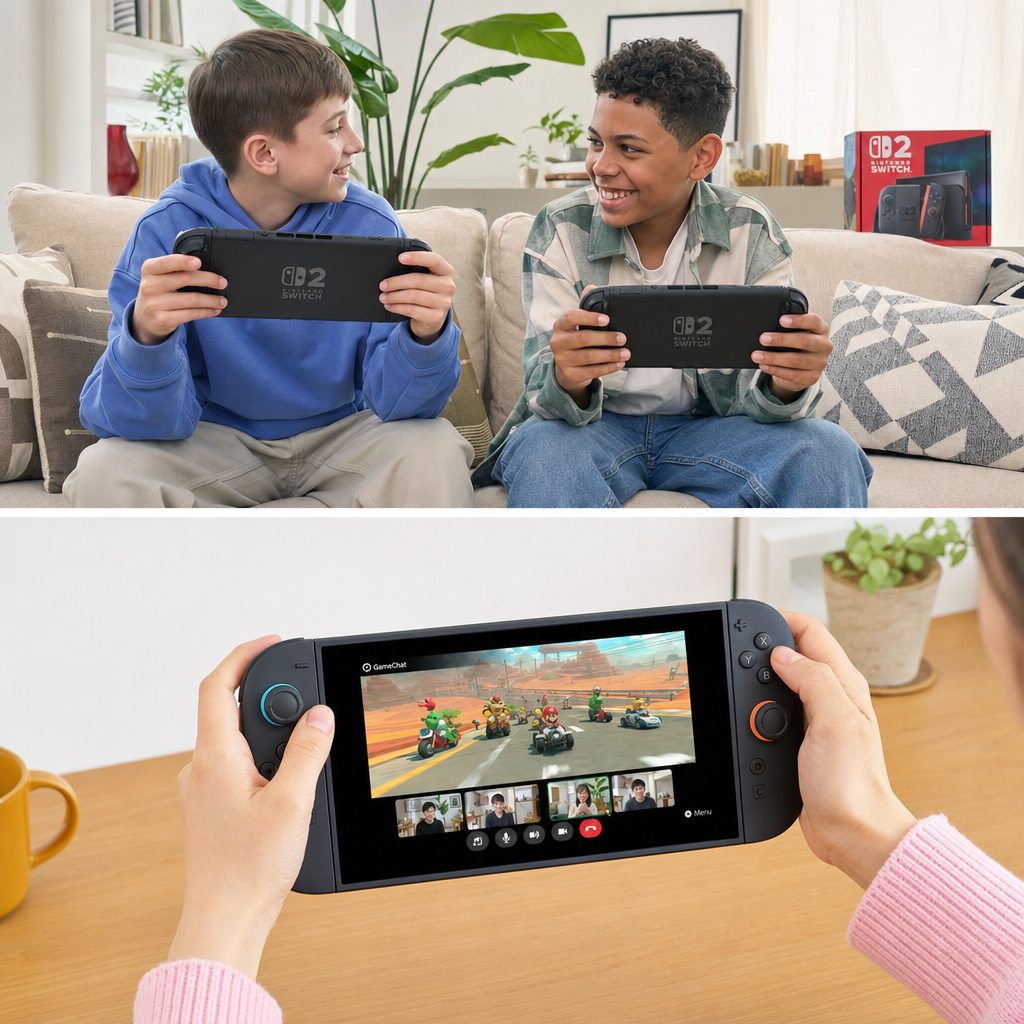
Local GameShare works over the same Wi-Fi network
What GameShare Actually Is
At its core, GameShare is a function that lets you share software with other people so you can all play the same game together. The person doing the sharing — the host — is the only one who needs to own the game. Everyone else joins in on that single copy.
Here's the part that makes it work: it uses streaming technology. Rather than sending everyone a full copy of the game to install (which would take ages and eat storage), the host's console streams the gameplay instantly to the other players. That means there's no waiting around for a big download or a cartridge swap — you fire up the session and everyone's in within moments.
The DS Download Play comparison
If you owned a Nintendo DS back in the day, you'll remember one friend with a game cartridge could beam a slimmed-down version to everyone else at the lunch table. GameShare is functionally the same idea — one owner, many players — just brought bang up to date with streaming instead of the old download-a-demo approach.
The trade-off with streaming is image quality. Because the picture is being compressed and sent across a network rather than rendered natively on your own console, the quality of the game image is reduced when it's shared. Nintendo has worked to keep it looking as sharp as possible, but you should expect a slight softening compared with playing your own copy locally. In practice, for the kind of couch-and-party games GameShare tends to support, it holds up perfectly well — you're focused on the fun, not pixel-peeping.
The Big Catch: Session-Only Access
Alright, this is the section I'd bookmark if I were you. This is the "big catch" the headline promised, and it's the single most important thing to understand about GameShare.
Players who receive a game via GameShare can only play it during the session in which it was shared. Once that session ends, their access to the game disappears completely. They cannot carry on playing it afterwards.
Let me say that again in plain terms, because it genuinely does trip people up. If your mate comes round, you GameShare them Super Mario Odyssey, and you both have a brilliant afternoon — the moment you close the session, they no longer have the game. There's no leftover copy, no trial version, nothing lingering on their console. Poof. Gone.
This is not a bug. It's the entire design. GameShare is a "play together right now" tool, not a "borrow my game for the weekend" tool. It's for shared, live, in-the-room (or in-the-call) fun. It is emphatically not a way to permanently gift or lend someone a game they don't own.
And it gets stricter still: once a GameShare session has ended, it's not possible to rejoin it. If someone's Wi-Fi drops out or they need to nip off mid-session, they can't just pop back into the same instance — the session has to be running for anyone to be in it, and when it's done, it's done.
What session-only gets right
- Instant, hassle-free play — no downloads, no installs
- Perfect for spontaneous group sessions when someone drops in
- Lets non-owners try a game before deciding whether to buy it
- No storage cost on the guest's console
Where it disappoints people
- Guests keep nothing once the session ends
- You can't lend a game for someone to enjoy solo later
- No rejoining a session once it's closed
- Everyone has to be together (locally or online) at the same time
If what you actually want is to lend a full game to a family member for a spell, Nintendo has a separate feature for that — Virtual Game Cards — which I'll cover near the end. Keep the two straight in your head and you'll never be caught out.
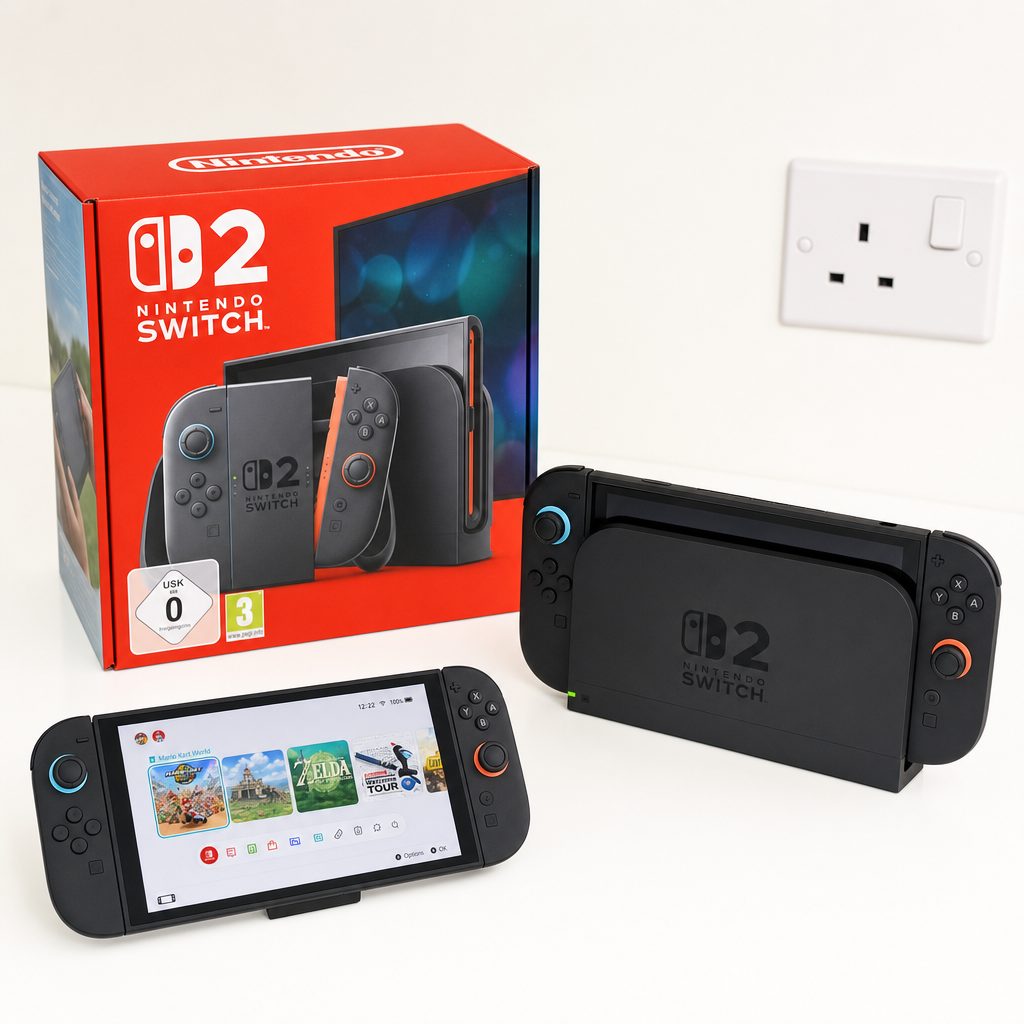
GameShare is for playing together live via shared access
Local vs Online: The Two Ways to Share
GameShare works in two distinct modes, and the differences matter quite a lot for who can join and whether you need to pay for anything.
Local Wireless GameShare
The free, no-strings option. Everyone needs to be nearby and on the same Wi-Fi network. Crucially, both Switch 2 and original Switch systems can join a local session as guests. And you don't need a Nintendo Switch Online subscription to use it locally at all — it just works.
Online GameShare (via GameChat)
This lets you share with friends who aren't in the room by running GameShare inside a GameChat session. The big restriction here: only Switch 2 systems can join an online GameShare session. An original Switch cannot take part remotely.
So the mental model is: local = generous and free, works with old Switches too; online = Switch 2 only, and (as of now) tied to a subscription. That subscription point is important, so let's give it its own section, because the goalposts moved earlier this year.
The GameChat Subscription Change (It Already Happened)
When Switch 2 launched, Nintendo offered GameChat free to all Switch 2 owners as a way to get everyone using it. That free ride had a firm end date: 31 March 2026. From April 2026 onwards, GameChat — and therefore online GameShare that runs through it — sits behind a Nintendo Switch Online subscription.
That deadline has passed. As of today, 10 July 2026, anyone wanting to use remote GameShare needs an active Nintendo Switch Online subscription. The free-GameChat period ended back on 31 March 2026, so plan around that if online play with distant friends is your goal.
To be crystal clear about what did and didn't change:
- Local GameShare — still completely free, no NSO required. Nothing changed here.
- Online GameShare (via GameChat) — now requires an active Nintendo Switch Online subscription, following the end of the free period on 31 March 2026.
If you and your gaming buddies live under the same roof or regularly meet up, none of this affects you — local sharing remains free forever as far as we know. It's only the play-with-someone-across-the-country scenario that now needs a subscription.
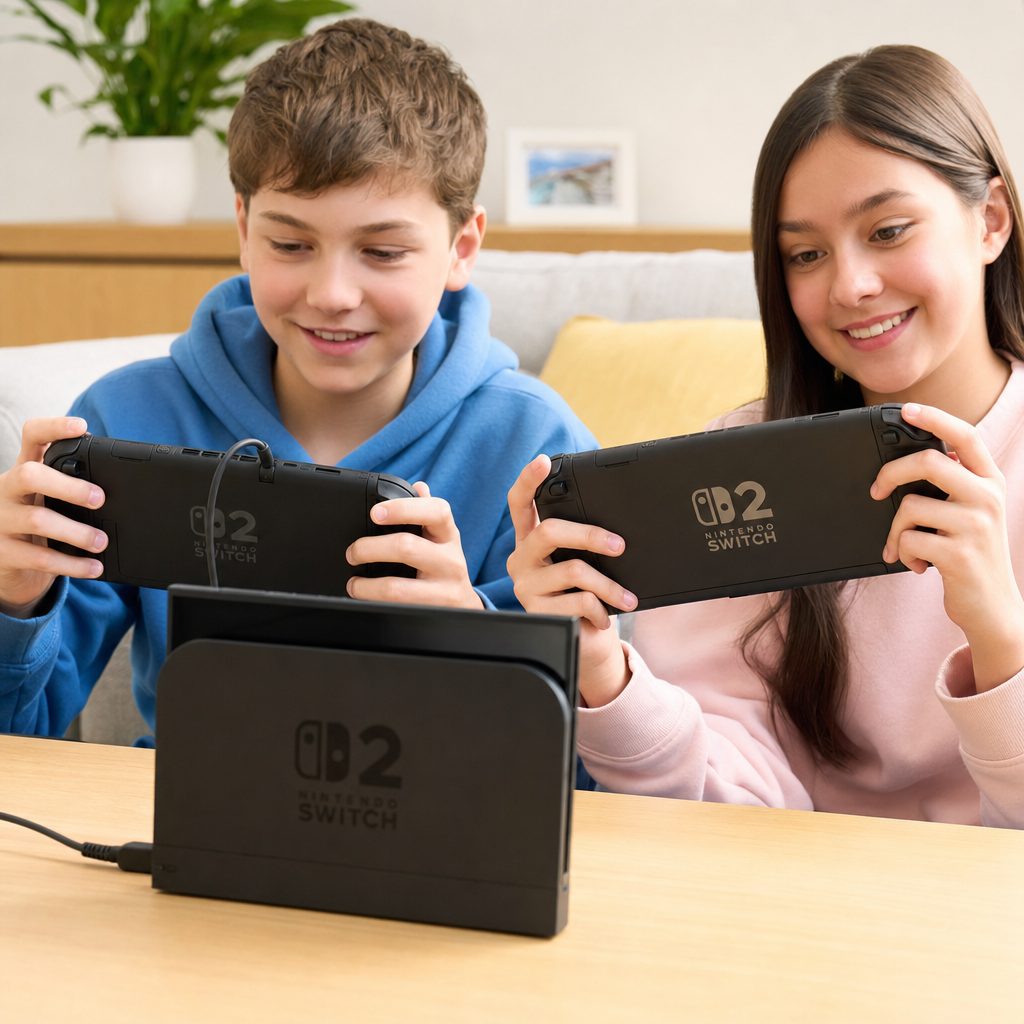
Set expectations correctly and GameShare will work as intended
Who Can Host and Who Can Join
This is where a lot of the confusion lives, so let's lay it out mechanically. There are two roles in any GameShare session: the host (the person who owns the game and starts the session) and the guests (everyone who joins in).
| Role / Capability | Nintendo Switch 2 | Original Nintendo Switch |
|---|---|---|
| Can host a GameShare session | Yes — required to host | No |
| Can join local GameShare | Yes | Yes |
| Can join online GameShare | Yes | No |
| Needs to own the shared game | Only if hosting | Never (guests only) |
| Counts toward the 4-system limit | Yes | Yes (local only) |
The headline rules, boiled right down:
- Only a Switch 2 can host. The console starting the session and streaming the game must be a Switch 2. Full stop.
- Any Switch 2 or original Switch can join a local session as a guest.
- Only Switch 2 systems can join online. Original Switch owners are locked out of remote GameShare.
- Up to four systems total can be in a single GameShare session — that's the host plus up to three guests, or four participating systems all told.
The catch within the catch
If you own a GameShare-compatible game but only have an original Switch, you can't share it with anyone — you can only ever be a guest. Hosting is a Switch 2 privilege. So if you're the one with the games and the friends but no Switch 2, you're unfortunately out of luck as the person doing the sharing.
Step-by-Step: Starting a GameShare Session
Now for the practical bit. Here's how to actually get a session going. The exact on-screen wording can shift slightly with system updates, but the flow is consistent.
For Local Wireless GameShare
- Get everyone on the same Wi-Fi network. Local GameShare relies on you all being close together and on the same network, so sort that first.
- On the host Switch 2, open the game you want to share — remember, it must be one of the compatible titles.
- Launch GameShare from within the game or the system menu. The host is the one who initiates the share, since only a Switch 2 can do this.
- On each guest console, open GameShare — the icon appeared at the bottom of the home menu on both Switch 2 and updated original Switch systems after the relevant system update.
- Guests select the host's session to join. Because it's streaming, there's no download — they're playing within moments.
- Play together, up to four systems in total. When you're finished, the host ends the session, and guest access ends there and then.
For Online GameShare via GameChat
- Make sure everyone has an active Nintendo Switch Online subscription. Since the free-GameChat window closed on 31 March 2026, this is now required for online play.
- Confirm everyone's on a Switch 2. Original Switch consoles can't join online sessions.
- Start a GameChat session with the friends you want to play with.
- The host launches the compatible game and shares it into the GameChat session.
- Guests accept and join. The game streams to them just as it does locally.
- Play together, then end the session — and again, guest access disappears when it closes.
Pro tip for smooth online sessions
Because online GameShare is streaming a compressed picture across the internet, your network matters more than usual. Delay can happen depending on network conditions and physical distance between players. If you're hosting, a wired connection or strong 5GHz Wi-Fi will make the world of difference. Ask everyone to close other bandwidth-hungry apps too.
Which Games Actually Support GameShare
Here's the thing that most tempers expectations: the compatible library is still small. As of July 2026, there are just nine released games that support GameShare. It's a feature that's growing slowly rather than being universal across the catalogue.
Super Mario Odyssey
The globe-trotting 3D platformer — a natural showcase for bringing a second player into the fun.
Big Brain Academy: Brain vs. Brain
Competitive brain-training built for head-to-head play, which suits shared sessions beautifully.
Survival Kids
A co-op survival adventure that's practically made for playing together.
Clubhouse Games: 51 Worldwide Classics
A whole box of tabletop and card games — ideal for a spontaneous group session.
Sea of Stars
The acclaimed turn-based RPG, sharable with a co-op partner.
Super Mario Bros. Wonder (Switch 2 Edition)
The side-scrolling romp that positively begs for multiplayer chaos.
Tokyo Scramble
One of the newer additions to the supported line-up.
Unrailed 2: Back on Track
Frantic co-op track-laying — arguably the sort of game GameShare was born for.
WWE 2K25 / 2K26
The wrestling franchise brings its multiplayer scraps to shared sessions too.
Nintendo has also said that select existing Switch games will become compatible with GameShare after free software updates. So the list should keep growing over time without you needing to buy anything new — worth keeping an eye on if a favourite of yours isn't supported yet.
Compatibility isn't guaranteed to be identical across every supported title. Depending on the specifications of the software, there may be restrictions on how long you can play via GameShare, which play modes are available, and even which controllers can be used. Always check the individual game before promising anyone a full-fat experience.
Limitations You Should Know Before You Start
I've touched on several of these already, but it's worth gathering them in one place so nothing catches you off guard. GameShare is brilliant within its lane, but it has clear boundaries.
The specific limitations, spelt out:
- Session-only access. Guests keep nothing once the session ends. This is the big one.
- No rejoining. Once a session has closed, you can't pop back into it.
- No video capture. It's not possible to capture videos on a Nintendo Switch console while using GameShare, so don't count on recording that hilarious moment.
- Reduced image quality. Streaming compresses the picture, so it won't be as crisp as a native copy.
- Per-game restrictions. Time limits, play modes and controller support can vary by title.
- Network-dependent lag. Delay can creep in depending on your connection and how far apart players are, especially online.
- A Switch 2 must host. Original Switch owners can only ever be guests.
None of these are dealbreakers if you go in with the right expectations. They only sting when you assumed GameShare was something it isn't — which is precisely why I laboured the session-only point so hard earlier.
GameShare vs Virtual Game Cards: Don't Mix Them Up
This is the confusion I see most often, so let's settle it. Nintendo actually offers two different ways to let someone else play a game you own, and they solve completely different problems.
| Feature | GameShare | Virtual Game Cards |
|---|---|---|
| Best for | Playing together, live, in the same session | Lending a full game to family to play alone |
| Do you play at the same time? | Yes — everyone's in one shared session | No — they play on their own console |
| How long does access last? | Only during the session | Up to 14 days on loan |
| Who can receive it? | Up to 4 systems (Switch 2 / Switch depending on mode) | Someone in your Nintendo Family Group |
| Need the owner's login? | No | No — they use their own profile |
| Keeps save data afterwards? | Nothing is kept | Yes — save data survives if they later buy the game |
So if your teenager wants to borrow a game and play it in their room over half-term, that's a Virtual Game Card job — you send it to someone in your Nintendo Family Group, they play the full game on their own console for up to 14 days using their own profile, and access automatically vanishes when the loan ends. Handily, if they enjoy it and decide to buy the game later, their save data is preserved.
If instead you all want to pile onto one game together right now, that's GameShare. Two tools, two jobs. Choose accordingly and you'll never be disappointed by either.
Who GameShare Is Really For
Having lived with the feature, here's my honest read on who gets the most out of it — and who might be underwhelmed.
Families with one Switch 2
If you've got a single Switch 2 and a couple of older Switches lying around, local GameShare turns family game night into a party with no extra purchases. This is the sweet spot.
Friends who meet up regularly
Mates who game together in person get enormous value from free local sharing — one owner buys the party game, everyone joins in.
Try-before-you-buy shoppers
Curious whether a game's worth it? A GameShare session is a no-cost way to sample it properly before committing your own money.
Not for game-lenders
If you were hoping to lend a game for someone to enjoy solo, GameShare isn't it — you want Virtual Game Cards instead.
Thinking about picking up a Switch 2 to make the most of GameShare?
Check the latest price and any current bundles on Amazon.
Frequently Asked Questions
The Verdict
GameShare is one of the most genuinely thoughtful additions to the Switch 2, and when you use it for what it's designed for — spontaneous, live, play-together sessions — it's fantastic. The streaming delivery means there's no faff, guests are in within seconds, and local sharing costs nothing and doesn't even need a subscription. For a family with one Switch 2 and a couple of older consoles, it quietly transforms game night.
But the session-only catch is real and it's non-negotiable. Guests keep absolutely nothing once you close the session, you can't rejoin once it's over, and the compatible library is still just nine games as of July 2026 (with more promised via free updates). Online sharing now needs a Nintendo Switch Online subscription too, following the end of the free GameChat period on 31 March 2026.
My advice? Understand what GameShare is — a "play together right now" feature — and keep it firmly separate from Virtual Game Cards, which is the tool for actually lending a full game. Get those two straight in your head and you'll never be caught out. Go in with the right expectations and GameShare is a lovely, generous feature. Go in expecting to give a game away for free, and you'll be sorely disappointed. Now you know which one it is.